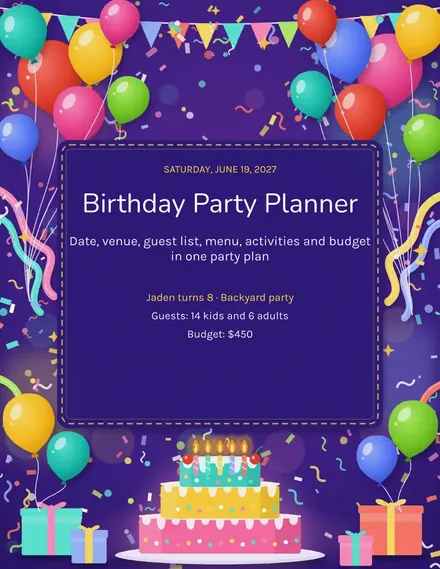
Birthday Party Planner
Docs + Word3 pages
Free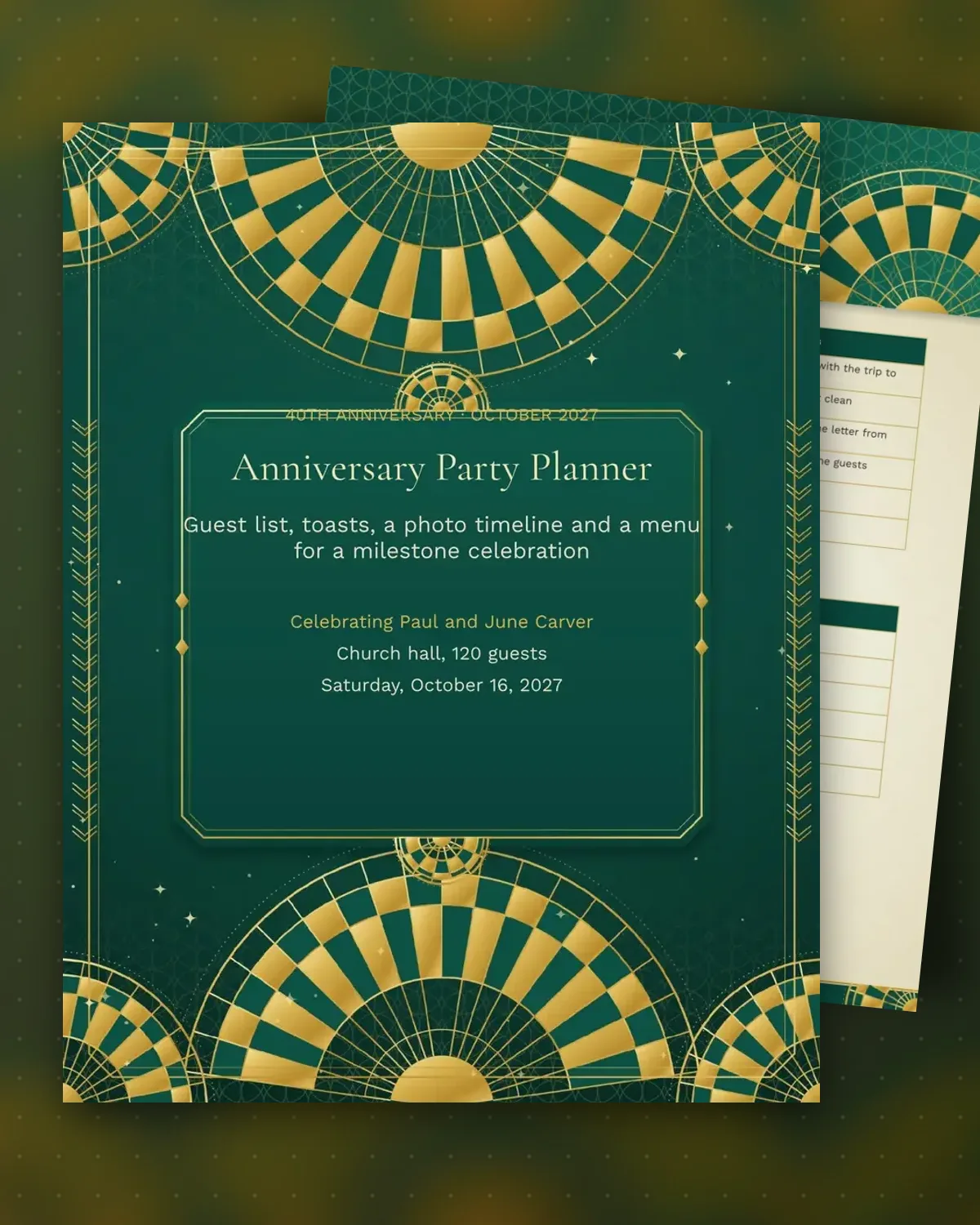
A milestone anniversary is a long evening with many voices, so the order of toasts, the seating and the slideshow need to be set in advance. This planner lays out who speaks and for how long, which guests sit at each table, and which photos go in the timeline. It keeps contributions from family and friends in one place.
The sample celebrates the 40th anniversary of Paul and June Carver, with 120 guests in a church hall. The toast table lists a daughter, a son and a friend, and the photo timeline runs from a 1987 wedding to a 2012 cruise. The evening schedule moves from doors at 6 p.m. through dinner to the first dance at 9:15. Confirm each speaker a month before, and send them the time limit.
Make a copy in Google Docs, or download the Word file.
Type over the sample text with your own details.
Delete the guide page when you are done.
Print it, or save it as a PDF.
Two to three minutes per speaker is a good target. Give the speakers a time limit in advance, and ask for a written copy in case the evening runs long.
Ask family and friends to send scans early, and label each photo with the year. The source column keeps track of who sent each one.
Plan seating for family tables first, then friends. The table count gives you an accurate headcount for the caterer.
Docs + Word3 pages
Free
Docs + Word3 pages
Free
Docs + Word3 pages
Free
Docs + Word3 pages
Free
Docs + Word3 pages
Free
Docs + Word3 pages
Free
Docs + Word3 pages
Free
Docs + Word3 pages
Free
Docs + Word3 pages
Free