
Project Proposal
Docs + Word5 pages
Free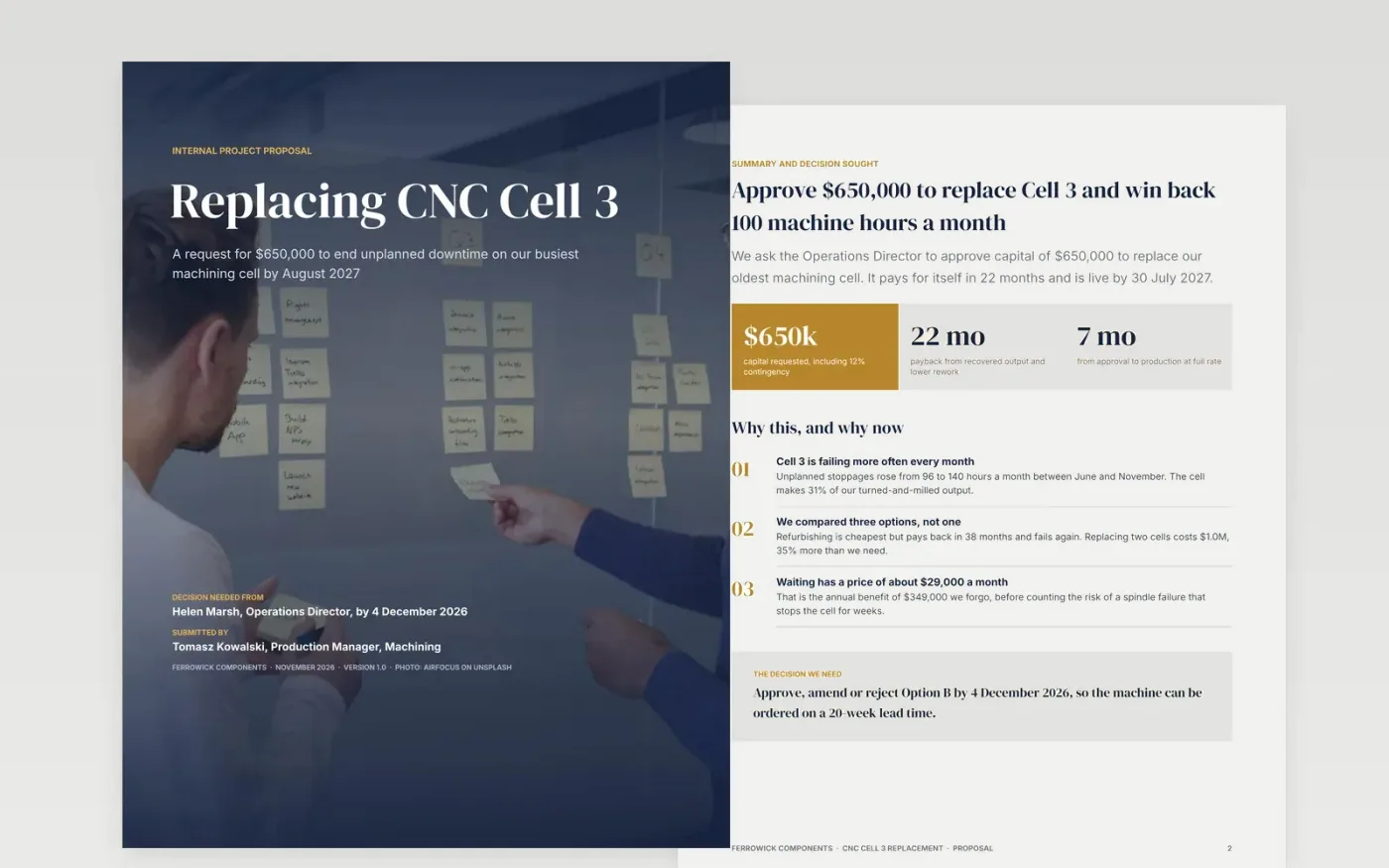
An internal proposal succeeds when the sponsor can decide without a follow-up meeting. This template is built around that: the amount and the decision wanted come first, the evidence and the options follow, and the last page is a decision box the sponsor can tick and sign.
It arrives filled in with a complete worked example, a $650,000 machine replacement at a fictional manufacturer, so every page shows what a strong proposal looks like. Swap in your own project, figures and names, then delete the guide page at the end.
Click Make a copy in Google Docs, then confirm on the Google page. The copy is saved to your own Google Drive.
Write the ask and the amount on the summary page first, then change the cover, the footer text and every name.
Replace the evidence with your own baseline figures and name where each one comes from.
Edit the options table to show your real alternatives, including doing nothing, and update the cost table with your quotes.
Fill in the decision box with the approver and the date you need an answer, then export with File → Download → PDF to send.
This one runs to eight pages plus the guide, which suits a request of several hundred thousand dollars. For a smaller ask, delete the risk heat map and the timeline and keep the summary, options, cost and decision box.
The sample charts are images so they look the same everywhere. Replace them with charts from your own data using Insert → Chart → From Sheets. The tables, the Gantt bars and the heat map are ordinary Google Docs tables you can edit directly.
Because it is what the sponsor is really comparing against. Showing what waiting costs makes the ask easier to judge and is the most common thing weak proposals leave out.
airfocus on Unsplash, used under the Unsplash License and credited on the cover.
Docs + Word5 pages
Free
Slides + PowerPoint11 slides
Free
Docs + Word6 pages
Free
Docs + Word8 pages
Free
Docs + Word9 pages
Free
Docs + Word3 pages
Free
Slides + PowerPoint11 slides
Free









