
Annual Report
Docs + Word6 pages
FeaturedFree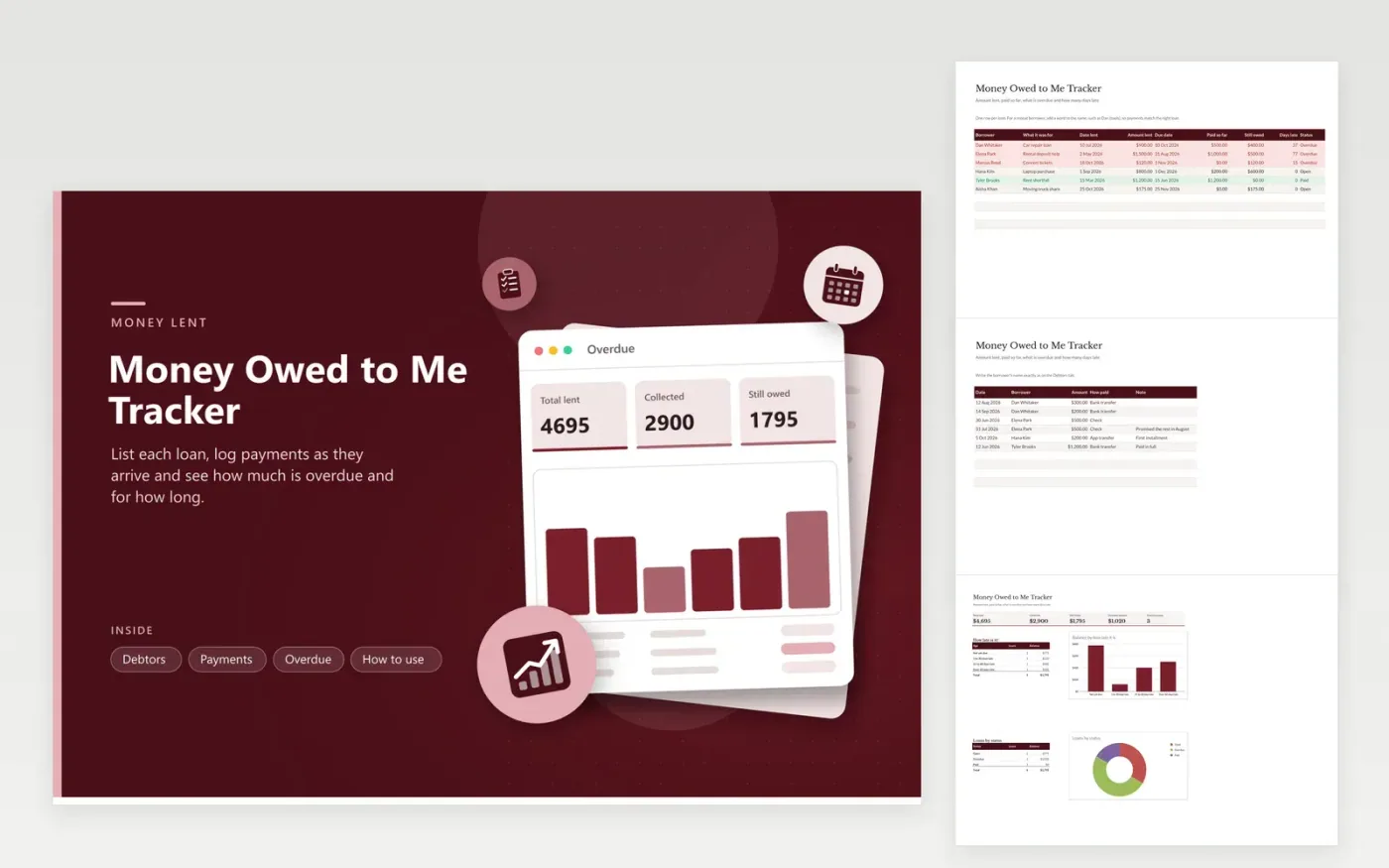
Lending money is easy and collecting it is awkward, so it helps to have the facts ready. This money owed to me tracker keeps one row per loan on the Debtors tab: who, what for, when it was lent, the amount and the due date. Payments received are added up from the Payments tab, which lets the sheet calculate the balance and the days late, then give each loan a status of Open, Paid or Overdue. The Overdue tab adds up the totals and groups unpaid loans by age in a column chart.
The six sample loans cover a borrower who is paying in installments, one who is long overdue, one just past due, a loan not yet due and a loan paid in full. Because payments match on the borrower name, a repeat borrower needs a different label for each loan. Days late grows by itself each day, so open the file before you send a reminder and you have the exact figure.
Click Make a copy in Google Sheets, then confirm on the Google page. The copy is saved to your own Google Drive.
Start on the Debtors tab: replace the sample rows with your own.
Keep the formula columns as they are; they fill in as you type.
Read the How to use tab for tips. For Excel, download the .xlsx file instead.
Record the borrower, the sum lent, the loan date and the due date, then log each payment you receive. The balance is the amount lent minus payments. This sheet works that out and flags overdue loans.
Subtract the due date from today's date. If the result is below zero the loan is not yet due. The Days late column does this automatically and stays at zero for paid loans.
It is a good idea. A short written note with the amount, date and repayment plan prevents arguments. For large sums, ask a professional about the right paperwork.
Docs + Word6 pages
FeaturedFree
Excel
FeaturedFree
Sheets + Excel5 tabs
Free
Sheets + Excel5 tabs
Free
Sheets + Excel6 tabs
Free
Sheets + Excel5 tabs
Free
Sheets + Excel5 tabs
Free
Sheets + Excel5 tabs
Free
Sheets + Excel12 tabs
Free
Sheets + Excel5 tabs
Free
Sheets + Excel6 tabs
Free
Sheets + Excel7 tabs
Free
Sheets + Excel5 tabs
Free
Sheets + Excel5 tabs
Free
Sheets + Excel5 tabs
Free








