
Annual Report
Docs + Word6 pages
FeaturedFree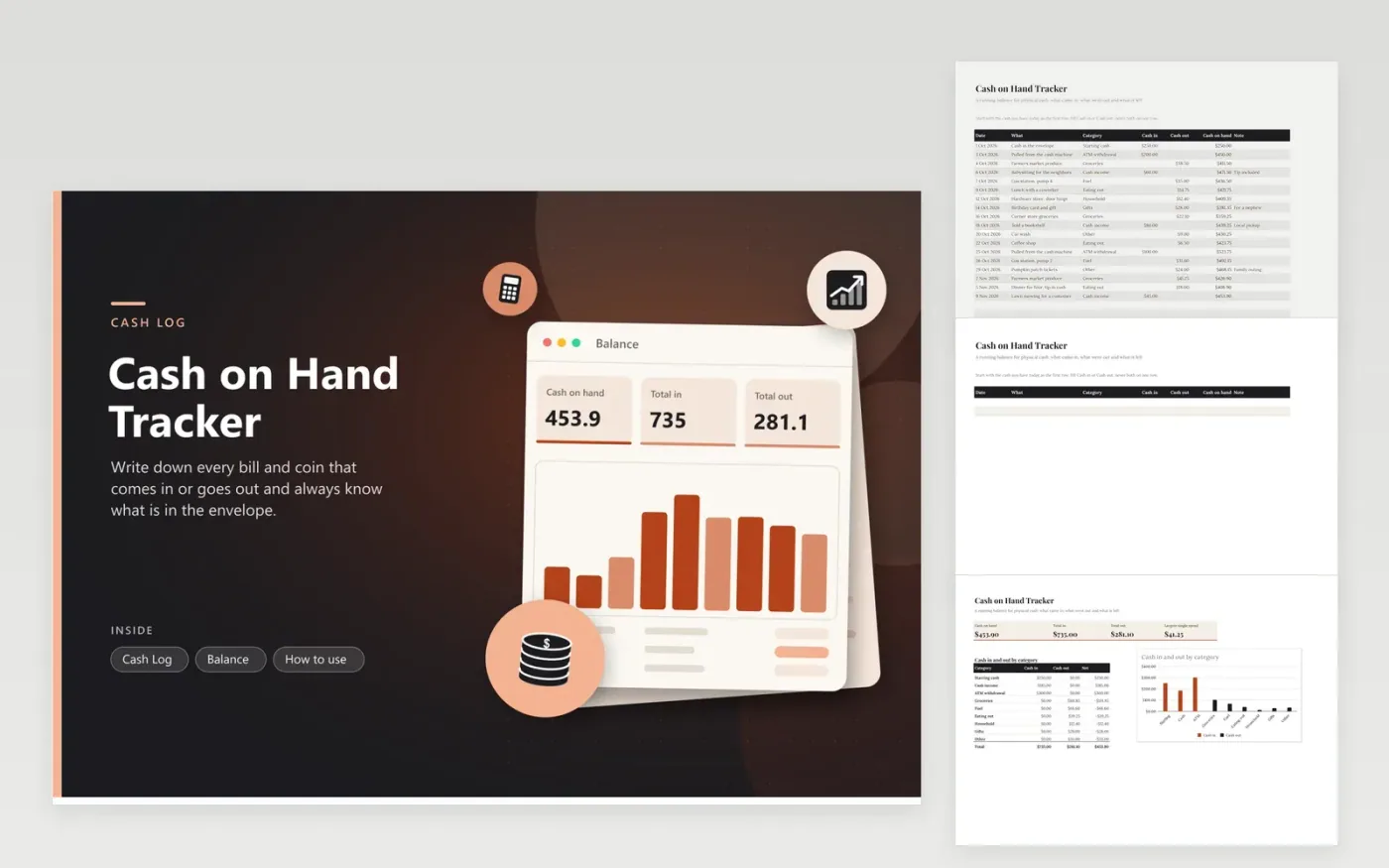
Cash leaves no trail, so the only record is the one you write. This cash on hand tracker gives each entry a row with a date, what it was, a category, and either money in or money out. A running balance appears on every row, so the envelope total is always one glance away. The Balance tab adds up cash on hand, total in, total out and the largest single spend, then charts cash in against cash out for every category.
The sample log covers about six weeks for a household that uses cash for groceries, fuel and small jobs. Start yours with the amount you hold today as a Starting cash row, so the balance matches the envelope. Count the cash once a week and compare it with the sheet; a gap means an entry is missing. Rows are added at the bottom as the log grows.
Click Make a copy in Google Sheets, then confirm on the Google page. The copy is saved to your own Google Drive.
Start on the Cash Log tab: replace the sample rows with your own.
Keep the formula columns as they are; they fill in as you type.
Read the How to use tab for tips. For Excel, download the .xlsx file instead.
Log every amount in or out on its own row. The balance on each row is the sum of everything in up to that row, minus everything out. This sheet calculates it for you as you type.
Once a week works for most households. If the count and the sheet disagree, look for a purchase you did not write down.
Yes. Start the log with the amount you put in the envelope, record each spend by category and watch the balance fall. Keep a separate workbook for each envelope if you run several.
Docs + Word6 pages
FeaturedFree
Excel
FeaturedFree
Sheets + Excel5 tabs
Free
Sheets + Excel5 tabs
Free
Sheets + Excel6 tabs
Free
Sheets + Excel5 tabs
Free
Sheets + Excel5 tabs
Free
Sheets + Excel12 tabs
Free
Sheets + Excel5 tabs
Free
Sheets + Excel6 tabs
Free
Sheets + Excel7 tabs
Free
Sheets + Excel5 tabs
Free
Sheets + Excel5 tabs
Free
Sheets + Excel5 tabs
Free
Sheets + Excel5 tabs
Free








