
Annual Report
Docs + Word6 pages
FeaturedFree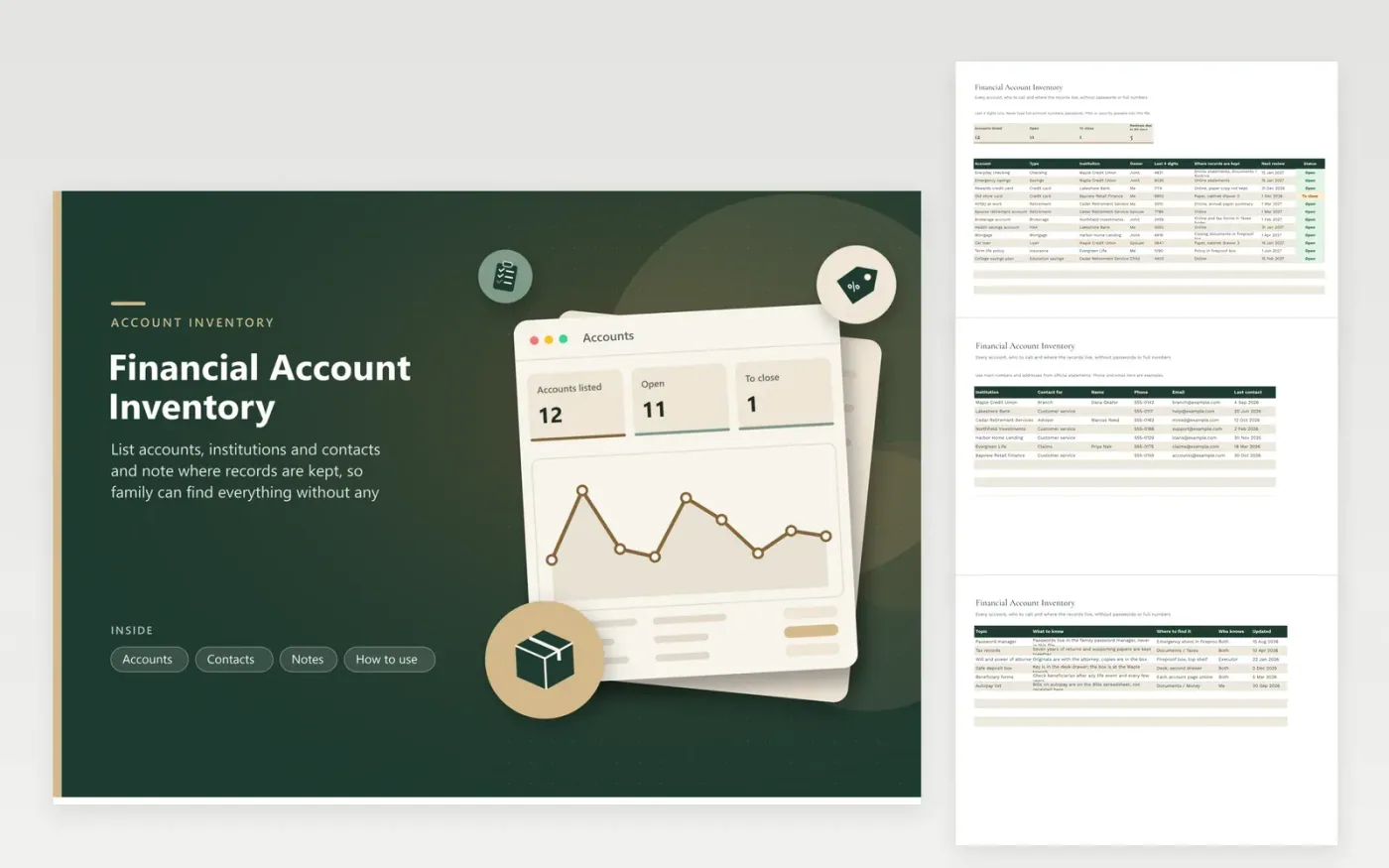
When someone dies or is ill, the first problem is finding what exists. This inventory lists each account with its type, institution, owner, last four digits only, where the records are kept and a next review date. Counts show open accounts, accounts marked To close and reviews that come up within two months. Sample entries include checking, retirement, a mortgage and a life policy.
The Contacts tab holds the person or department to call at each institution, and the Notes tab explains the things that are not on a statement: where the will is kept, who knows about the safe deposit box and how beneficiary forms are checked. The file deliberately has no field for passwords or full account numbers. Keep those in a password manager.
Click Make a copy in Google Sheets, then confirm on the Google page. The copy is saved to your own Google Drive.
Start on the Accounts tab: replace the sample rows with your own.
Keep the formula columns as they are; they fill in as you type.
Read the How to use tab for tips. For Excel, download the .xlsx file instead.
List each account, the institution, who owns it, the last four digits, where statements are kept and who to contact. Add notes about documents, such as where the will is stored.
Better not to. This file asks only for the last four digits and has no field for passwords. Store credentials in a password manager and tell your executor how to reach it.
Go through it every year and again after a move, marriage, new job or new account.
Docs + Word6 pages
FeaturedFree
Excel
FeaturedFree
Sheets + Excel5 tabs
Free
Sheets + Excel5 tabs
Free
Sheets + Excel6 tabs
Free
Sheets + Excel5 tabs
Free
Sheets + Excel5 tabs
Free
Sheets + Excel5 tabs
Free
Sheets + Excel12 tabs
Free
Sheets + Excel5 tabs
Free
Sheets + Excel6 tabs
Free
Sheets + Excel7 tabs
Free
Sheets + Excel5 tabs
Free
Sheets + Excel5 tabs
Free
Sheets + Excel5 tabs
Free








