
Annual Report
Docs + Word6 pages
FeaturedFree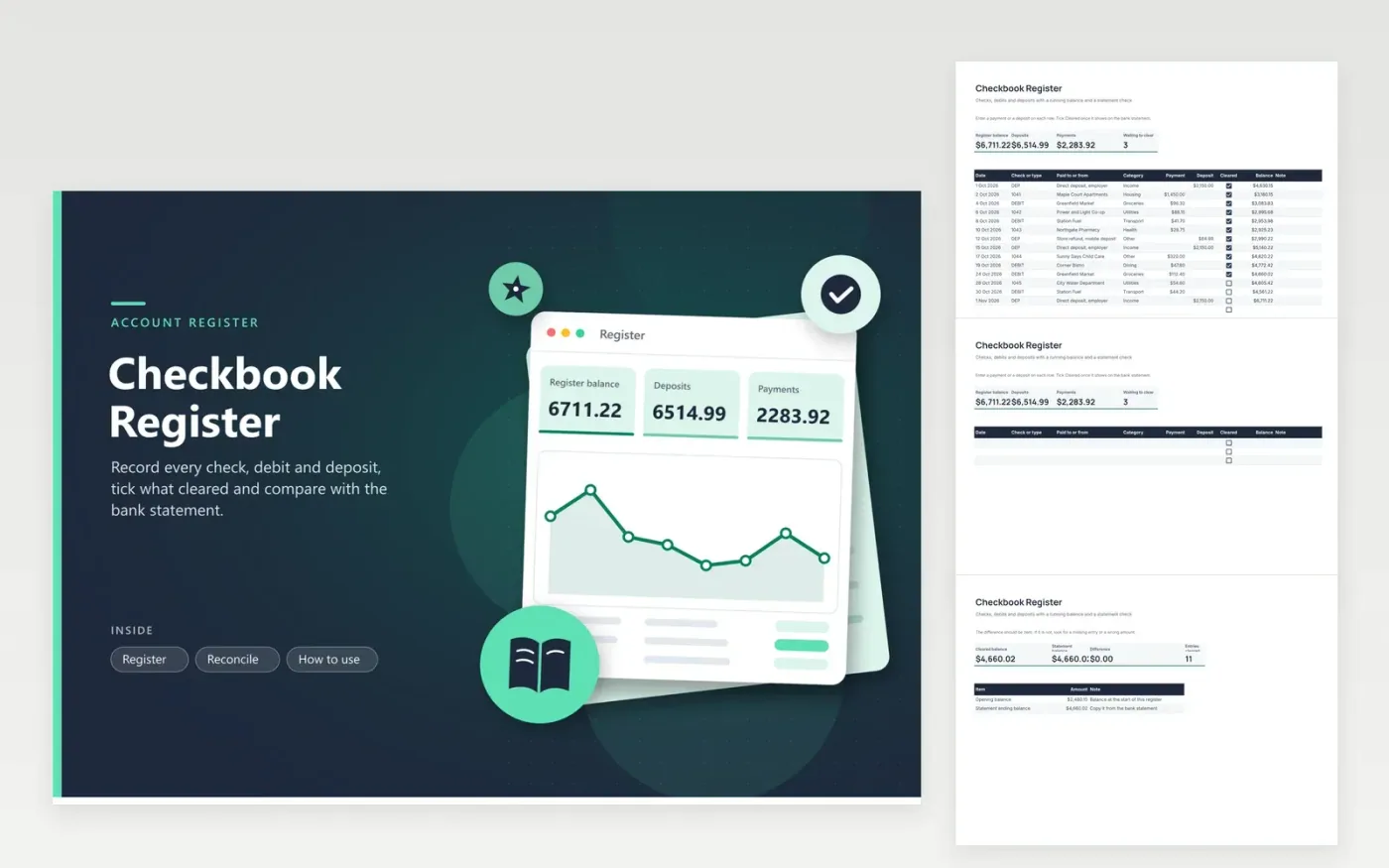
A paper register still works, but the arithmetic is where mistakes creep in. This checkbook register keeps one row per check, debit or deposit, with a payee, a category, a payment or deposit amount and a Cleared tick box. The balance column updates on every row from an opening balance you set on the Reconcile tab. That tab compares the balance of cleared items with the ending balance on your statement and shows the difference, which should be zero, along with how many entries are still waiting to clear.
Fourteen sample entries show a month of paychecks, rent, groceries and fuel, with the last three still uncleared. Enter each item the day you write it, because the register is for what you know and the bank statement is for what has happened. When the statement arrives, tick the cleared lines, type the statement balance and read the difference. Any gap points to a missing entry or a transposed digit.
Click Make a copy in Google Sheets, then confirm on the Google page. The copy is saved to your own Google Drive.
Start on the Register tab: replace the sample rows with your own.
Keep the formula columns as they are; they fill in as you type.
Read the How to use tab for tips. For Excel, download the .xlsx file instead.
Start with the ending balance from the statement, add any deposits that have not cleared and subtract any payments that have not cleared. The result should equal the balance in your register. This sheet shows the difference directly.
A cleared transaction is one the bank has processed and shown on your statement. Checks you wrote that the payee has not cashed yet are uncleared.
The usual causes are an entry left out, a wrong amount, a bank fee or interest you have not recorded, and uncleared items. Add missing entries and tick everything that appears on the statement.
Docs + Word6 pages
FeaturedFree
Excel
FeaturedFree
Sheets + Excel5 tabs
Free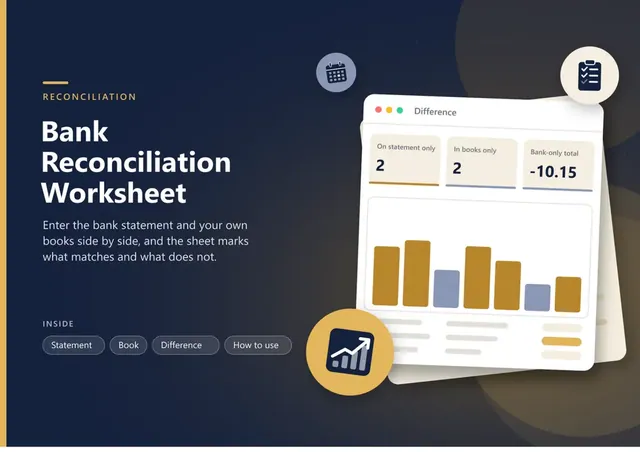
Sheets + Excel5 tabs
Free
Sheets + Excel6 tabs
Free
Sheets + Excel5 tabs
Free
Sheets + Excel5 tabs
Free
Sheets + Excel12 tabs
Free
Sheets + Excel5 tabs
Free
Sheets + Excel6 tabs
Free
Sheets + Excel7 tabs
Free
Sheets + Excel5 tabs
Free
Sheets + Excel5 tabs
Free
Sheets + Excel5 tabs
Free
Sheets + Excel5 tabs
Free








