SEO Strategy
Docs + Word8 pages
Free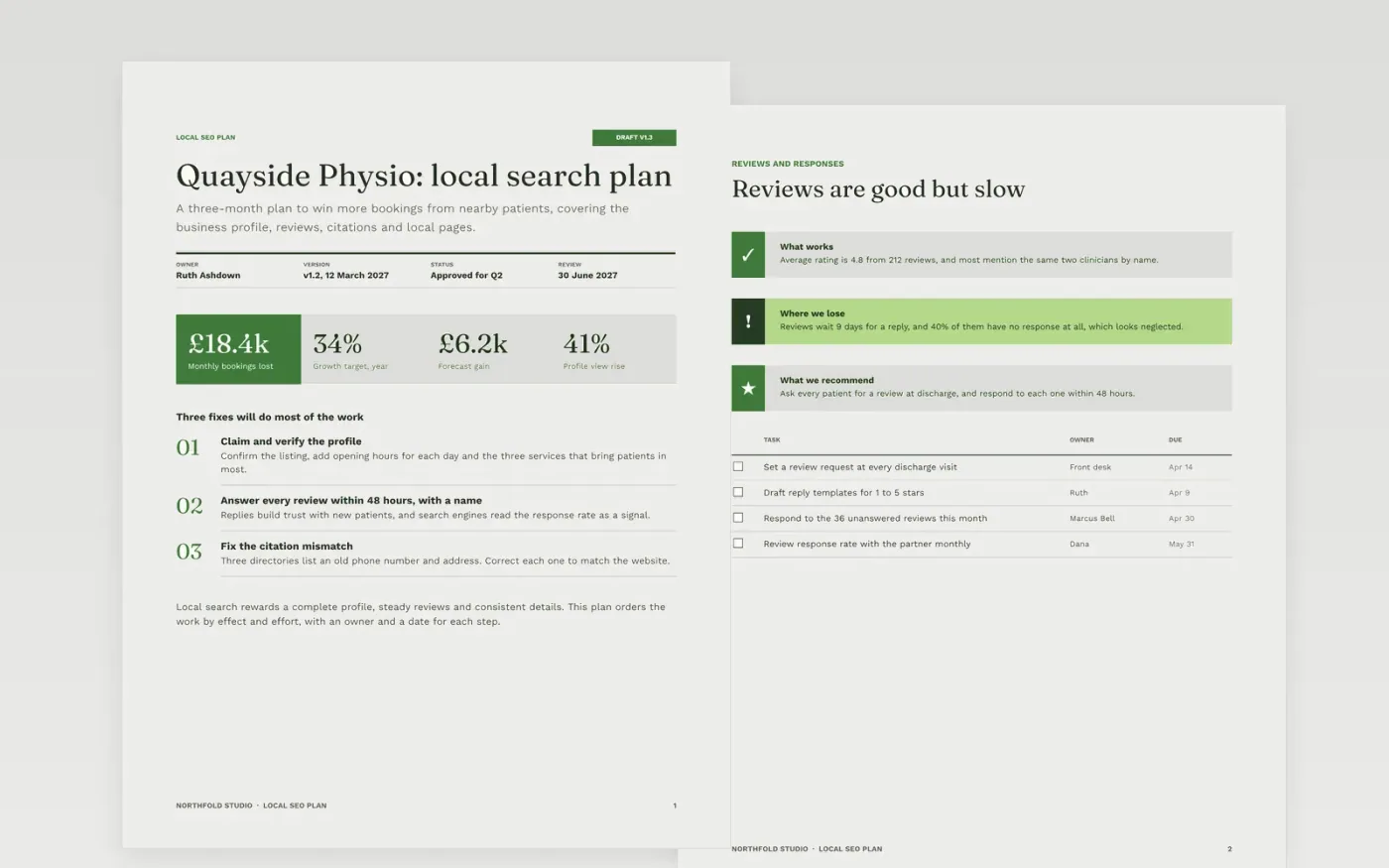
Local businesses lose patients to competitors who look more complete on the map, not better at the work. This template sets out the fixes in order of value: the business profile, the reviews, the citations, the local pages, and the tracking that links search to bookings. Each fix has an owner, an effort estimate and a date.
The sample is for Quayside Physio, a physiotherapy practice in Leeds, with 212 reviews, 96% of listings checked, one citation mismatch to fix and a forecast of 41% more profile views. Every name, practice, figure and date is fictional. Replace the audit findings and the keyword map with your own, and update the forecast using your click-through rates.
Click Make a copy in Google Docs, then confirm on the Google page. The copy is saved to your own Google Drive.
Replace the client, owner and version details in the title block before anyone reads the plan.
Run your own audit and keep only the five issues that affect indexing, calls or revenue.
Rescore impact and effort for each fix with your developers, then update the forecast.
Delete the guide page, then share the plan with the practice team and review it monthly.
Yes. Northfold Studio, Quayside Physio, Ruth Ashdown, the reviews, the directories and every figure in this plan are fictional. Replace them with your own client data before you present the plan.
Rankings move for reasons outside the business, and a higher position does not always bring patients. Calls and bookings show what search earns, so the plan is judged on results.
Use the click-through rate you actually see by position, and show a range rather than a single figure. Say that not every keyword will reach the first place, so the plan does not promise more than the data supports.
Docs + Word8 pages
Free
Docs + Word7 pages
Free
Docs + Word6 pages
Free









