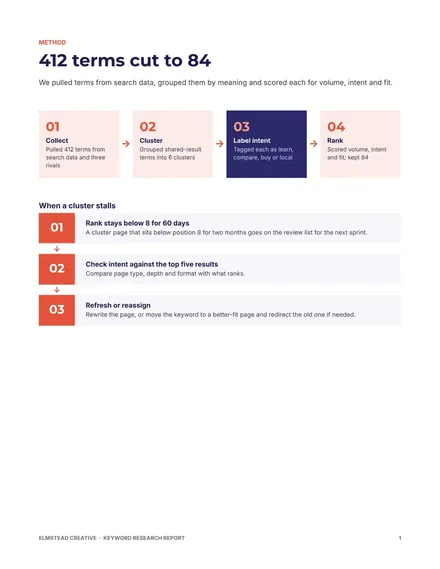
Keyword Research Report
Docs + Word7 pages
Free4 templates
Docs + Word7 pages
Free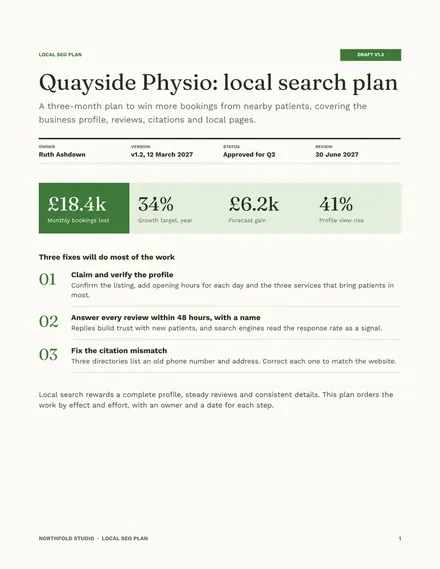
Docs + Word7 pages
Free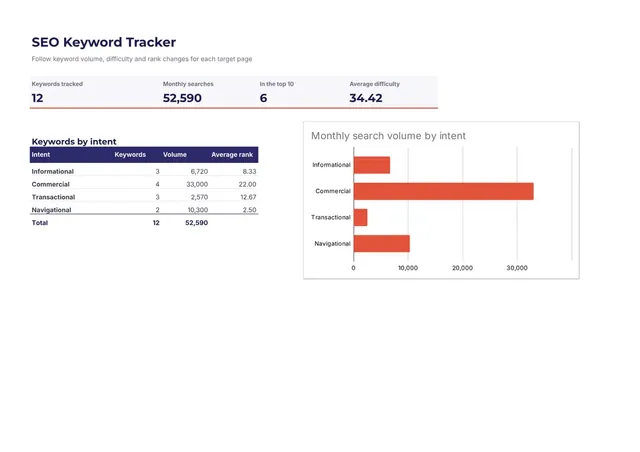
Sheets + Excel3 slides
Free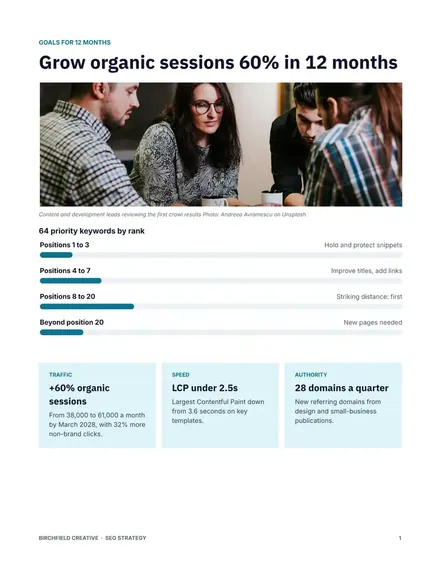
Docs + Word8 pages
Free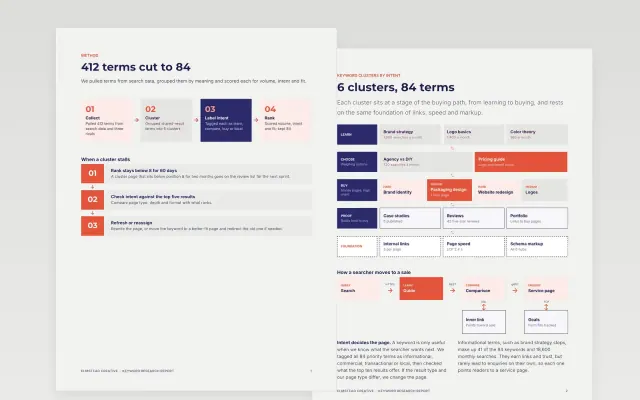 Keyword Research Report | 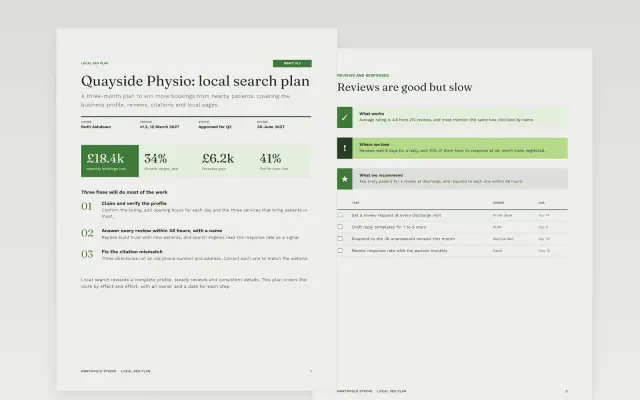 Local SEO Plan | 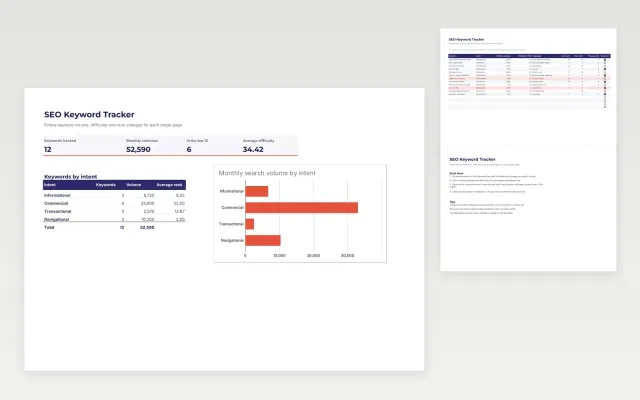 SEO Keyword Tracker | 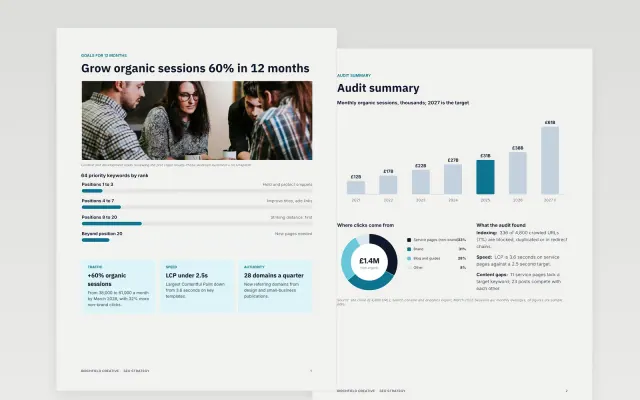 SEO Strategy | |
|---|---|---|---|---|
| Format | Document | Document | Spreadsheet | Document |
| Works in | Google Docs and Word | Google Docs and Word | Google Sheets and Excel | Google Docs and Word |
| Length | 7 pages | 7 pages | 3 slides | 8 pages |
| Style | Modern | Friendly | Modern | Modern |
An SEO strategy explains how a website will earn more visits from search, based on what its customers look for.
Cover current performance, target keywords, technical fixes, content plans, links, and targets and review dates.
Choose topics your customers search for when they are ready to buy, not only the highest-volume terms.
Compare Keyword Research Report, Local SEO Plan, and SEO Keyword Tracker, all 3 to 8 pages long, then pick the closest match and replace the sample text with your own.
An SEO strategy explains how a website will earn more visits from search, based on what its customers look for.
Include current performance, target keywords, technical fixes, content plans, links, and targets and review dates. Choose topics your customers search for when they are ready to buy, not only the highest-volume terms.
Start with Keyword Research Report: Turn a long keyword list into clusters with intent labels, target pages, owners and a forecast your team can act on. If that is not the right fit, compare it with Local SEO Plan.
The templates here are 3 to 8 pages long. Cut any section you do not need; each template explains what its sections are for.
Yes. These SEO strategy templates work in Google Docs, Microsoft Word, Google Sheets, and Microsoft Excel. All 4 templates are free, with no account or email needed.