Business Flyer
Docs + Word3 pages
Free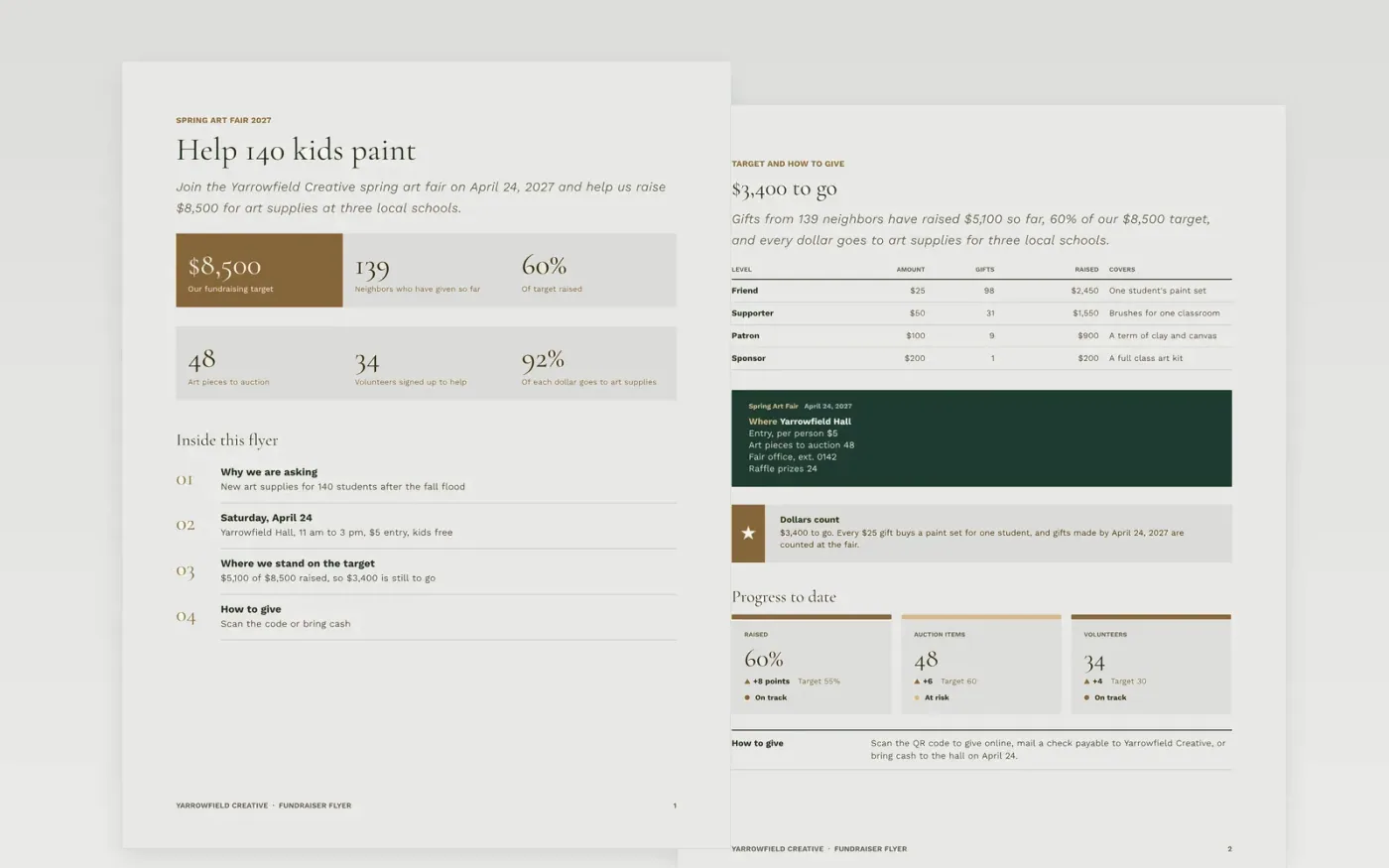
A fundraising flyer has to be read in three seconds: what the money is for, when and where the event happens, how close you are to the target and what to do next. This template puts those answers in order, with a figures-first front page, a progress scorecard and gift levels, and a short guide page for adapting it.
The sample follows Yarrowfield Creative's spring art fair on April 24, 2027, which has raised $5,100 of an $8,500 target for art supplies at three local schools. Replace the event details, the target and progress figures, the gift levels and the contact number, then add a QR code to your own donation page.
Click Make a copy in Google Docs, then confirm on the Google page. The copy is saved to your own Google Drive.
Rewrite the headline and the first page figures with your own cause, target and amount raised so far.
Replace the event band with your date, venue, entry price and the one phone number someone will answer.
Update the gift levels, the scorecard and the how to give line, then add a tested QR code to your donation page.
Delete the Make it yours guide page, then print the flyer or share it as a PDF.
No. Yarrowfield Creative, the event, the people and every figure are fictional sample content. Replace them with your own before you print or share the flyer.
Create the code with any free generator, download it as an image, then insert it in Google Docs and test it with a phone before you print the flyer.
Yes. It is set up for US letter pages, so it prints on a standard office printer. Check the preview first, because dark backgrounds use more ink.
Docs + Word3 pages
Free
Docs + Word2 pages
Free
Docs + Word6 pages
Free









