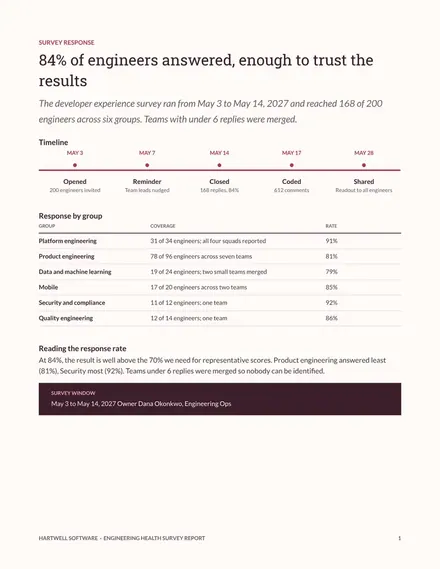
Engineering Health Survey Report
Docs + Word8 pages
Free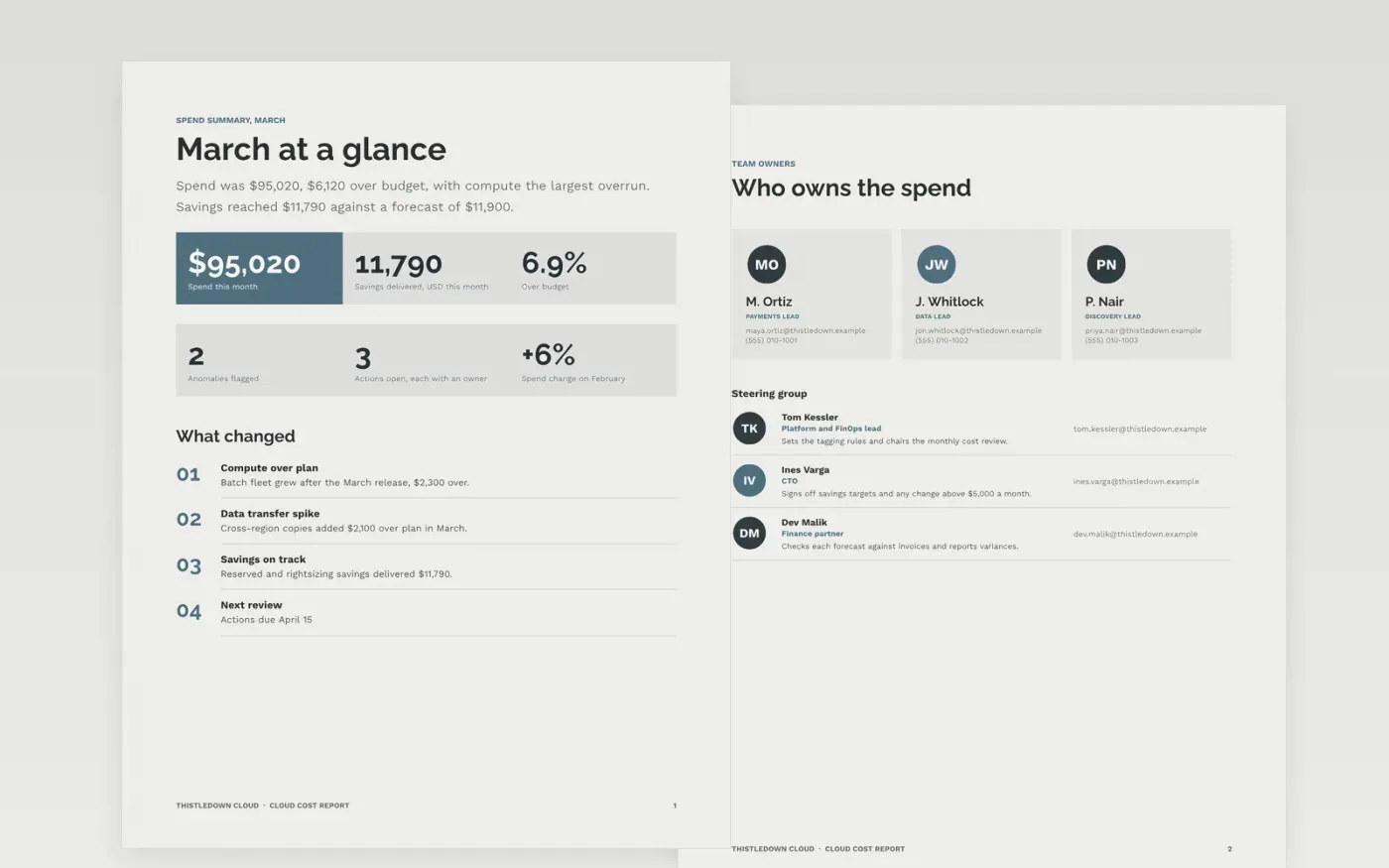
Cloud spend grows quietly when no one owns the bill, and finance hears about it only after the invoice lands. This report gives leaders one monthly view: a spend summary, costs by team and by service, the anomalies that broke forecast, the budget set against actual with causes, and the savings each owner is working on. Its layout also suits an engineering metrics report template or an engineering health report, so the cost story sits beside delivery results.
The sample covers March for Thistledown Cloud, with monthly spend of $95,020 against a budget of $88,900 and savings of $11,790. Its teams, names and dollar figures are sample data and fictional. Replace the billing figures and team names with your own, set a budget, forecast and owner for each line, and cut any commentary you cannot support with data before the report goes to the VP of engineering.
Click Make a copy in Google Docs, then confirm on the Google page. The copy is saved to your own Google Drive.
Replace the billing figures and team names with your own monthly export.
Set a budget and a forecast for each line, then check that every total still adds up.
Write one sentence of cause and one of action for each line that runs more than 5% over budget.
Delete the guide page, then share the report with leadership or present it at the review.
Yes. Thistledown Cloud, its teams, the named people and every dollar figure in this sample are fictional. Replace them with your own billing data before the report goes out.
Keep the cost report separate and link it to delivery metrics, so leaders see spend and speed side by side. Mixing them in one table hides the trade-off between the two.
Build each total from the same billing export, and check the sums in the budget table against the invoice before you publish. A total that does not add up undermines every other figure.
More Google Docs templatesMore developer workflows templates
Docs + Word8 pages
Free
Docs + Word8 pages
Free
Slides + PowerPoint10 slides
Free
Slides + PowerPoint10 slides
Free
Slides + PowerPoint10 slides
Free
Slides + PowerPoint10 slides
Free
Slides + PowerPoint11 slides
Free










