
Company Magazine
Docs + Word7 pages
FeaturedFree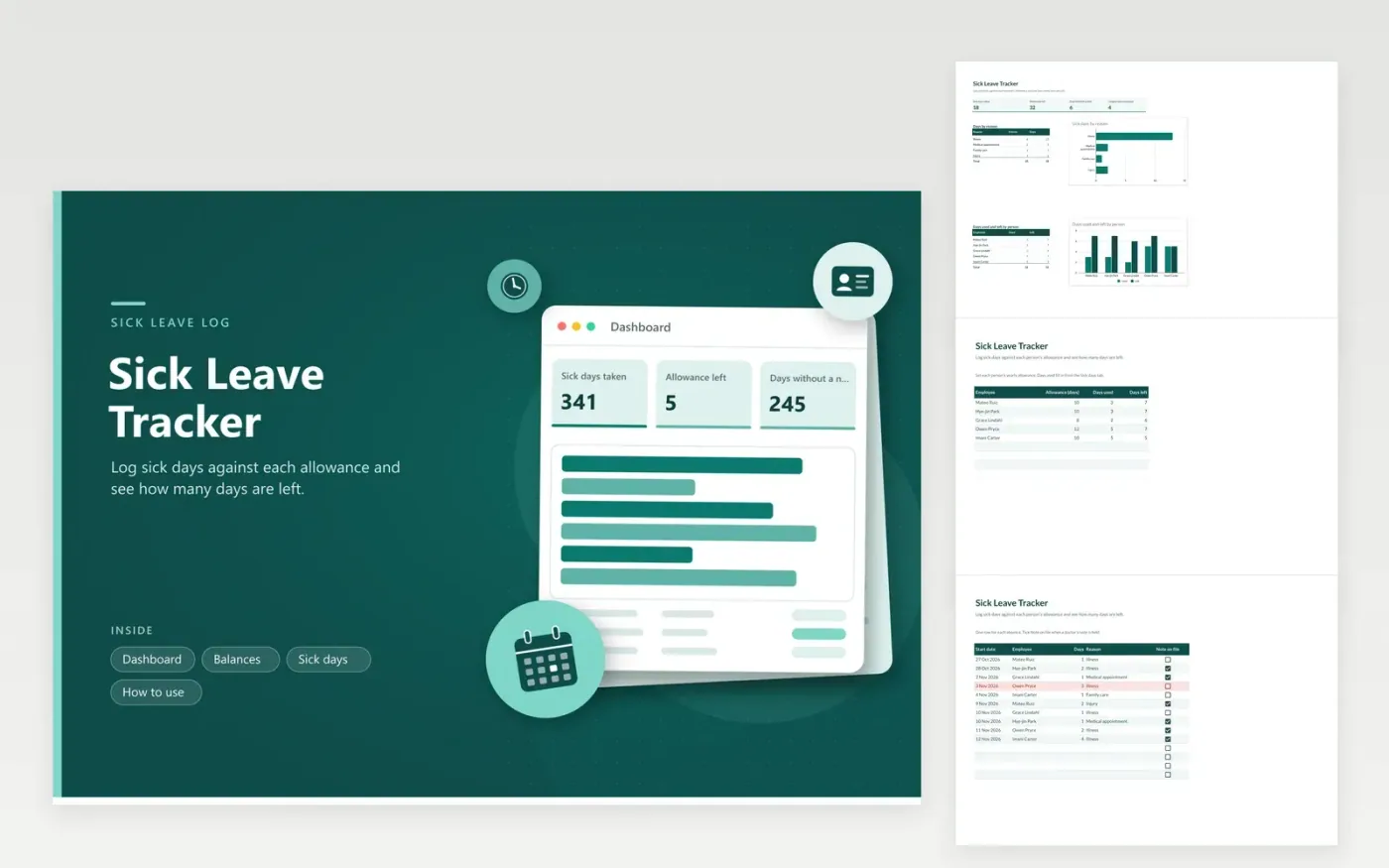
The Sick Leave Tracker is for office managers, HR assistants and small employers who record sick days against an annual allowance. The Balances tab lists each person's allowance, days used and days left. The Sick days tab logs each absence with the employee, start date, number of days, reason and whether a note is on file. The Dashboard totals days taken by reason and the days used and left by person.
Set each allowance to match your own policy and your state rules, since some states require paid sick time beyond what a company offers. Keep reasons general, such as Illness or Family care, and do not record diagnoses. Store the file in a restricted folder, because it holds health-related information about named staff. Rows of three or more days without a note turn red.
Click Make a copy in Google Sheets, then confirm on the Google page. The copy is saved to your own Google Drive.
Start on the Balances tab: replace the sample rows with your own.
Keep the formula columns as they are; they fill in as you type.
Read the How to use tab for tips. For Excel, download the .xlsx file instead.
Yes. Type a separate allowance in the Allowance column of the Balances tab. Days left works out from that number and the days already logged, so part-time staff and new starters can each have their own amount.
That depends on your company policy and local law, so check current rules where you work. The sheet only records whether a note is on file. Tick Note on file when you have one, and use the red highlight to find longer absences that still lack one.
Days left turns negative and the row shows red, which makes the overspend clear. Decide with HR how to handle it under your policy, such as unpaid time or a carry-over, and note the decision beside the row so the balance stays accurate.
Docs + Word7 pages
FeaturedFree
Docs + Word21 pages
FeaturedFree
Slides + PowerPoint16 slides
FeaturedFree
Sheets + Excel4 tabs
Free
Sheets + Excel4 tabs
Free
Sheets + Excel4 tabs
Free
Sheets + Excel5 tabs
Free
Sheets + Excel4 tabs
Free
Sheets + Excel4 tabs
Free
Sheets + Excel4 tabs
Free