
Company Magazine
Docs + Word7 pages
Free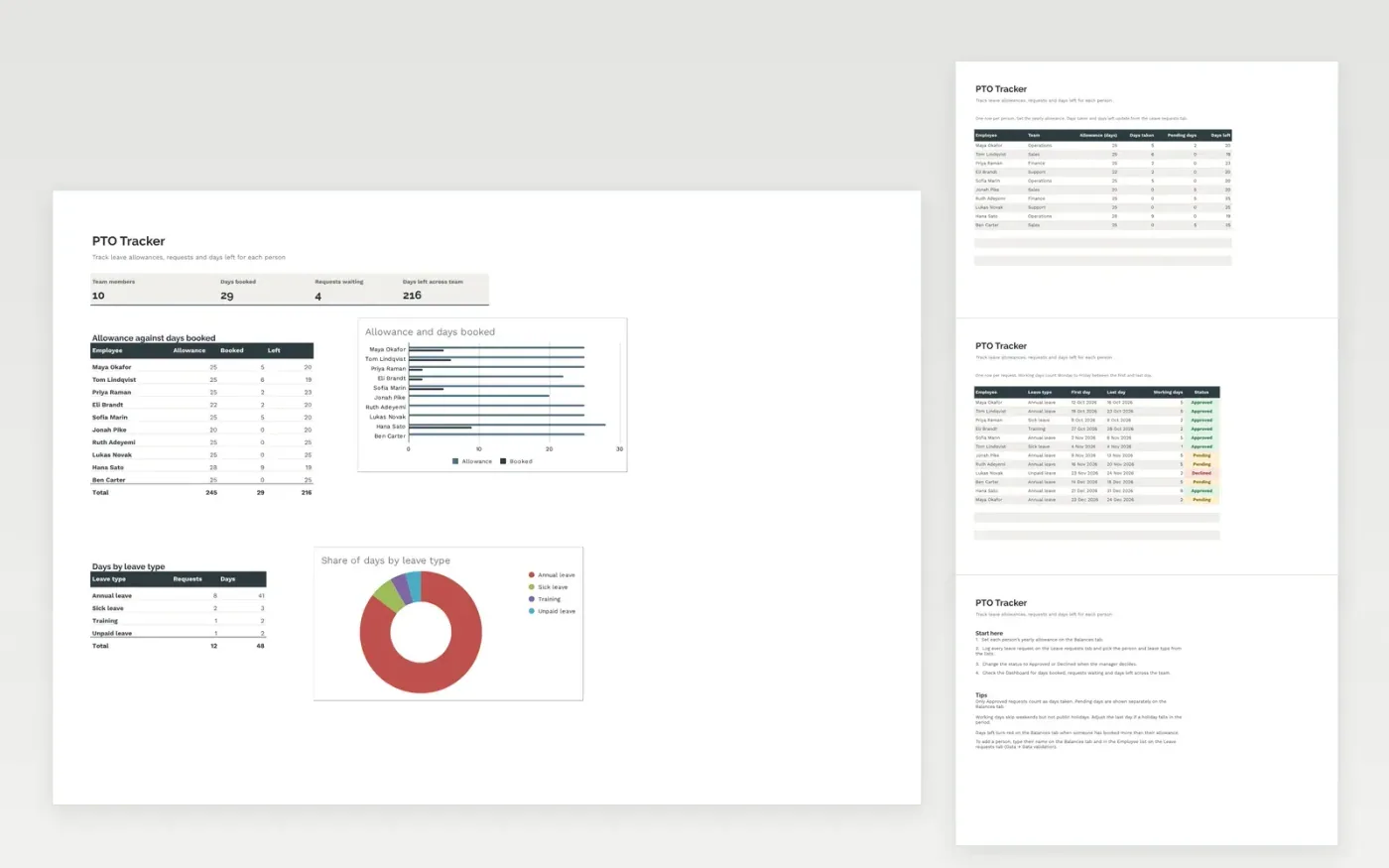
The PTO Tracker helps a team or small business see who has leave left and who has booked time off. The Balances tab holds each person's yearly allowance, with days taken, days pending and days left worked out for you. The Leave requests tab logs each request with its dates, working days and approval status. The Dashboard shows days booked, requests waiting and breakdowns by person and by leave type, with charts.
The file comes with sample data for ten people, so you can see how it works. Make a copy, replace the sample rows with your own team, and the formulas, dropdowns and charts update on their own.
Click Make a copy in Google Sheets, then confirm on the Google page. The copy is saved to your own Google Drive.
Start on the Balances tab: replace the sample rows with your own.
Keep the formula columns as they are; they fill in as you type.
Read the How to use tab for tips. For Excel, download the .xlsx file instead.
Yes. The PTO Tracker template is free to download, copy and use for your own team.
Yes. Download the .xlsx file and open it in Microsoft Excel. The formulas, dropdowns and charts work in Excel as well as in Google Sheets.
Yes. Working days use NETWORKDAYS, which skips Saturdays and Sundays. Public holidays are not removed automatically, so change the last day if a holiday falls in the period.
Docs + Word7 pages
Free
Docs + Word21 pages
Free
Slides + PowerPoint16 slides
Free
Sheets + Excel4 slides
Free
Sheets + Excel4 slides
Free








