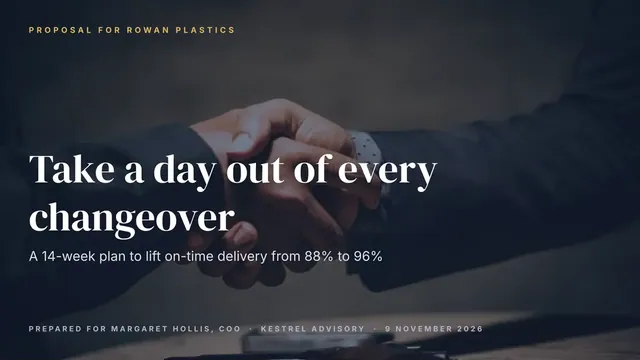
Sales Proposal Deck
Slides + PowerPoint14 slides
Free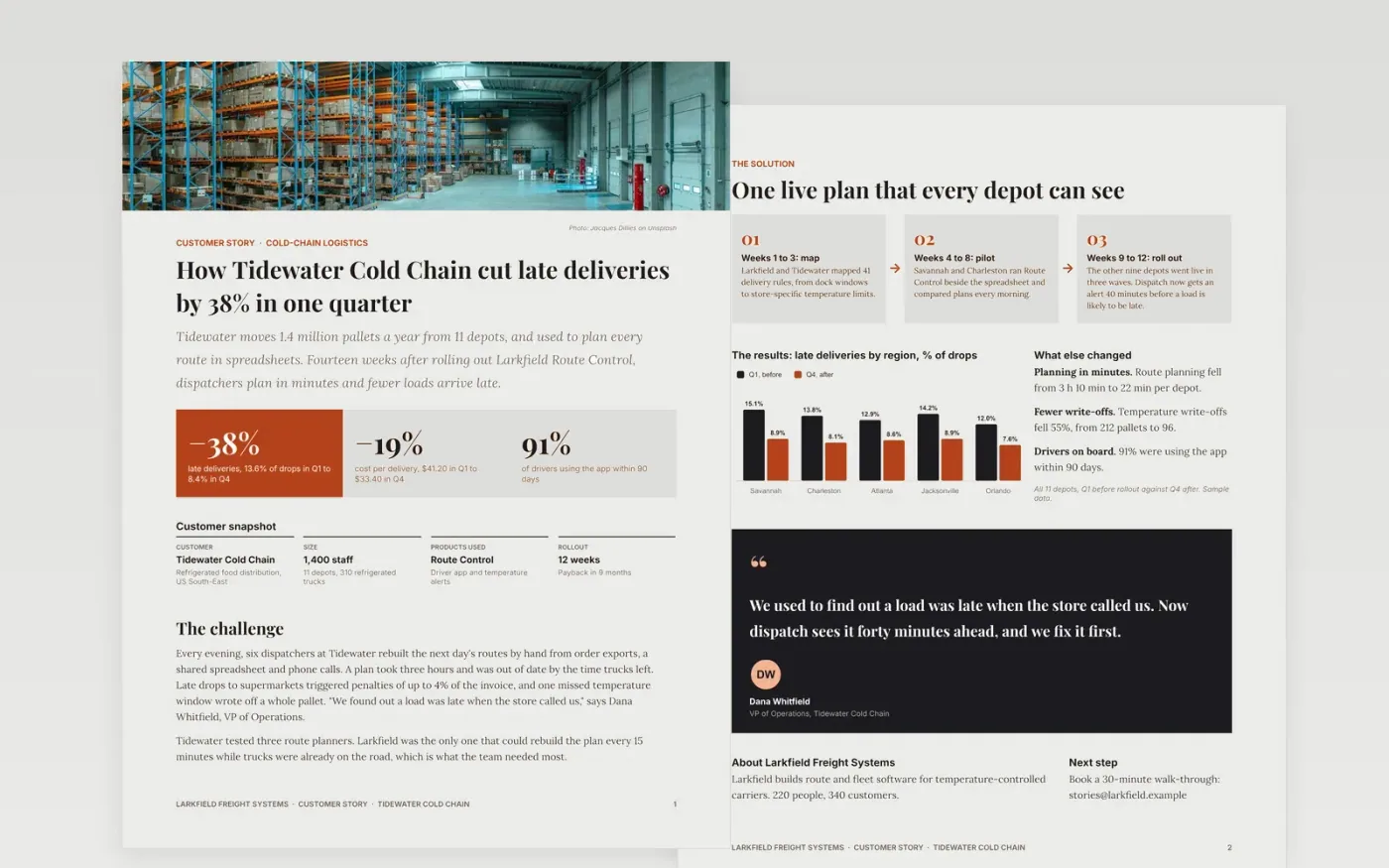
A good case study answers one question for a prospect: did this work for a company like mine? This template follows the order buyers read in. Three headline numbers and a customer snapshot come first, then the challenge in the customer's words, the solution, measured results with a baseline, and a named customer quote.
It is filled in with a complete sample story, so every page shows what a strong case study looks like: a fictional logistics software company and its refrigerated-distribution customer. Swap in your own customer, figures and quote, then delete the last page.
Click Make a copy in Google Docs, then confirm on the Google page. The copy is saved to your own Google Drive.
Replace the headline, the three headline results and the customer snapshot with your customer's facts, and check them with the customer.
Rewrite the challenge using two lines from your discovery notes, then update the solution steps with your real rollout.
Update the results table with measured before and after values and the period, and replace the chart with a live one using Insert → Chart → From Sheets.
Paste the approved quote with the speaker's name and title, edit the About us box, change the footer, then delete the last page and export with File → Download → PDF.
One to two pages is enough for a prospect in the evaluation stage. This template uses two pages plus a guidance page you delete; lead with the three headline results, because that is what busy readers see first.
Yes. Get written approval of the figures, the quote and any logo use. If the quote is still pending, delete the quote panel until you have it.
A bare 38% tells a sceptical buyer nothing. A baseline, a result and the period they were measured over (here Q1 against Q4) make a claim believable and easy to check.
Jacques Dillies on Unsplash, used under the Unsplash License and credited on the first page.
Slides + PowerPoint14 slides
Free
Docs + Word5 pages
Free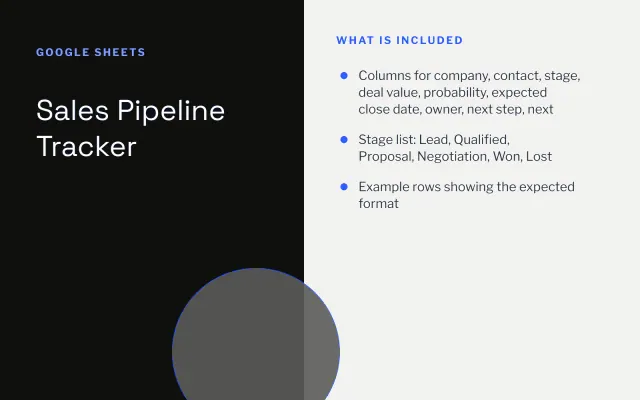
Google Sheets
Free
Docs + Word3 pages
Free
Slides + PowerPoint10 slides
Free
Docs + Word3 pages
Free
Slides + PowerPoint12 slides
Free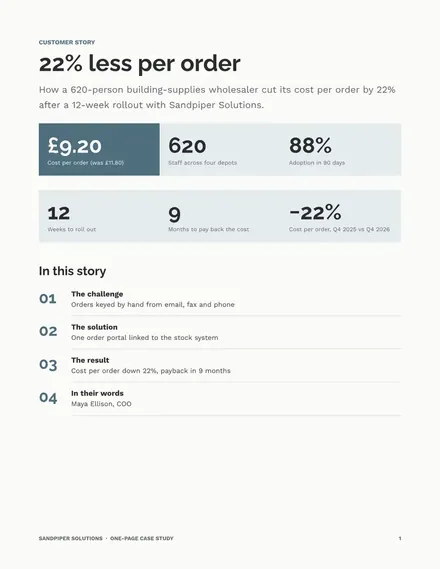
Docs + Word2 pages
Free










