
Lead Intake Webhook
n8n
Free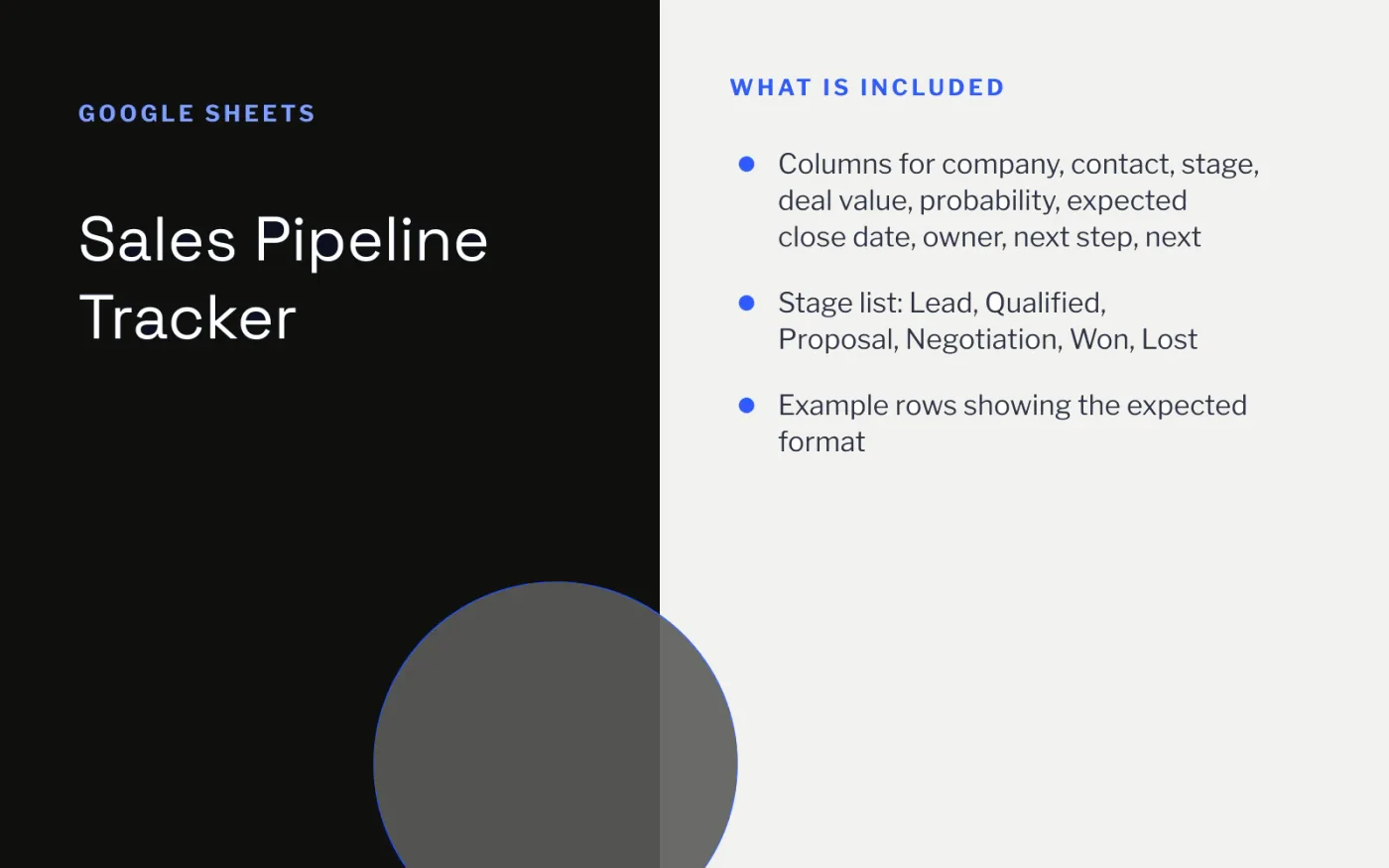
Before a team needs a CRM, it needs a habit: every deal has a stage, a value, an owner and a dated next step. This tracker captures exactly that, one row per deal.
Add a weighted value column (value × probability) to forecast the month, and filter by next-step date each morning to see which deals need attention today.
Download the CSV and import it into a blank Google Sheet with File → Import → Upload.
Add a Weighted value column with the formula =D2*E2 (deal value × probability) and fill it down.
Turn the Stage column into a dropdown with Insert → Dropdown.
Create a filter (Data → Create a filter) and sort by Next step date at the start of each day.
Move Won and Lost deals to a separate tab at the end of each month to keep the pipeline readable.
n8n
Free
Slides + PowerPoint12 slides
Free
Docs + Word3 pages
Free
Slides + PowerPoint10 slides
Free
Docs + Word9 pages
Free
Slides + PowerPoint12 slides
Free
Docs + Word6 pages
Free








