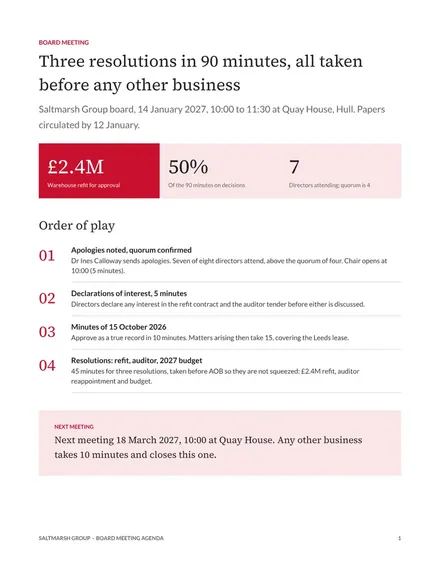
Board Meeting Agenda
Docs + Word2 pages
Free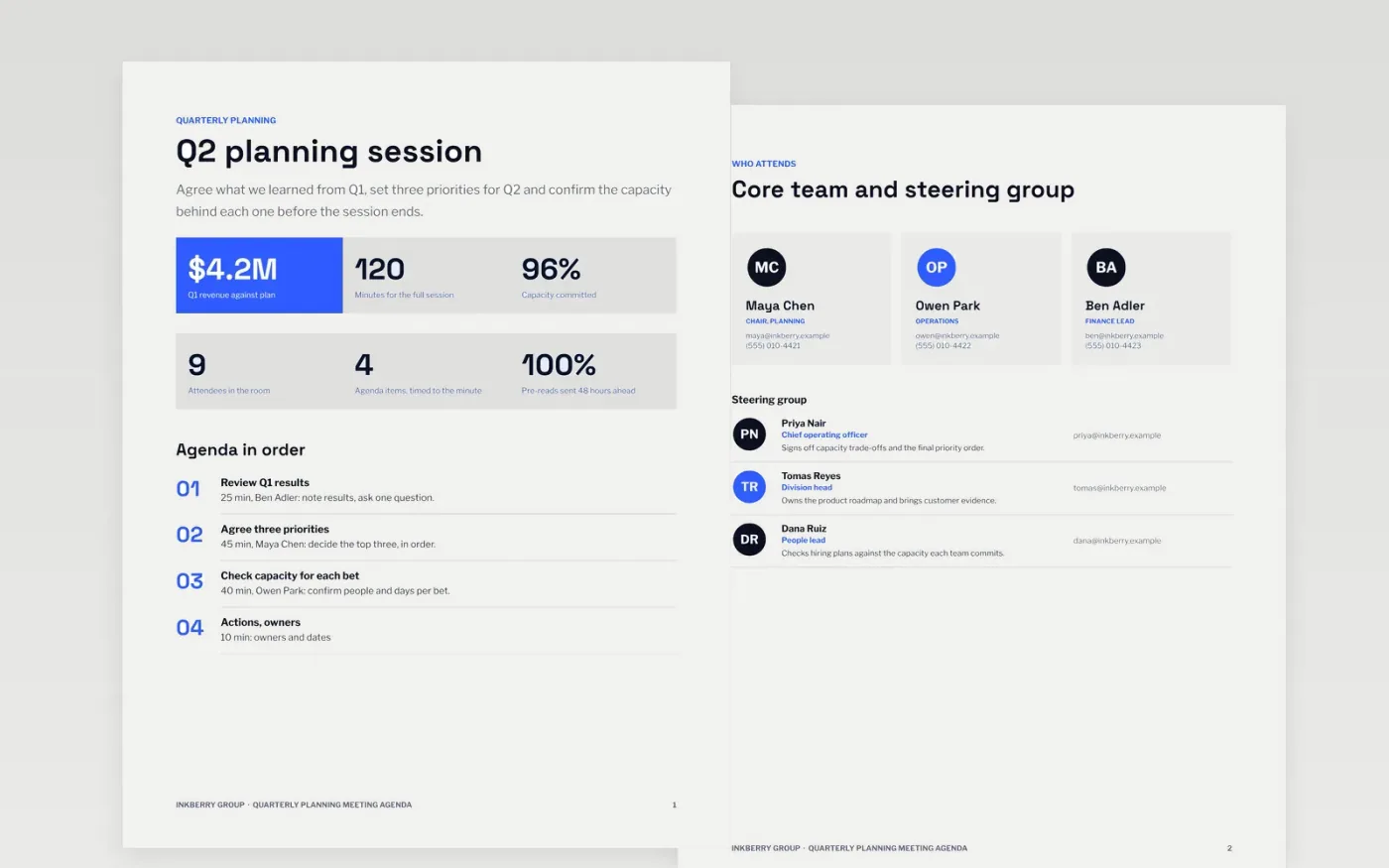
Department heads use this agenda to plan a session that reviews last quarter, sets priorities and checks capacity before anyone commits. It states the purpose, the length and the attendees first, then gives the chair a timed list of items, each phrased as a question with an owner and the outcome wanted. The layout keeps the team list and the pre-read in view, so the session ends with decisions rather than a long discussion.
The sample is for Inkberry Group, a fictional holding company with four operating divisions, and every name, figure and time is sample data. It shows a 120-minute session with four timed items that add up exactly, a decision on three priorities and a steering group with named members. Replace the purpose and the minutes with your own, check that they match the session length, and move every decision earlier in the agenda.
Click Make a copy in Google Docs, then confirm on the Google page. The copy is saved to your own Google Drive.
Set the purpose in one line and the length of the session on the summary page.
Replace the item titles with questions, and give each one an owner and the minutes allowed.
Check that the minutes sum to the session length, and move any decision item earlier in the agenda.
Delete the guide page, then share the agenda with attendees or present it on screen at the start of the session.
No. Inkberry Group, its executives, their contact details and every figure and time in this agenda are fictional sample data, included to show a finished planning agenda.
Keep most sessions between 60 and 120 minutes, and split longer workshops into separate sittings. Every item needs its own minutes, and the total must match the length on the first page.
No. Invite people for the items they can change or decide, and let others join for their item only. Attendees with no item to contribute use up time and dilute the decisions.
Docs + Word2 pages
Free
Docs + Word3 pages
Free
Docs + Word4 pages
Free
Docs + Word3 pages
Free
Docs + Word3 pages
Free
Docs + Word3 pages
Free
Slides + PowerPoint11 slides
Free
Docs + Word3 pages
Free
Slides + PowerPoint10 slides
Free
Docs + Word3 pages
Free
Slides + PowerPoint12 slides
Free
Docs + Word4 pages
Free










