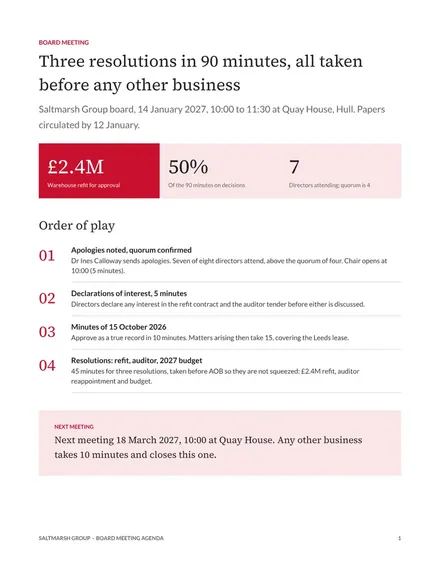
Board Meeting Agenda
Docs + Word2 pages
Free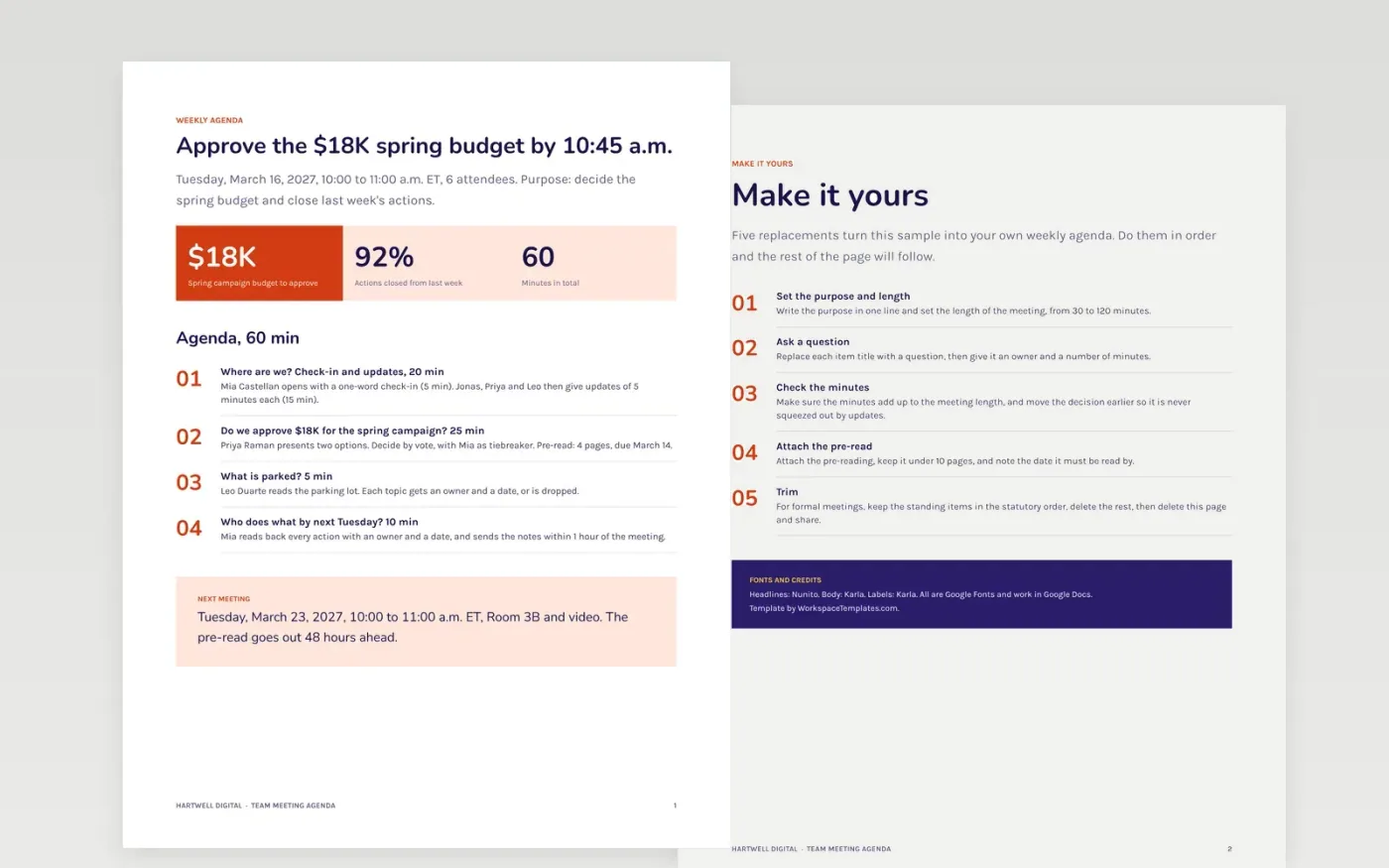
Weekly meetings drift when the agenda is a list of topics: nobody knows what is wanted from them, the decision runs out of time and the actions are vague. This team meeting agenda template gives the chair one page: the purpose, the date and attendees, timed items phrased as questions with an owner each, a parking lot, an actions block and the next meeting.
The sample is a 60-minute Tuesday meeting at Hartwell Digital, a fictional agency, with a 5-minute check-in, 15 minutes of updates, a 25-minute budget decision, a 5-minute parking lot and 10 minutes for actions. The minutes sum to the meeting length. Replace the purpose, items, owners and pre-read, check the timings add up, and move any decision earlier in the hour.
Click Make a copy in Google Docs, then confirm on the Google page. The copy is saved to your own Google Drive.
Set the purpose in one line and the length of the meeting, then replace the item titles with questions.
Give each item an owner and minutes, and check that the minutes add up to the meeting length.
Attach the pre-reading, note the date it must be read by, and move decision items earlier in the hour.
Delete the Make it yours page, then share the agenda with attendees.
Yes. Make a copy to your own Google Drive and reuse it every week. Duplicate the document, change the date and edit the items.
No. The company, the attendees, the email addresses and every figure are fictional sample content. Replace them with your own team and numbers.
Most weekly meetings work in 30 to 60 minutes with 4 to 6 items of 5 to 15 minutes each. Keep 10 minutes at the end for actions and put the decision before them.
Docs + Word2 pages
Free
Docs + Word2 pages
Free
Docs + Word5 pages
Free
Docs + Word3 pages
Free
Docs + Word3 pages
Free










