Team Meeting Agenda
Docs + Word3 pages
Free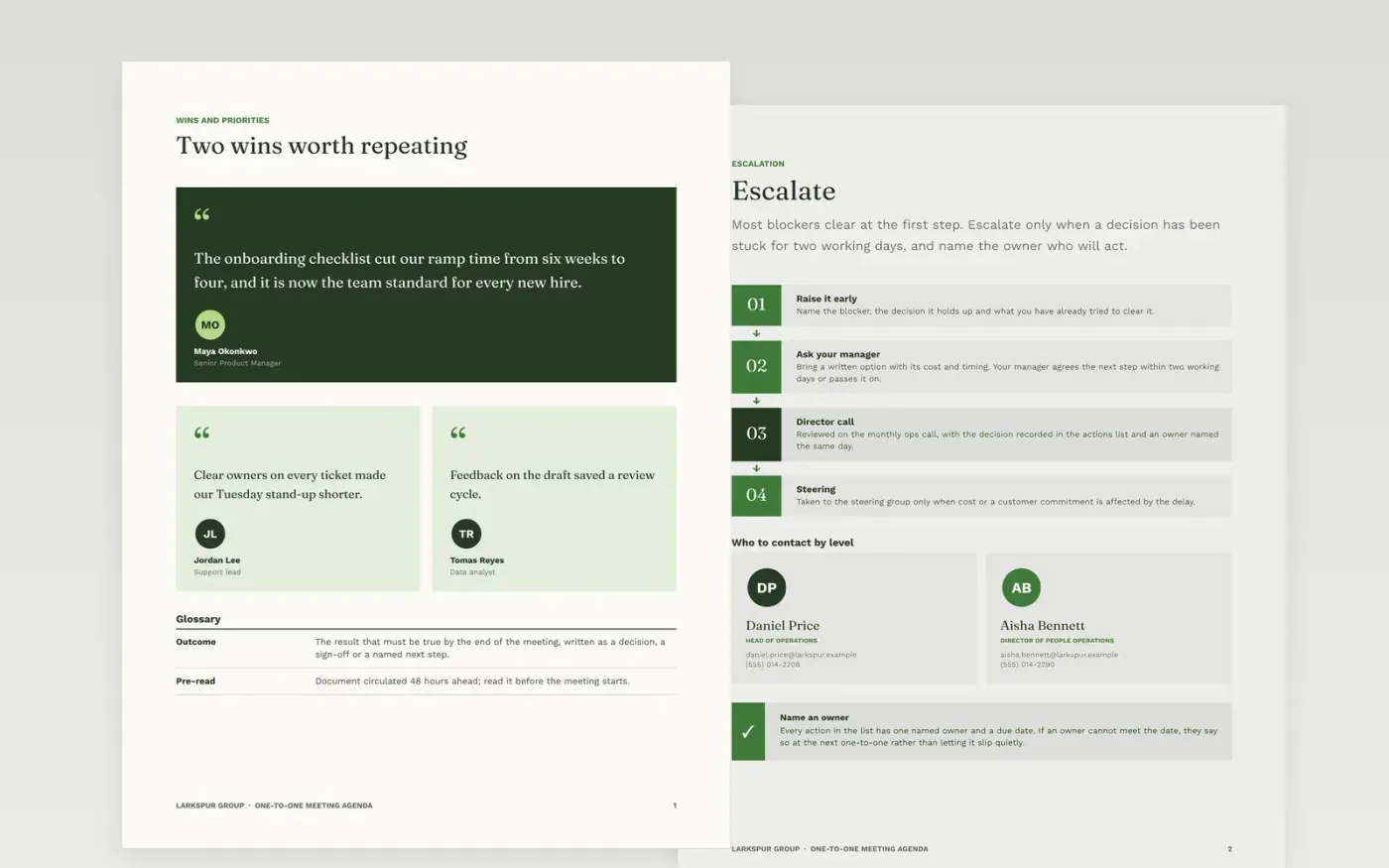
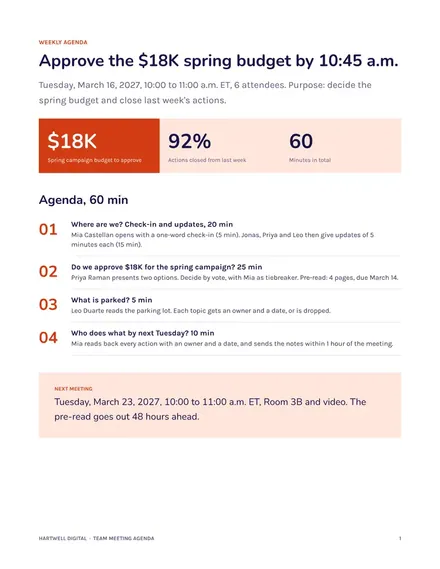
Many check-ins drift into status updates, and the item that needed a decision gets squeezed out at the end. This Google Docs agenda gives a manager and a report one shared page with a purpose line, a timed list of items and a running notes area. It is organized into three pages: wins and priorities, support and development, and a guide for making the document your own. The conversation covers what matters in a fixed order, so nothing important waits for the last five minutes.
The sample follows Maya Okonkwo and her report Jordan Lee at Larkspur Group, a fictional company, through a 30-minute meeting. Their owners, timings, escalation contacts and quotes are sample data. Replace the purpose line and the item questions first, check that the minutes add up to the meeting length, and attach the pre-read with the date it must be read by.
Click Make a copy in Google Docs, then confirm on the Google page. The copy is saved to your own Google Drive.
Write the purpose in one line and set the meeting length to 30 or 60 minutes.
Replace each item with a question, then add an owner and the minutes beside it.
Check that the minutes add up to the meeting length before you share the agenda.
Delete the guide page, then share the document with your report or present it.
No. Larkspur Group, the people named, the email addresses ending in .example, the phone numbers and every figure are fictional sample data. Replace them with your own before you use the document.
Yes. Change the attendee list and the escalation page to match your team, and keep the timed items and the outcomes. A team meeting usually needs more items, so check that the total minutes still fit the slot.
Attach it to the Priorities section with its page count and the date it must be read by. Keep pre-reads under ten pages and send them 48 hours ahead, not on the morning of the meeting.
Docs + Word3 pages
Free
Docs + Word3 pages
Free
Docs + Word2 pages
Free
Docs + Word3 pages
Free
Docs + Word3 pages
Free
Docs + Word3 pages
Free
Slides + PowerPoint11 slides
Free
Docs + Word3 pages
Free
Slides + PowerPoint10 slides
Free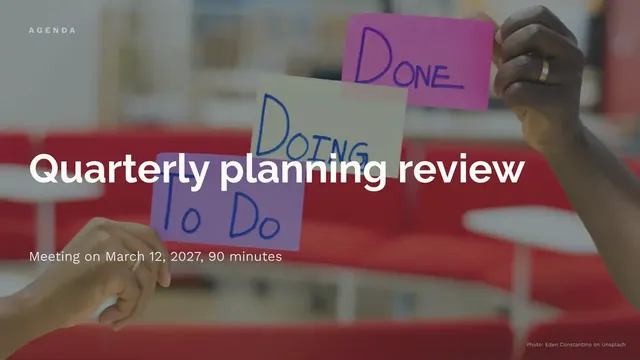
Slides + PowerPoint12 slides
Free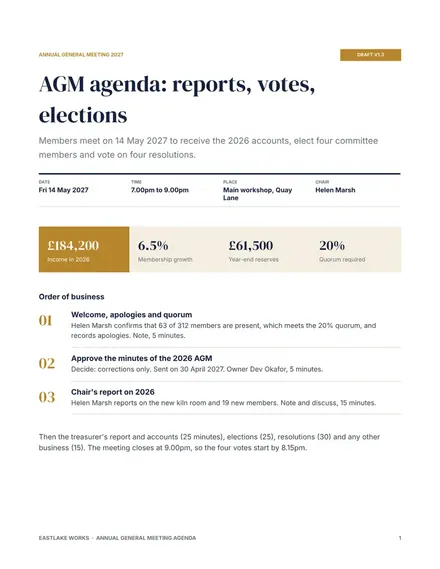
Docs + Word4 pages
Free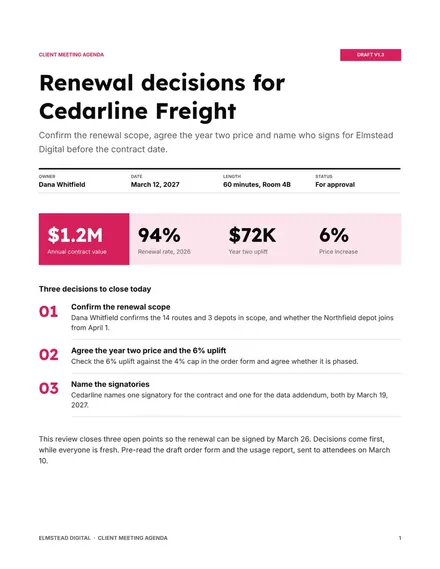
Docs + Word4 pages
Free










