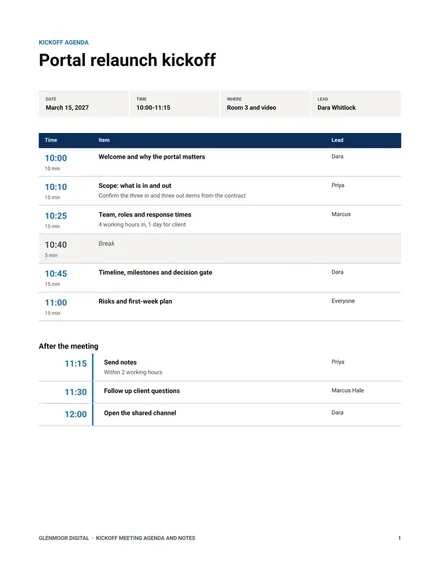
Kickoff Meeting Agenda and Notes
Docs + Word7 pages
Free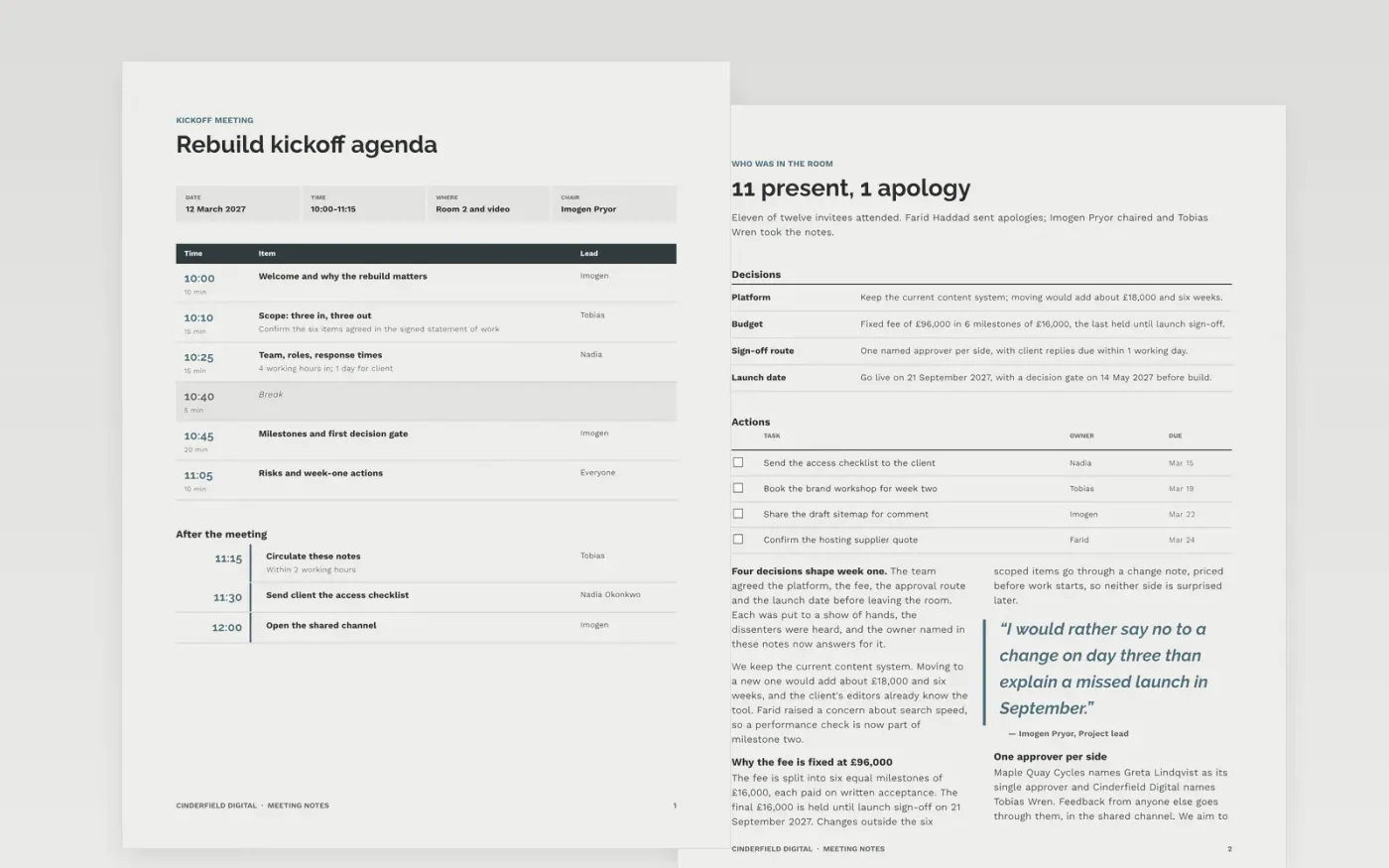
Kickoff meetings often end with a warm feeling and no record of who agreed to what. This template gives the person chairing a script to follow and a place to capture the outcome: a timed agenda, a list of who attended, the decisions with their reasons, dated actions and the questions still open.
The sample follows a fictional kickoff at Cinderfield Digital for a website rebuild, with a 75-minute agenda, a £96,000 fixed fee in six milestones and eleven attendees. Replace the project, people, dates and figures with your own, keep the habit of one owner and one date per action, and share the notes within two working hours.
Click Make a copy in Google Docs, then confirm on the Google page. The copy is saved to your own Google Drive.
Replace the project name, date, chair and agenda times with your own running order on the first page.
Record attendees, apologies and each decision with the name of the person who agreed it.
Give every action one owner and one date, then rewrite the glossary and open questions to match your project.
Delete the guide page, then share the notes with your team or present them from the document.
Yes. Make a copy in Google Docs and it is yours to edit and share, with no sign-up and no cost. You can change any text, date or layout.
The sample runs for 75 minutes with a break, which suits most kickoffs of 45 to 90 minutes. Add or remove rows and adjust the durations to fit your own meeting.
No. Cinderfield Digital, Maple Quay Cycles, every person, email address and figure are fictional and made up for the example. Replace them before sharing.
Docs + Word7 pages
Free
Docs + Word5 pages
Free
Slides + PowerPoint11 slides
Free
Slides + PowerPoint10 slides
Free
Slides + PowerPoint12 slides
Free
Slides + PowerPoint10 slides
Free
Slides + PowerPoint10 slides
Free









