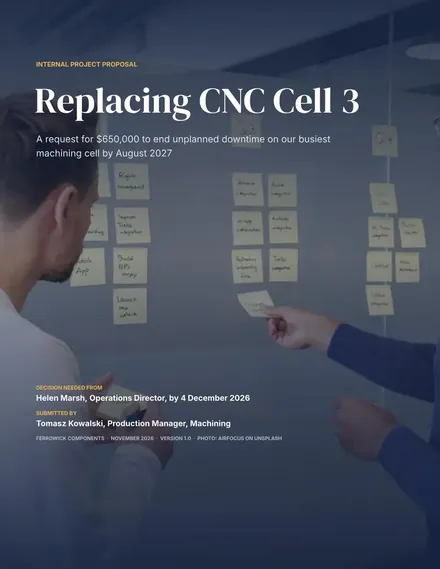
Internal Project Proposal
Docs + Word9 pages
Free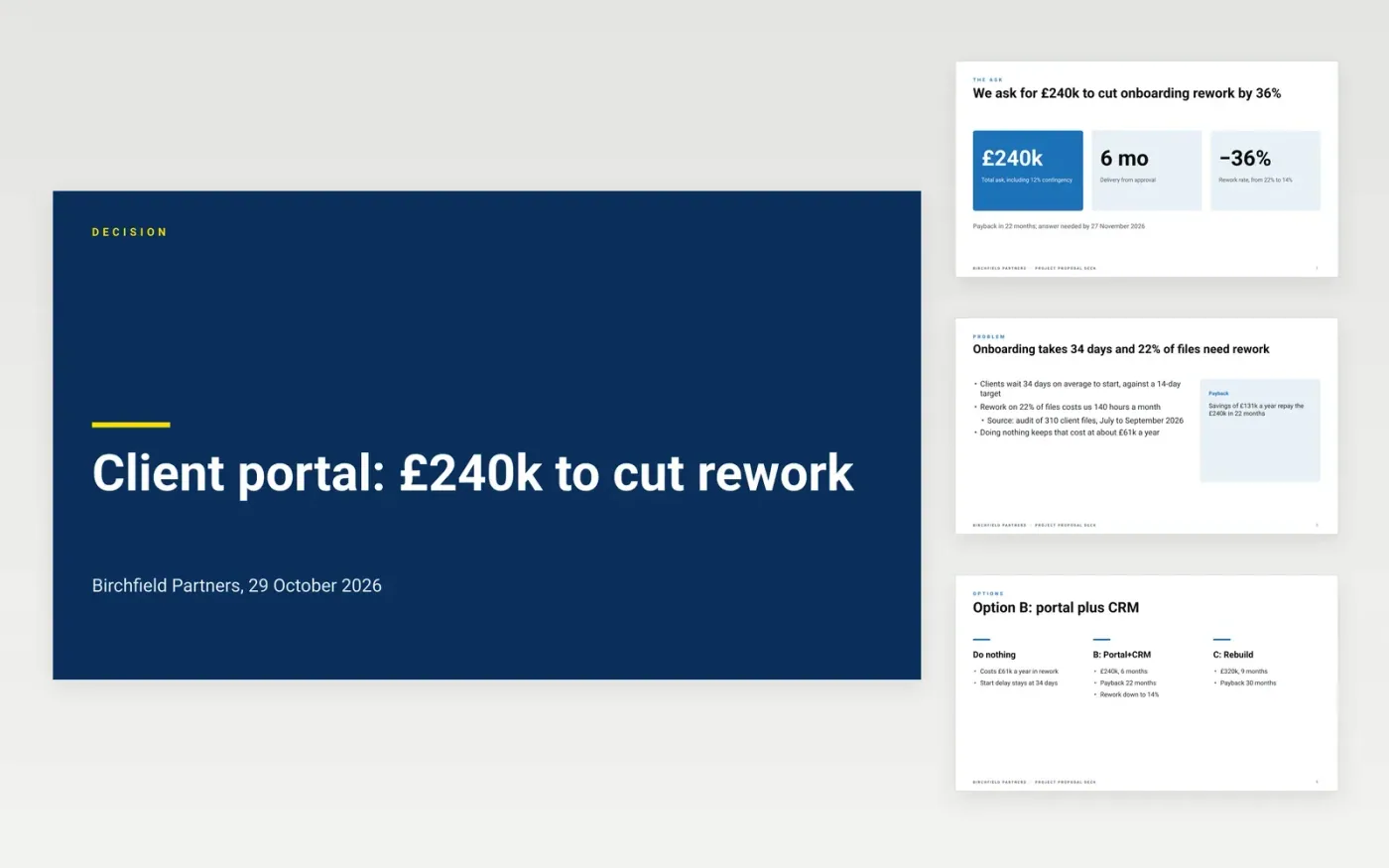
Sponsors often bury the amount and the decision under pages of background, and approval then drifts into email threads. This eleven-slide deck puts the ask and the cost on slide two, then sets out the problem, the options weighed, the plan, the budget and the risks. It closes on a decision slide that says what leadership must agree and by when, with detail held back in an appendix.
The sample follows Birchfield Partners asking its board for £240k to replace a manual client onboarding process. It shows a baseline of 22% rework and 140 hours lost a month, three options including doing nothing, a 12% contingency, a 22-month payback and one high risk. Replace the baseline with your own figures and sources, enter your real options, update the cost table with your quotes, and name the approver and the answer date.
Click Make a copy in Google Slides, then confirm on the Google page. The copy is saved to your own Google Drive.
Replace the ask, the amount and the answer date on slides 1, 2 and 8, then rewrite the rest to support them.
Swap the baseline, options, timeline, budget and risk figures for your own, and cite where each one came from.
Check that the budget table adds up and that the same numbers match across slides, then name your approver.
Delete the Make it yours guide slide, then share the deck or present it from Google Slides.
No. Birchfield Partners, its people and every figure are fictional sample data. Replace them with your own baseline and quotes before you present.
Show two or three, and always include doing nothing. The recommended option should be a real choice, not one option next to two straw men.
Yes. Keep the structure, add match funding of 15% to 30% to the budget slide and replace the problem evidence with your beneficiary data.
More Google Slides templatesMore project management templates
Docs + Word9 pages
Free
Slides + PowerPoint11 slides
Free
Docs + Word5 pages
Free
Docs + Word8 pages
Free
Docs + Word9 pages
Free
Docs + Word3 pages
Free










