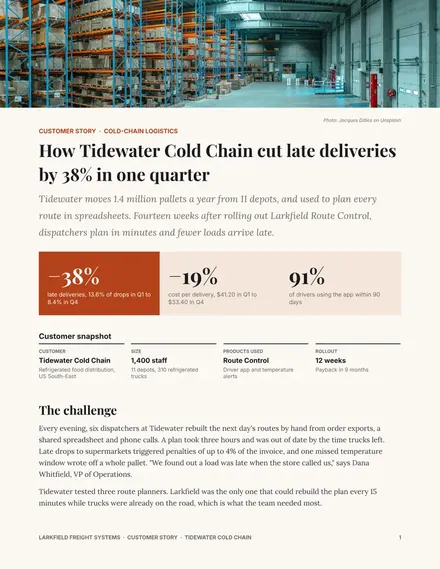
Customer Case Study
Docs + Word3 pages
Free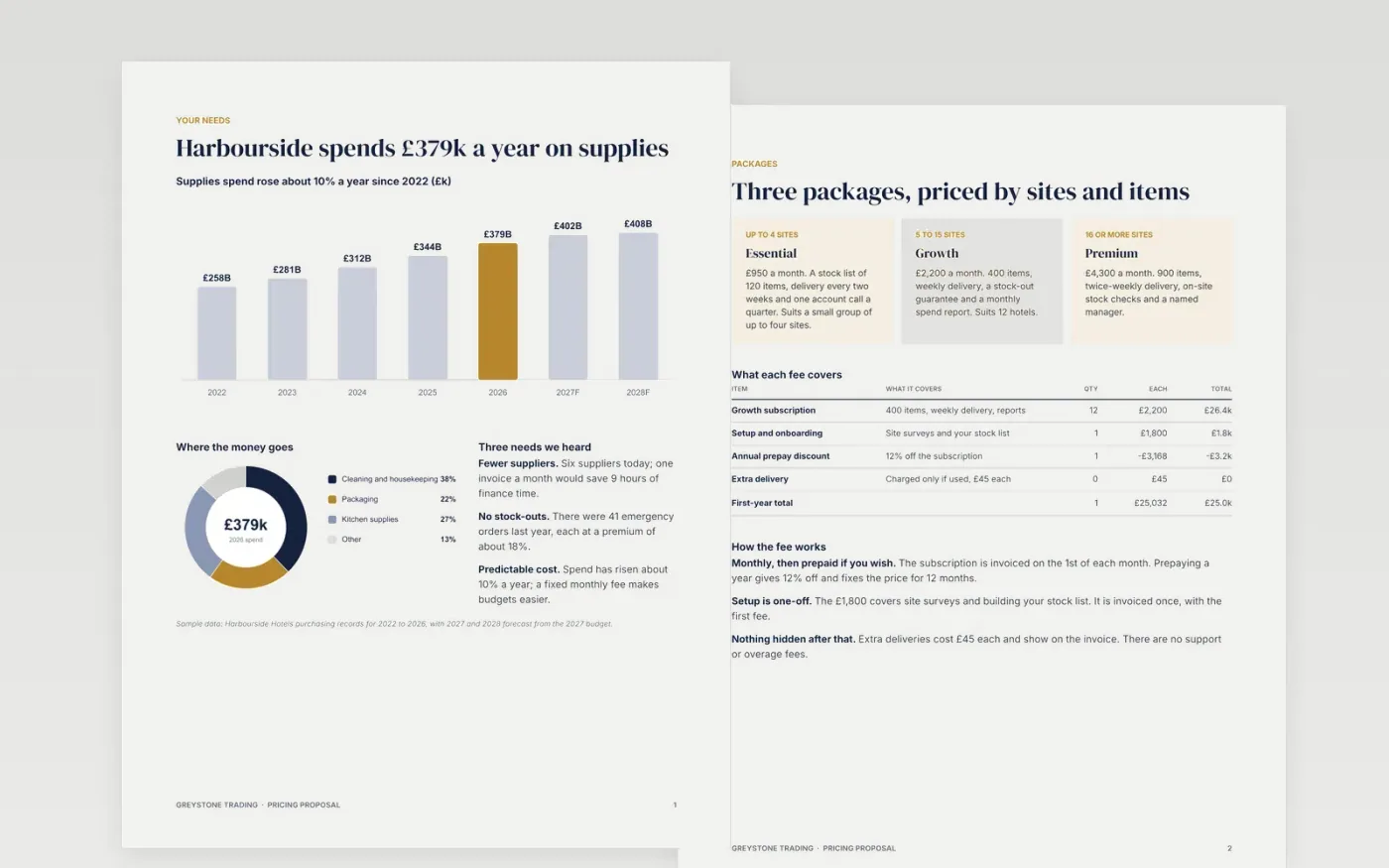
A single price invites haggling, and a long price list hides what matters. This template shows the buyer's needs first, then three priced packages, a side-by-side comparison, one recommended option with the reason, the total cost and the terms. Every page ties price to what the buyer gets.
The sample is a fictional proposal from Greystone Trading to Harbourside Hotels for a managed supplies service at £950, £2,200 and £4,300 a month, with Growth recommended and a 12% prepay discount. Replace the buyer, packages, prices, savings and terms with your own, and show the list price beside every discount.
Click Make a copy in Google Docs, then confirm on the Google page. The copy is saved to your own Google Drive.
Rename the three packages and list only the features that change between them. Set your list prices, prepay discount and the date the prices apply from.
Mark your recommended option and write a two-line reason tied to this buyer's goal, using their current spend as the baseline.
Update the terms, notice periods and any extra fees so nothing appears on the first invoice that is not in the proposal.
Delete the guide page, then send the proposal to the buyer or present it in your next meeting.
Usually the middle one, but only if it fits the buyer's goal. Give a two-line reason tied to their numbers, and show why the cheaper and dearer options fall short.
Yes. Use the needs page for what has changed, the fee table for new rates and the terms page for the effective date, notice period and what stays the same.
No. Greystone Trading, Harbourside Hotels, every person, email address and figure in the sample are fictional. Replace them with your own before sending.
Docs + Word3 pages
Free
Slides + PowerPoint14 slides
Free
n8n
Free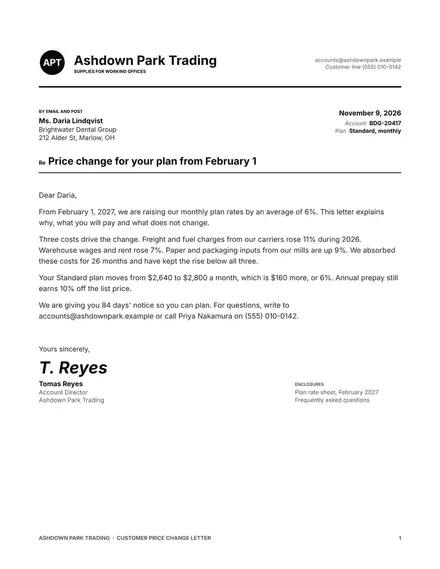
Docs + Word6 pages
Free
Slides + PowerPoint11 slides
Free










