
Annual Report
Docs + Word6 pages
Free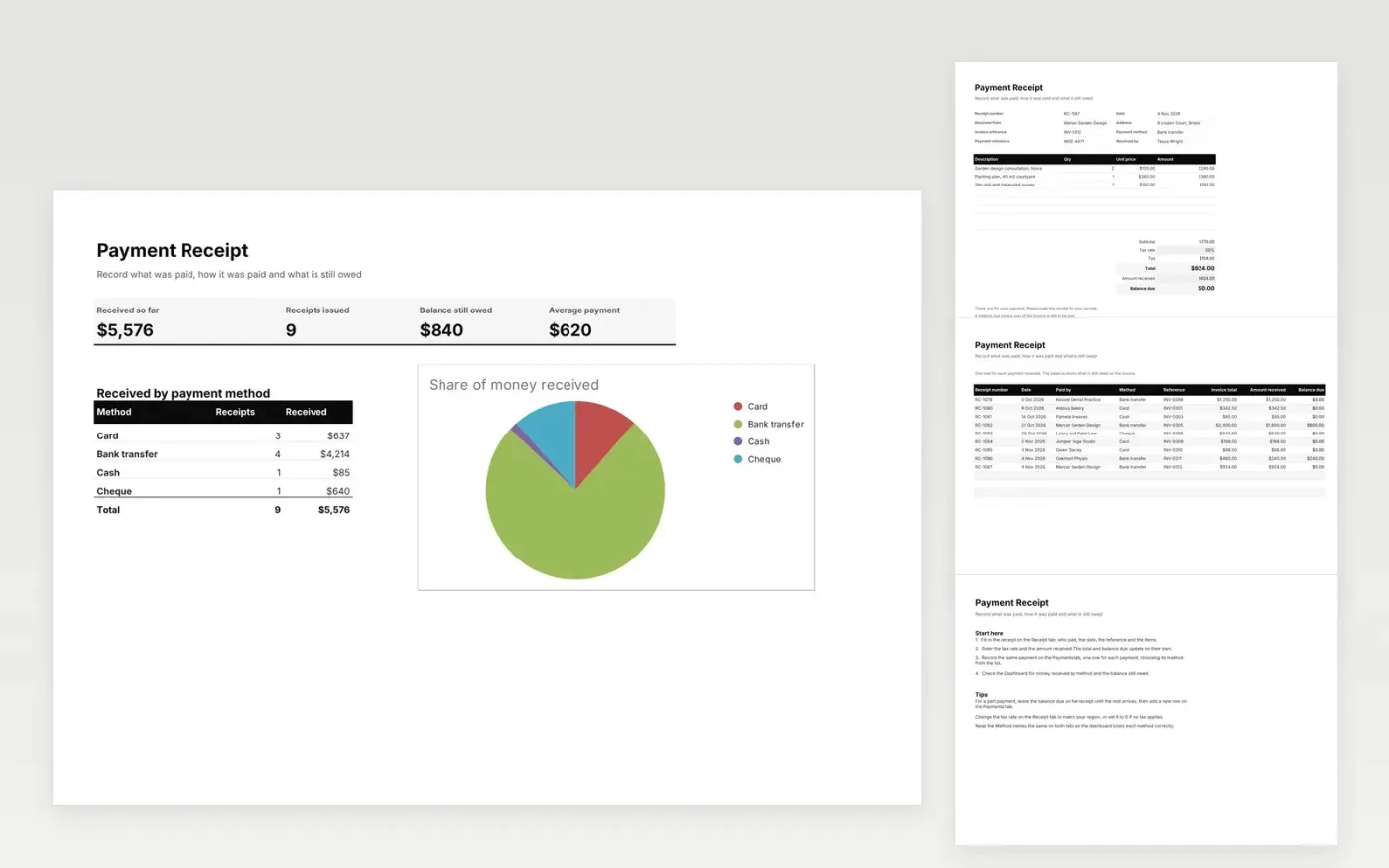
This payment receipt template gives you a receipt to send a client and a log of every payment you receive. The Receipt tab holds the receipt number, who paid, the items, tax, the amount received and any balance still due. The Payments tab records each payment with its method and balance, and the Dashboard totals money received by method.
It comes with sample data for a small service business. Make a copy, replace the sample rows with your own, and the totals, balances and dashboard update on their own. Use the Method dropdown so each payment is counted under the right method.
Click Make a copy in Google Sheets, then confirm on the Google page. The copy is saved to your own Google Drive.
Start on the Receipt tab: replace the sample rows with your own.
Keep the formula columns as they are; they fill in as you type.
Read the How to use tab for tips. For Excel, download the .xlsx file instead.
Yes. The Payment Receipt template is free to download and use. Make a copy in Google Sheets or download the Excel file.
Yes. Download the .xlsx file and open it in Excel, Google Sheets or another compatible spreadsheet app. The formulas and dropdowns work in both.
Enter the amount received on the Receipt tab and the balance due shows what is still owed. On the Payments tab, record the amount actually paid and the balance column shows the rest.
Docs + Word6 pages
Free
Excel
Free
Sheets + Excel4 slides
Free
Docs + Word3 pages
Free
Docs + Word3 pages
Free
Sheets + Excel3 slides
Free
Sheets + Excel3 slides
Free
Sheets + Excel3 slides
Free
Docs + Word2 pages
Free
Docs + Word3 pages
Free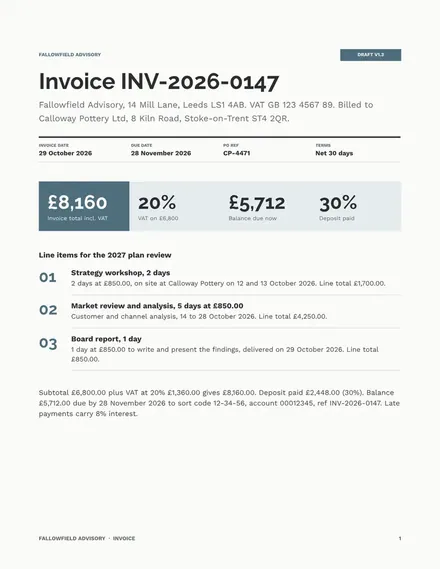
Docs + Word2 pages
Free








