
Annual Report
Docs + Word6 pages
Free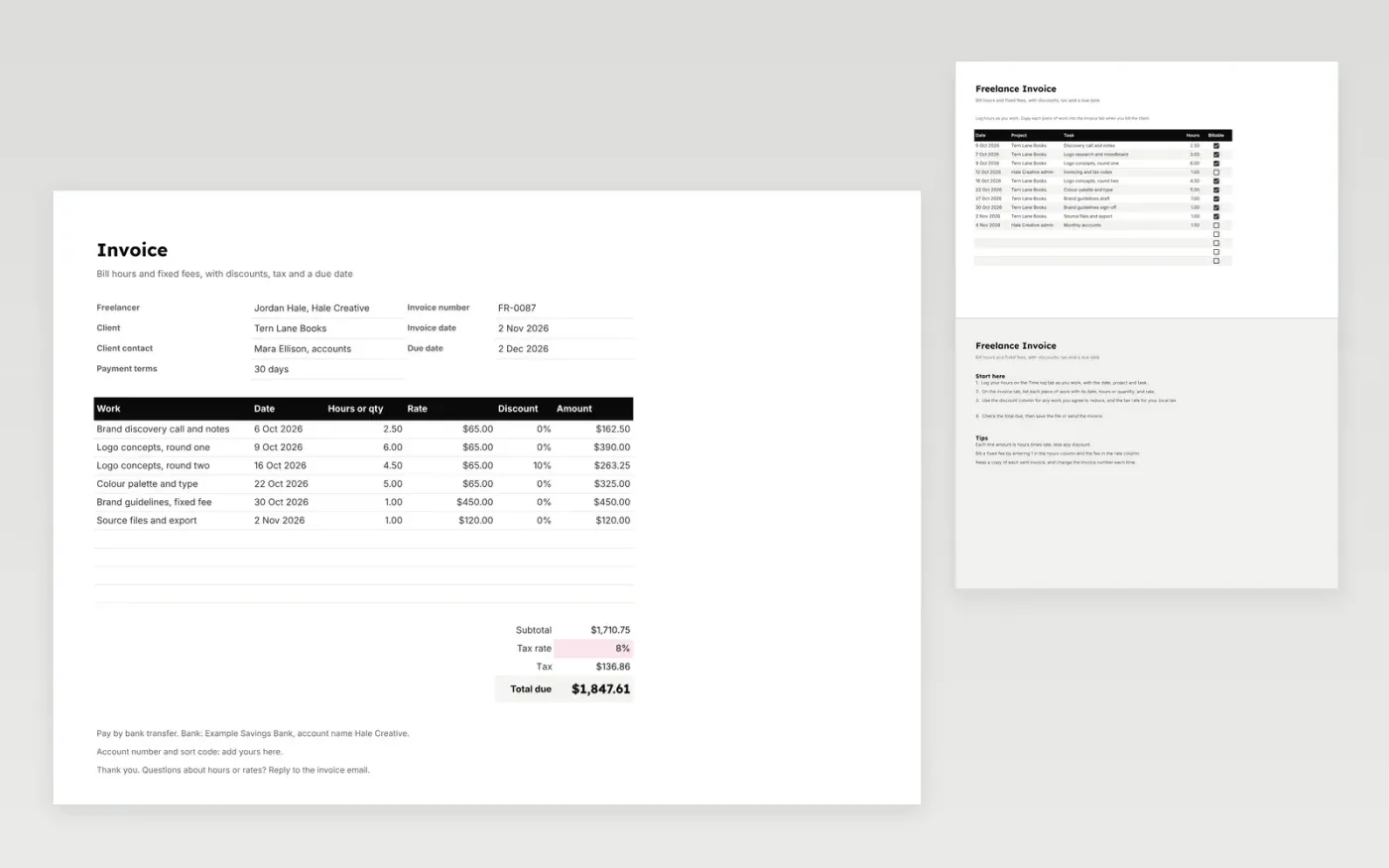
An invoice for a freelancer who bills by the hour and by fixed fee. The Invoice tab lists each piece of work with its date, hours or quantity, rate and any discount, then adds the subtotal, tax and total due. The Time log tab records hours as you work, so the figures are ready to copy across.
It comes with sample data for a freelance brand designer. Make a copy and replace the sample work and rates. The amounts, totals and due date update on their own.
Click Make a copy in Google Sheets, then confirm on the Google page. The copy is saved to your own Google Drive.
Start on the Invoice tab: replace the sample rows with your own.
Keep the formula columns as they are; they fill in as you type.
Read the How to use tab for tips. For Excel, download the .xlsx file instead.
Yes. Download the template and use it at no cost for your own invoices.
Yes. Download the .xlsx file and open it in Excel. The formulas and totals work there too.
Enter 1 in the hours column and the fee in the rate column. The amount is then the fee, less any discount.
Docs + Word6 pages
Free
Excel
Free
Sheets + Excel4 slides
Free
Docs + Word3 pages
Free
Docs + Word3 pages
Free
Sheets + Excel3 slides
Free
Sheets + Excel4 slides
Free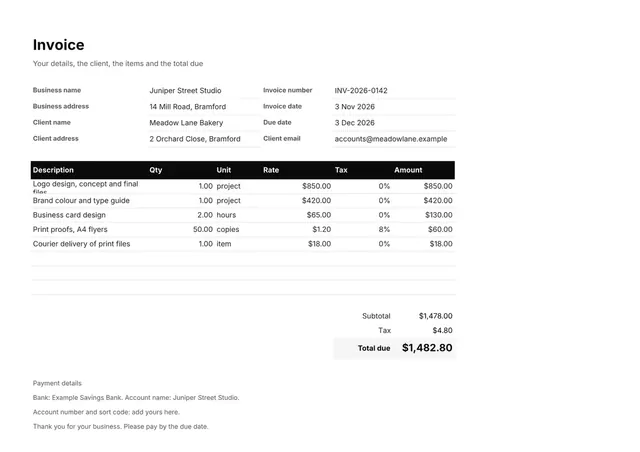
Sheets + Excel3 slides
Free
Docs + Word2 pages
Free
Docs + Word3 pages
Free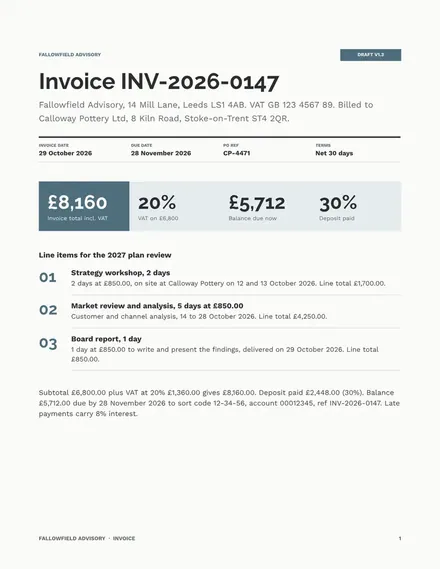
Docs + Word2 pages
Free








