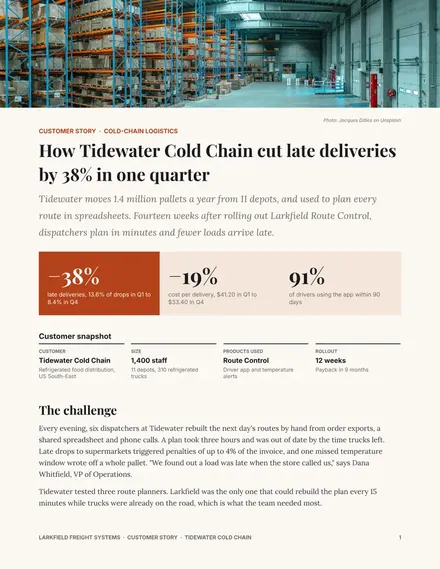
Customer Case Study
Docs + Word3 pages
Free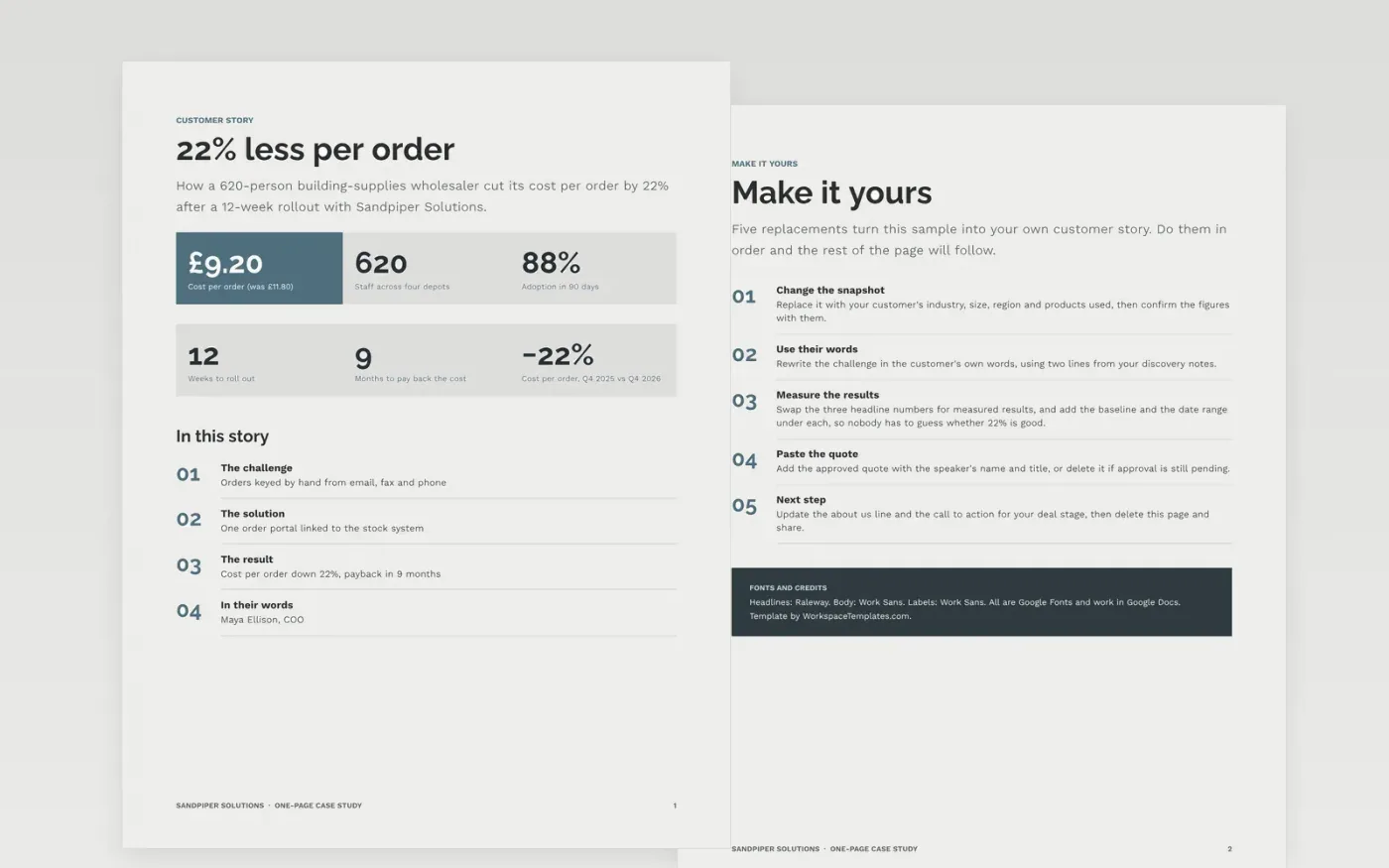
Marketing teams who produce many customer stories need a format that is quick to fill and credible to read. This one page case study template puts the proof first: a customer snapshot, three headline results with baselines and dates, and a short route through the challenge, the solution and the customer's own words, so a rep can send it before a call.
The sample tells the story of Hollin & Reeve Distribution, a fictional 620-person building-supplies wholesaler that cut cost per order by 22% with Sandpiper Solutions, with 88% adoption in 90 days, nine-month payback and a 12-week rollout. Replace the snapshot, the three measured results with their date ranges, the approved quote and the closing step, and confirm every figure with the customer in writing.
Click Make a copy in Google Docs, then confirm on the Google page. The copy is saved to your own Google Drive.
Replace the snapshot with your customer's industry, size and region, and confirm the figures with them.
Swap the three headline numbers for measured results, and add the baseline and date range under each one.
Paste the approved quote with the speaker's name and title, or delete it if approval is pending.
Update the closing step for your deal stage, delete the Make it yours page, then share the PDF.
Yes. Make a copy to your own Google Drive and edit it. It is built to fit on one page, so it exports cleanly to PDF for emailing.
No. The organisation, the customer, the people, the email addresses and every figure are fictional sample content. Replace them with your own approved facts.
Yes. Get written approval for the figures, the quote and any logo use before you publish or send it, and keep the date range next to every number.
Docs + Word3 pages
Free
Slides + PowerPoint12 slides
Free
n8n
Free
Docs + Word3 pages
Free
Slides + PowerPoint10 slides
Free
Docs + Word3 pages
Free









