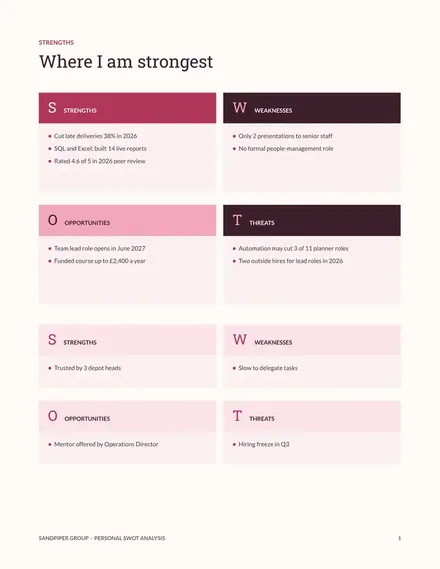
Personal SWOT Analysis
Docs + Word6 pages
Free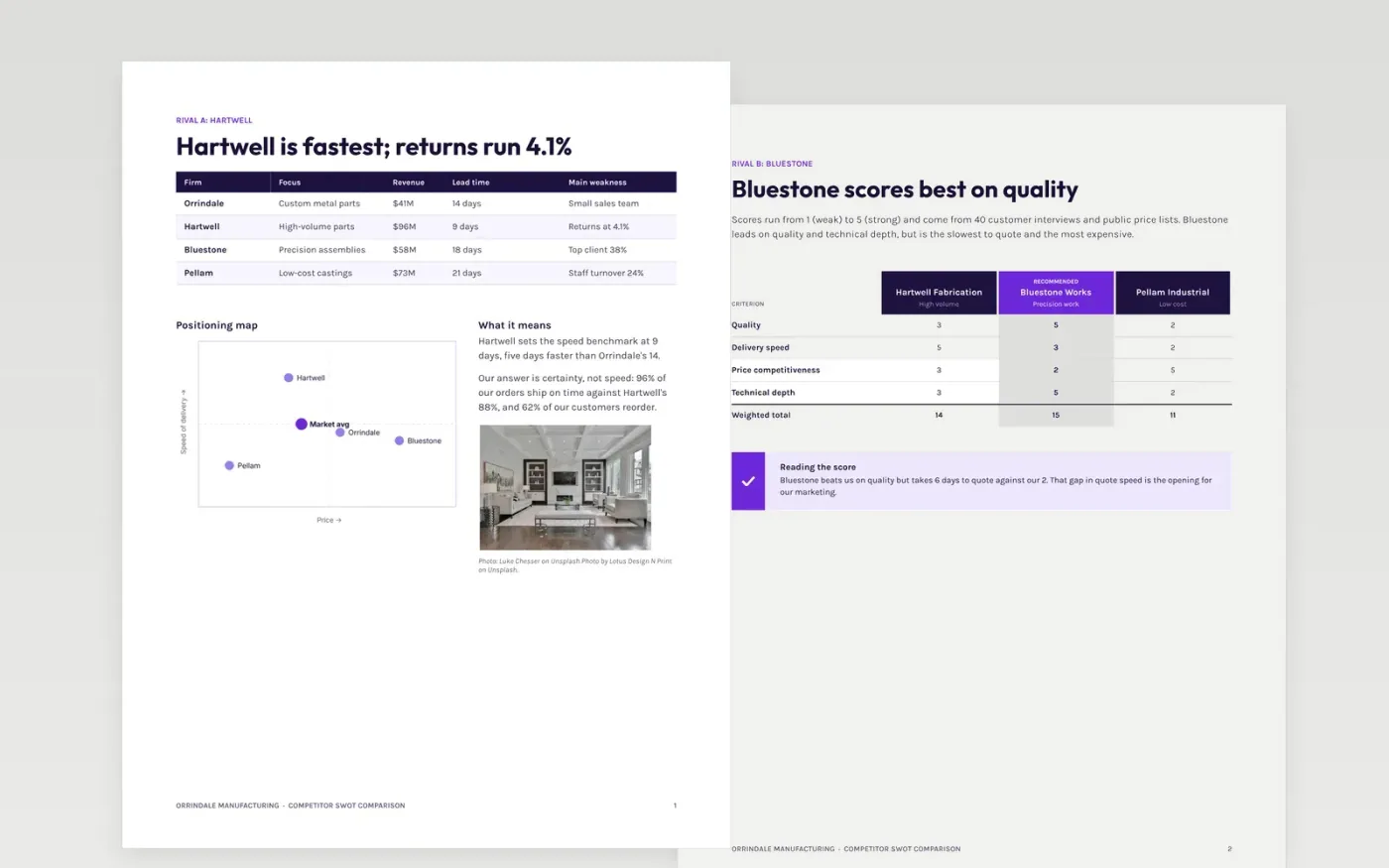
A SWOT for each competitor is easy to write and hard to use, because the lists never line up. This template puts three rivals on the same table, the same scoring grid and the same map, so a marketing team can see where each is strong, where it is weak and what that means for you.
The sample follows Orrindale Manufacturing, a fictional $41M parts maker, against three rivals: one fast, one precise, one cheap. It includes lead times, on-time rates, a price index, a scored comparison and five ranked threats with owners and dates. Replace the rivals, figures and actions with your own.
Click Make a copy in Google Docs, then confirm on the Google page. The copy is saved to your own Google Drive.
Replace Orrindale Manufacturing and the three rivals with your own company and competitors.
Enter your own figures in the table and map, and give each score a source in your notes.
Rate each threat for likelihood and impact, then add an owner, a response and a date.
Delete the guide page, then share the document with your marketing and sales teams.
No. Orrindale Manufacturing, the three competitors, every person named and every figure are fictional sample data. Replace them with your own market information before you share the document.
Use a 1 to 5 scale, define what a 5 means for each factor, and score from evidence such as quotes, reviews and customer interviews. Have two people score independently and compare.
Yes, but keep the scored pages to three or four. Add extra rivals to the landscape table, and use the threat register for the few that matter most.
More Google Docs templatesMore business operations templates
Docs + Word6 pages
Free
Docs + Word8 pages
Free
Docs + Word7 pages
Free
Slides + PowerPoint10 slides
Free
Slides + PowerPoint10 slides
Free










