Company Policy Template
Docs + Word8 pages
Free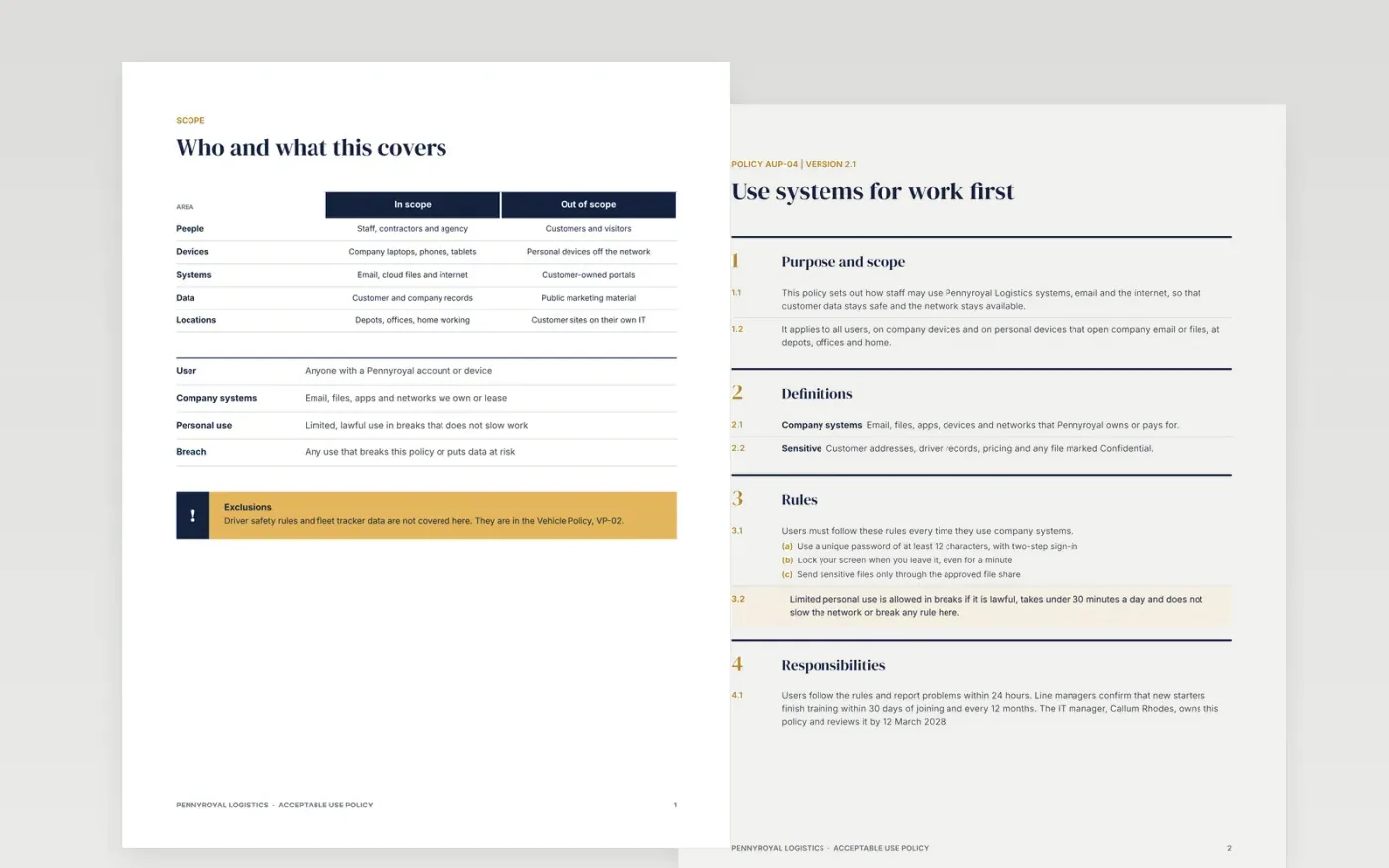
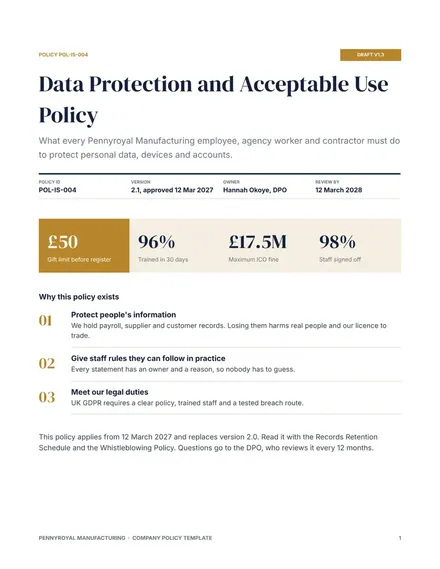
Staff follow an IT policy when it is short, specific and gives reasons. This seven-page template defines who and what is covered, sets numbered rules with examples, lists what is never allowed, explains what to do after a suspicious email, shows monitoring figures and sets deadlines for reporting breaches.
The sample is policy AUP-04, version 2.1, for a fictional logistics firm, with a 12-character password rule, training within 30 days, reports within 24 hours and a review date of 12 March 2028. Replace the rules, figures, names and contacts with your own, then have the policy approved.
Click Make a copy in Google Docs, then confirm on the Google page. The copy is saved to your own Google Drive.
Replace the policy number, version, owner and review date, then update the scope table for your own people, devices and systems.
Rewrite the rules and prohibited use for your business, and give a reason or an example for each rule.
Enter your own monitoring figures, breach contacts and deadlines, and check that each deadline is one you can meet.
Delete the guide page, then send the policy for approval and share it with staff.
No. Pennyroyal Logistics, the people, phone numbers and every figure in the policy are fictional sample data. Replace them with your own before you publish.
No. It is a layout and sample wording. Data protection and employment rules vary, so ask a qualified adviser to check the final policy before you issue it.
Review it at least every 12 months, and after any serious incident or major system change. Put the next review date on the first page.
More Google Docs templatesMore business operations templates
Docs + Word8 pages
Free
Docs + Word8 pages
Free
n8n
Free









