
Annual Report
Docs + Word6 pages
FeaturedFree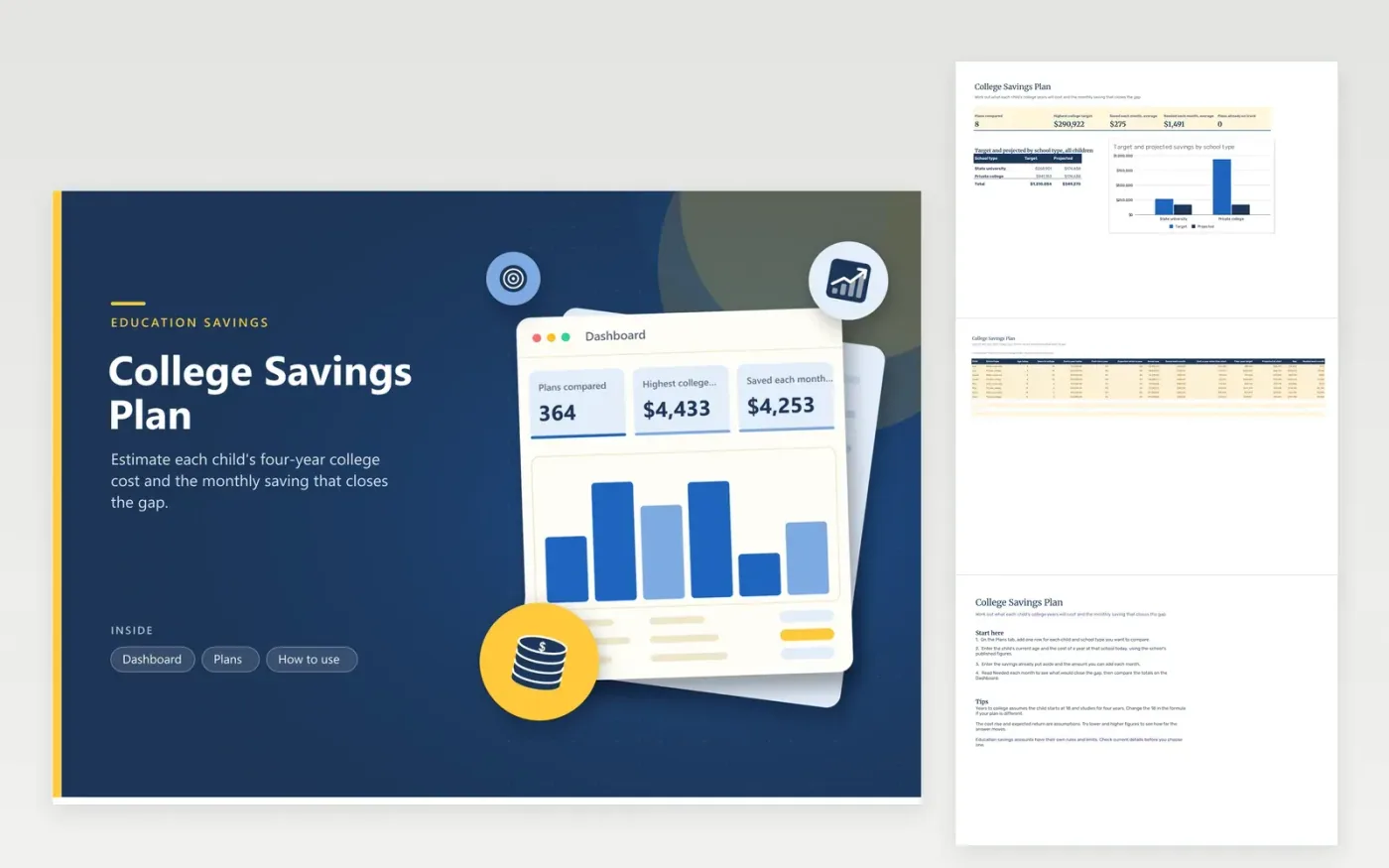
Parents and grandparents planning for a child's education can use this sheet to test different school types. Each child and school type gets its own line on the Plans tab, with the child's age, the cost of a year today, a yearly cost rise, the expected return, the amount saved and the monthly deposit. The sheet works out the years left, the cost when the child starts, a four-year target, the projected savings, the gap and the monthly amount needed to close it.
Use cost figures from the schools you are comparing, and check current published prices before you rely on them. The cost rise and return rate are assumptions, so try lower and higher values to see how sensitive the result is. Revisit the plan each year and update the saved amount from the statement. Tax-advantaged education accounts have their own rules, so confirm current details before you choose one.
Click Make a copy in Google Sheets, then confirm on the Google page. The copy is saved to your own Google Drive.
Start on the Plans tab: replace the sample rows with your own.
Keep the formula columns as they are; they fill in as you type.
Read the How to use tab for tips. For Excel, download the .xlsx file instead.
The sheet assumes a child starts college at 18 and studies for four years. Years to college is 18 minus the current age, and it stops at zero. If your plan starts later or runs longer, change the formula in the Years column and the multiplier in the target.
It is the yearly growth you assume for the money saved, applied monthly. The projection and the monthly figure both depend on it. Use a rate you think is realistic for the type of account, and test a lower figure to see the more cautious outcome.
Yes. The cost a year today grows by the yearly cost rise until the child starts, and the target is four of those years. Set the rise to the figure you expect, and compare the result with real tuition history before you commit.
Docs + Word6 pages
FeaturedFree
Excel
FeaturedFree
Sheets + Excel9 tabs
Free
Sheets + Excel6 tabs
Free
Sheets + Excel4 tabs
Free
Sheets + Excel5 tabs
Free
Sheets + Excel6 tabs
Free
Sheets + Excel4 tabs
Free
Sheets + Excel5 tabs
Free
Sheets + Excel5 tabs
Free
Sheets + Excel4 tabs
Free








