
Annual Report
Docs + Word6 pages
FeaturedFree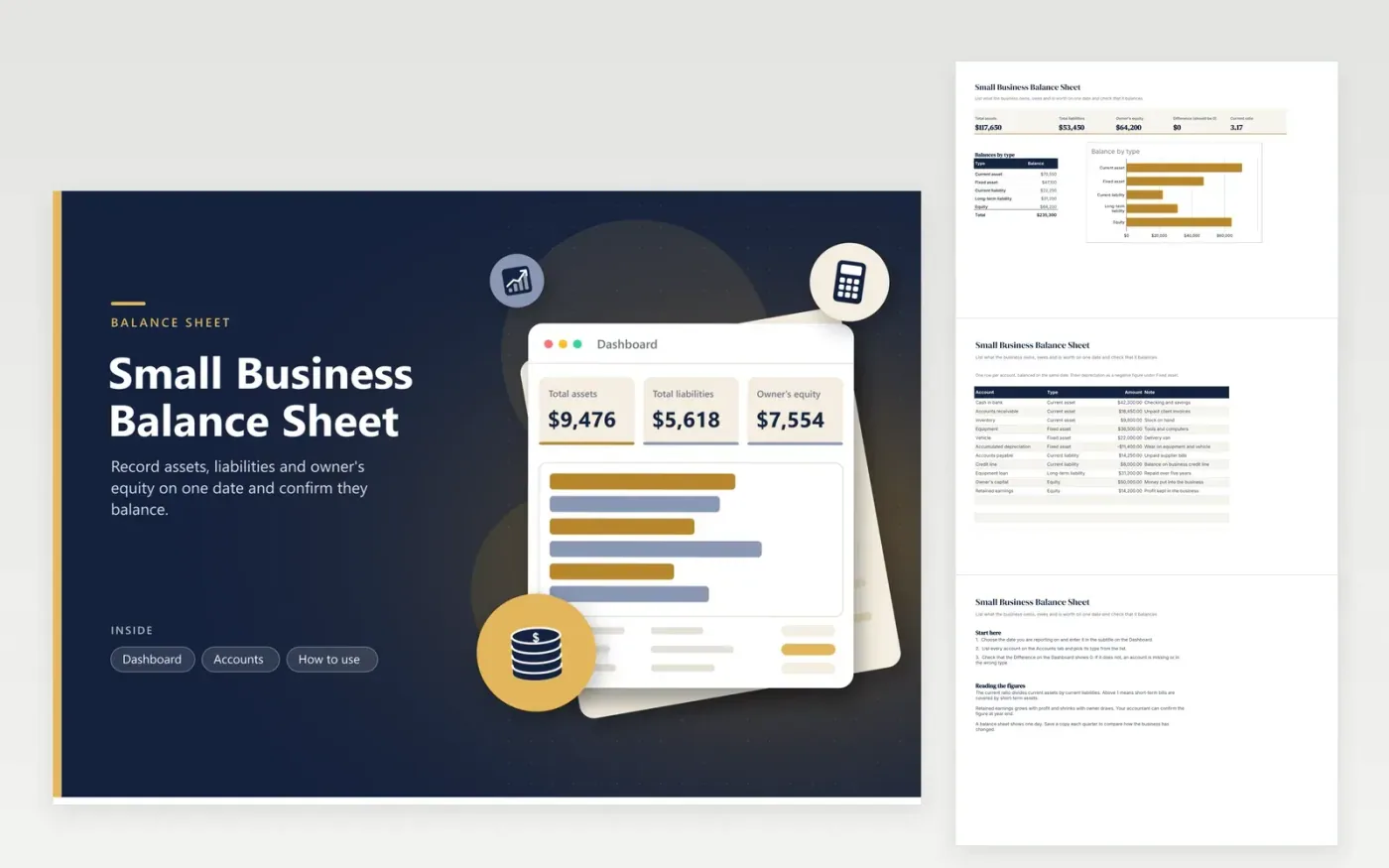
This balance sheet suits a small business owner, bookkeeper or lender reviewing a company's position on a set date. The Accounts tab takes each account with its type (current asset, fixed asset, current liability, long-term liability or equity), its amount and a short note. Depreciation is entered as a negative figure under fixed assets, so the totals reflect its value.
Headline figures on the Dashboard are total assets, total liabilities, owner's equity and the current ratio. A difference figure should read 0, which confirms the sheet balances. A bar chart compares the balances by type. Sample figures are for a company with cash, receivables, equipment, a vehicle, a loan and retained profit.
Click Make a copy in Google Sheets, then confirm on the Google page. The copy is saved to your own Google Drive.
Start on the Accounts tab: replace the sample rows with your own.
Keep the formula columns as they are; they fill in as you type.
Read the How to use tab for tips. For Excel, download the .xlsx file instead.
It means an account is missing, entered twice, or in the wrong type. Recheck each row, then look at the retained earnings figure, which is the most common place for a mismatch. Your bookkeeping records should explain every number before you rely on the sheet.
No. A balance sheet shows the position on one date. A profit statement covers a period, such as a month or a year. Retained earnings links the two, because profit that is kept in the business is added to equity.
Most owners update it monthly or quarterly, and at year end for tax and lender purposes. File a dated copy at each update so earlier periods stay on hand for comparison.
Docs + Word6 pages
FeaturedFree
Excel
FeaturedFree
Sheets + Excel5 tabs
Free
Sheets + Excel5 tabs
Free
Sheets + Excel4 tabs
Free
Sheets + Excel5 tabs
Free
Sheets + Excel4 tabs
Free
Sheets + Excel4 tabs
Free
Sheets + Excel5 tabs
Free
Sheets + Excel4 tabs
Free
Sheets + Excel4 tabs
Free
Sheets + Excel4 tabs
Free
Sheets + Excel5 tabs
Free
Sheets + Excel4 tabs
Free








