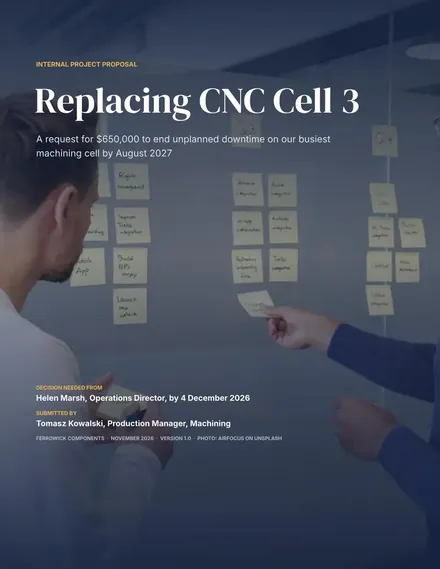
Internal Project Proposal
Docs + Word9 pages
Free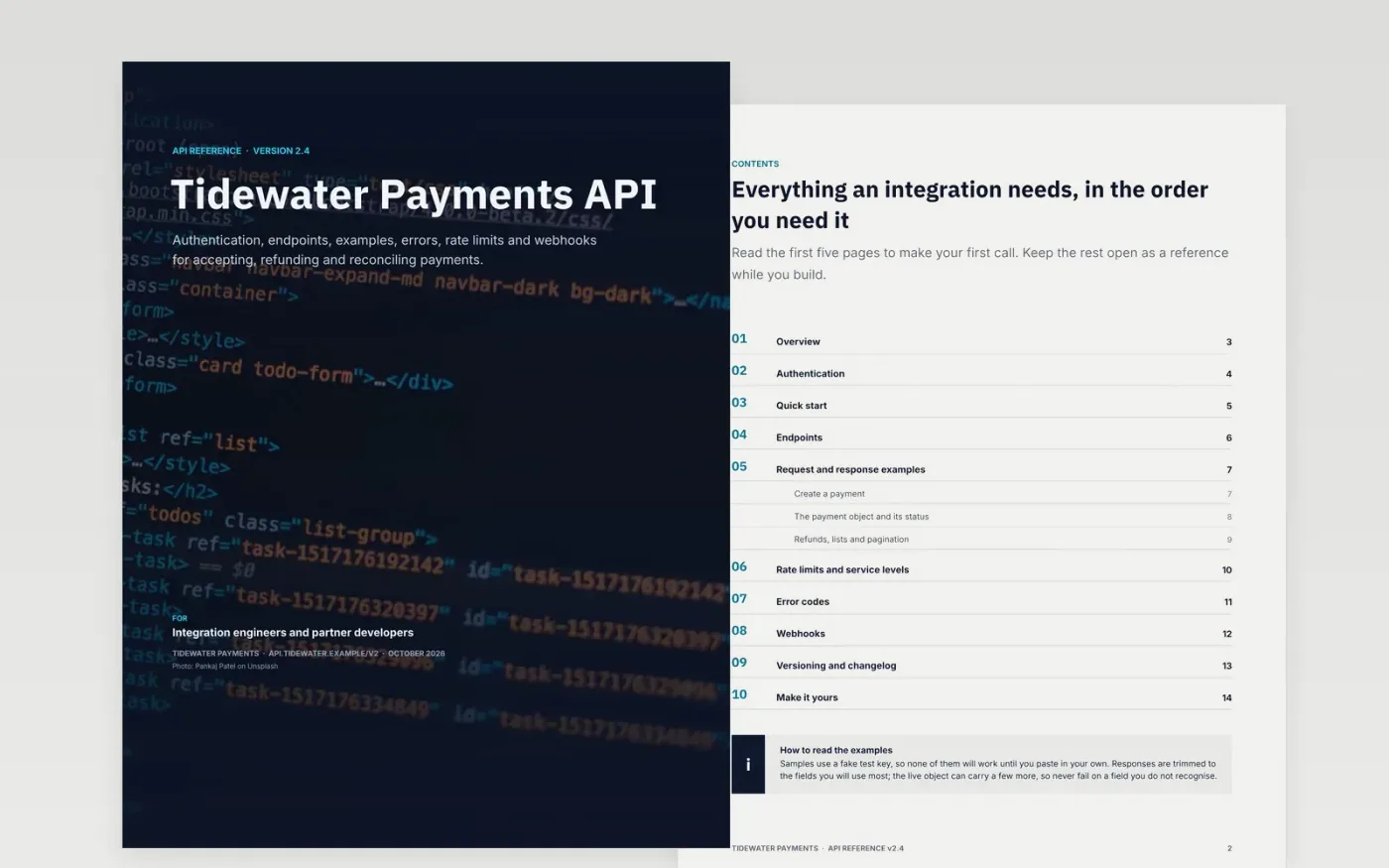
Developers judge an API by how quickly they get a correct response and how clearly it explains failure. This template is a complete REST reference for a fictional payments API, laid out the way integrators read it: overview and base URL, authentication, a fifteen-minute quick start, an endpoint index, worked requests with the real responses, error codes, rate limits, webhooks and a dated changelog.
Every page carries specific sample content, from a bearer-token request to a 429 with Retry-After headers and a deprecation with its sunset date. Replace the sample API with yours, run each example against your sandbox, and delete the guidance page at the end.
Click Make a copy in Google Docs, then confirm on the Google page. The copy is saved to your own Google Drive.
Replace the API name, base URL, version prefix and authentication scheme on the cover, overview and authentication pages.
Run each sample request against your sandbox and paste in the real response, trimmed to the fields that matter.
Rewrite the rate-limit table, error codes and webhook events so they list only what your API actually does.
Date the changelog, mark any breaking change, then delete the Make it yours page and export with File → Download → PDF if you need one.
They are set in the template's Inter body font on a dark panel, so they look the same in every Google account. Select a sample and change its font to Roboto Mono or another monospace font if you prefer.
Yes. The payments content is sample data for a fictional company. Keep the structure, which works for any REST API, and swap the endpoints, parameters and examples for your own.
It is a good first version, and a document partners can read offline or comment on. As the API grows, move the reference into a docs site generated from your OpenAPI file and keep this document for the guide and changelog.
Pankaj Patel on Unsplash, used under the Unsplash License and credited on the cover.
More Google Docs templatesMore developer workflows templates
Docs + Word9 pages
Free
Docs + Word7 pages
Free
Slides + PowerPoint11 slides
Free
Slides + PowerPoint12 slides
Free
Slides + PowerPoint12 slides
Free
Slides + PowerPoint11 slides
Free
Docs + Word7 pages
Free
Docs + Word8 pages
Free









