
Admin Training Deck
Slides + PowerPoint11 slides
Free5 templates
Slides + PowerPoint11 slides
Free
Slides + PowerPoint11 slides
Free
Docs + Word8 pages
Free
Docs + Word8 pages
Free
Docs + Word8 pages
Free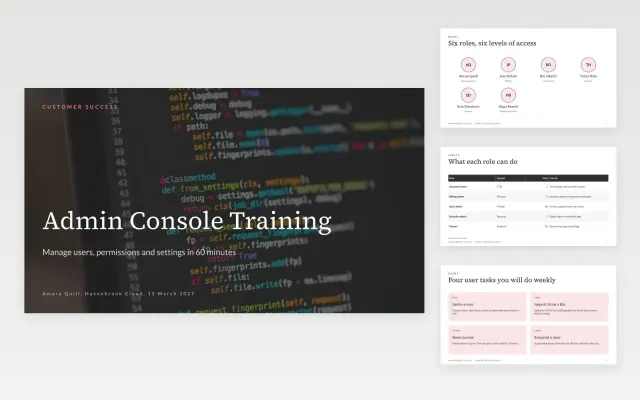 Admin Training Deck | 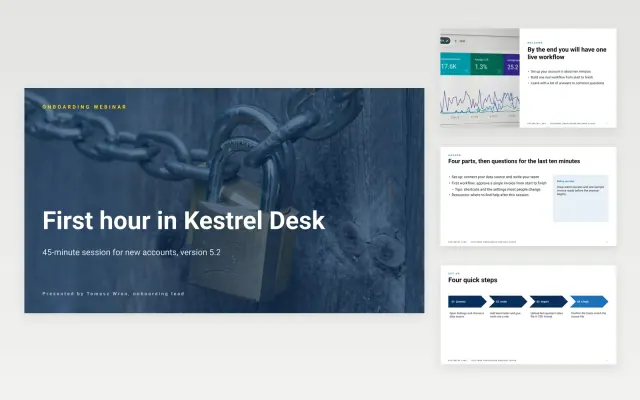 Customer Onboarding Webinar Slides | 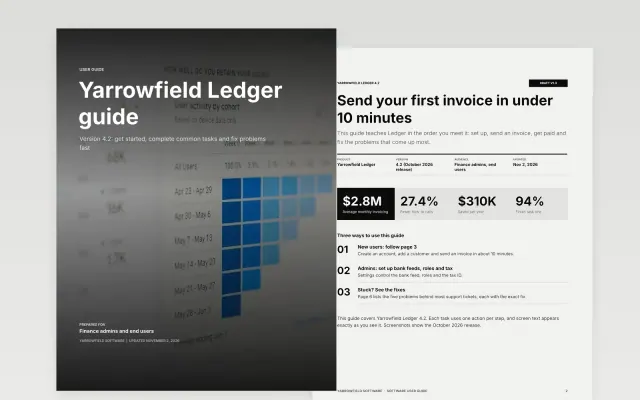 Software User Guide | 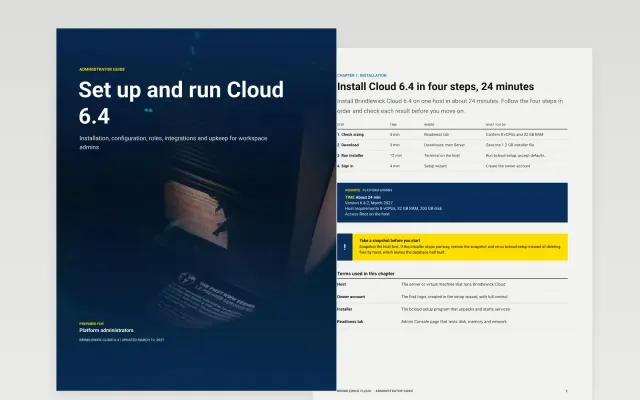 Administrator Guide | |
|---|---|---|---|---|
| Format | Presentation | Presentation | Document | Document |
| Works in | Google Slides and PowerPoint | Google Slides and PowerPoint | Google Docs and Word | Google Docs and Word |
| Length | 11 slides | 11 slides | 8 pages | 8 pages |
| Style | Corporate | Corporate | Minimal | Corporate |
A user guide helps people get things done with a product, from setting it up to fixing common problems.
Cover getting started, main tasks step by step, screenshots, troubleshooting, frequently asked questions, and how to get help.
Organize it around what people want to do, not around the product’s menus.
Compare Admin Training Deck, Customer Onboarding Webinar Slides, and Software User Guide, all 8 to 11 pages long, then pick the closest match and replace the sample text with your own.
A user guide helps people get things done with a product, from setting it up to fixing common problems.
Include getting started, main tasks step by step, screenshots, troubleshooting, frequently asked questions, and how to get help. Organize it around what people want to do, not around the product’s menus.
Start with Admin Training Deck: An 11-slide admin training deck that teaches roles, users, permissions and settings in the order administrators meet them. If that is not the right fit, compare it with Customer Onboarding Webinar Slides.
The templates here are 8 to 11 pages long. Cut any section you do not need; each template explains what its sections are for.
Yes. These user guide templates work in Google Slides, Microsoft PowerPoint, Google Docs, and Microsoft Word. All 5 templates are free, with no account or email needed.