API Documentation
Docs + Word14 pages
Free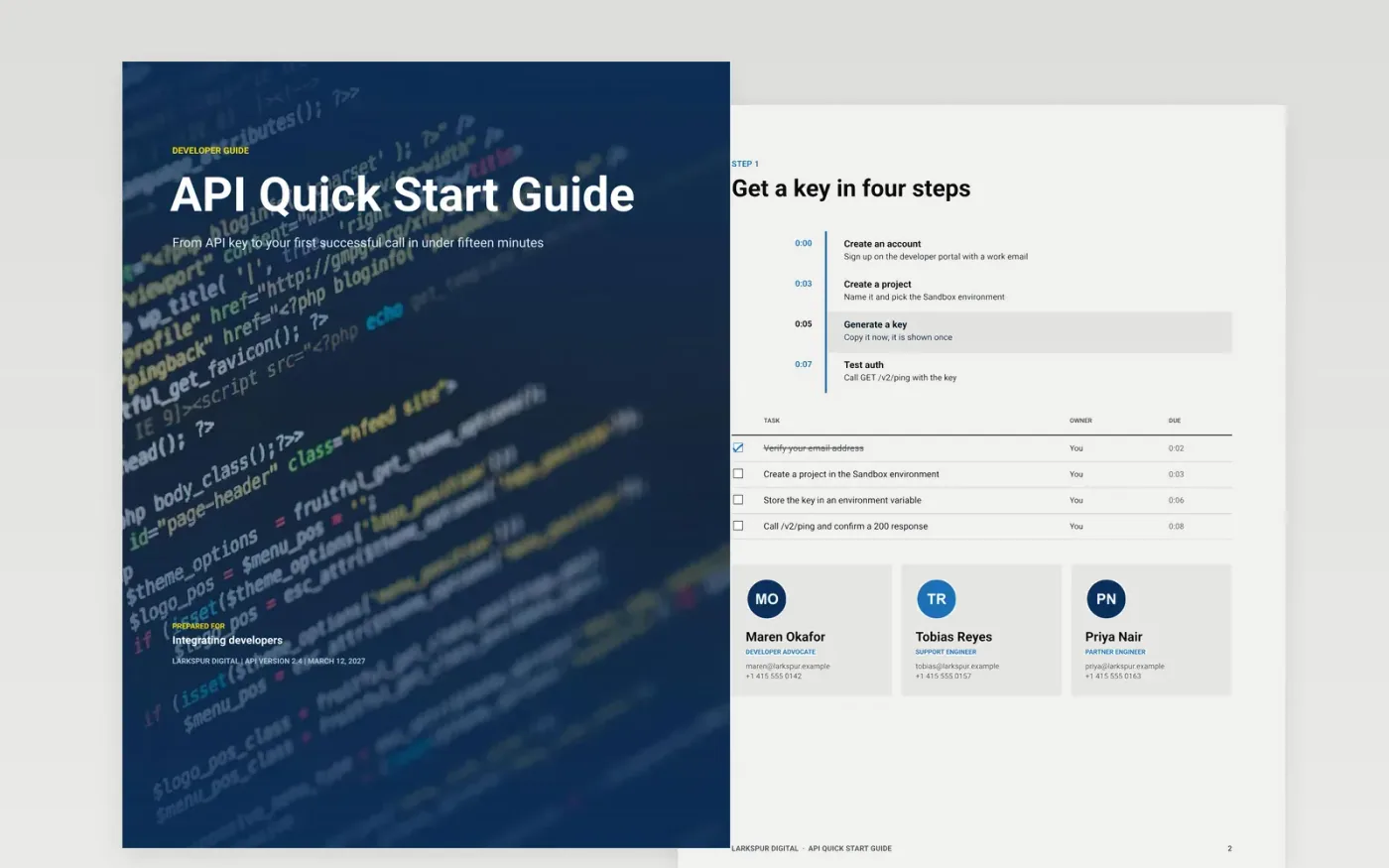
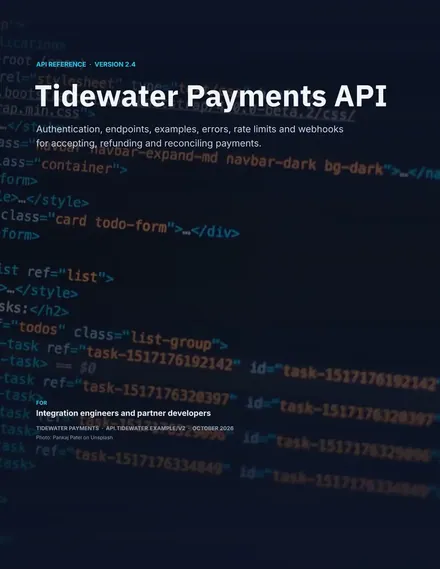
Most API documentation lists endpoints and leaves new developers to work out the order. This guide is organized around the task instead: get a key, send a first request, read the response, handle the common next steps and fix the failures people actually hit. Each page is built so an engineer can finish it in about fifteen minutes.
The sample describes a fictional REST API at /v2 with a rate limit of 300 requests per minute, a default page size of 25 and a p95 latency of 210 ms. Replace the base URL, auth scheme and rate limits with your own, paste real responses from your sandbox and keep only the error codes your API emits.
Click Make a copy in Google Docs, then confirm on the Google page. The copy is saved to your own Google Drive.
Replace the base URL, version prefix and auth scheme on the first pages with your own.
Run each sample request in your sandbox and paste the real response, trimmed to the fields that matter.
Rewrite the rate limits, status codes and troubleshooting rows to match what your API returns.
Delete the guide page at the end, then share the document or publish it as a PDF.
Yes. You can make a copy in Google Docs at no cost and edit every page, table and checklist in your own Drive.
No. Larkspur Digital, its people, the API, the endpoints and every figure are fictional sample content. Replace them with your own details before sharing.
Yes. If your API does not send events, delete the webhook checklist item and the matching troubleshooting row. The rest of the guide still reads as a complete quick start.
More Google Docs templatesMore developer workflows templates
Docs + Word14 pages
Free
Slides + PowerPoint12 slides
Free
Docs + Word6 pages
Free
Slides + PowerPoint12 slides
Free
Slides + PowerPoint12 slides
Free
Slides + PowerPoint11 slides
Free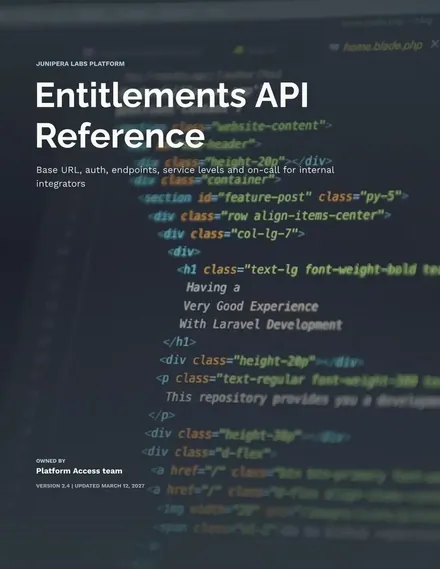
Docs + Word8 pages
Free










