
Instagram Strategy Slides
Slides + PowerPoint10 slides
Free5 templates
Slides + PowerPoint10 slides
Free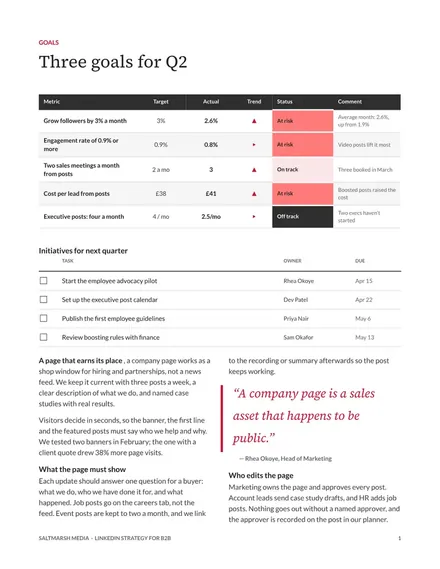
Docs + Word8 pages
Free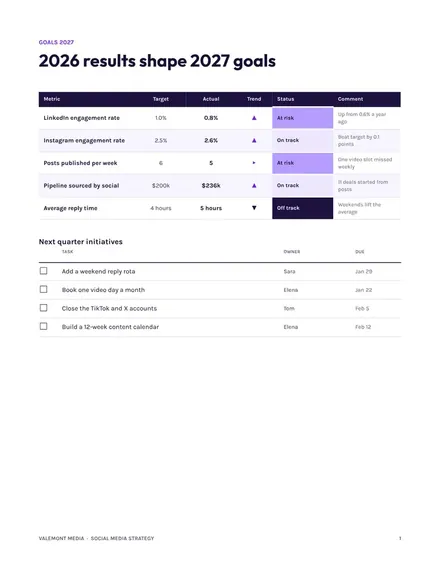
Docs + Word8 pages
Free
Slides + PowerPoint11 slides
Free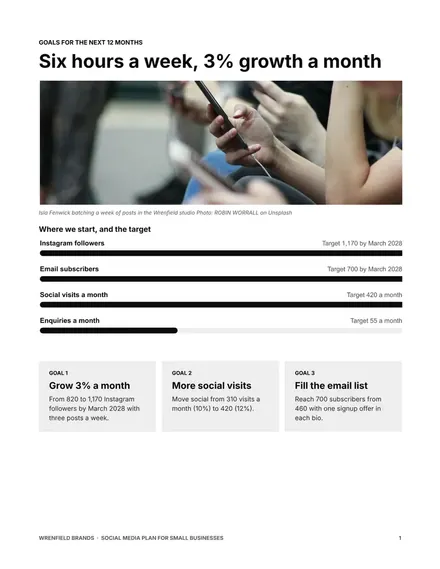
Docs + Word8 pages
Free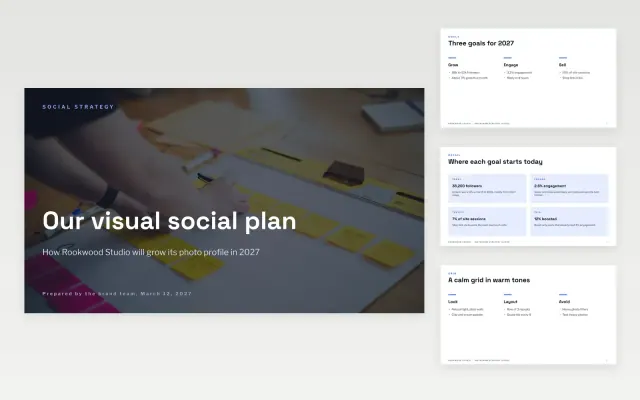 Instagram Strategy Slides | 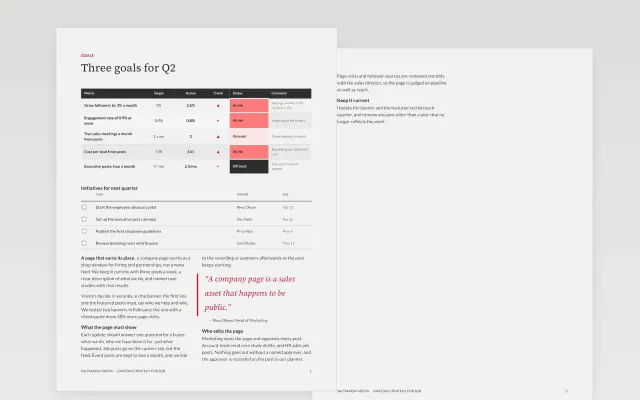 LinkedIn Strategy for B2B | 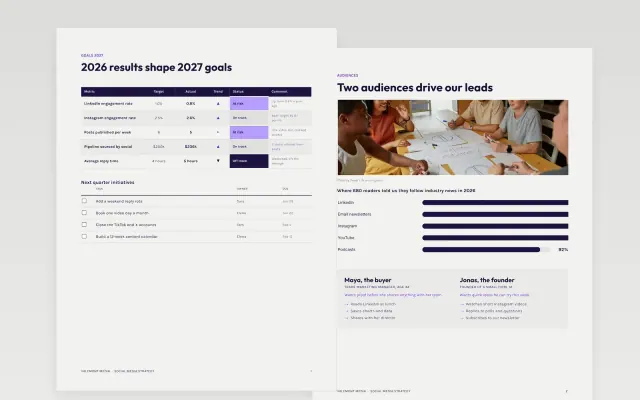 Social Media Strategy | 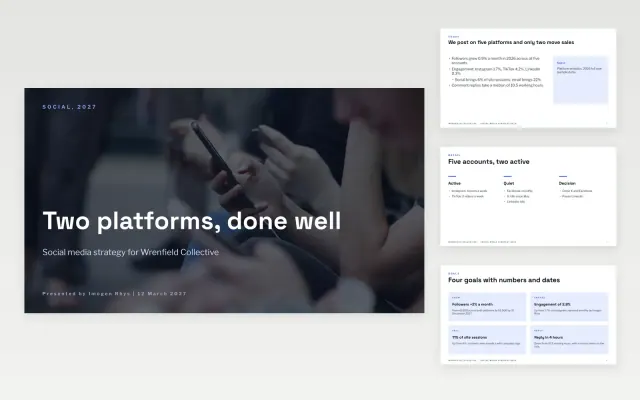 Social Media Strategy Deck | |
|---|---|---|---|---|
| Format | Presentation | Document | Document | Presentation |
| Works in | Google Slides and PowerPoint | Google Docs and Word | Google Docs and Word | Google Slides and PowerPoint |
| Length | 10 slides | 8 pages | 8 pages | 11 slides |
| Style | Modern | Corporate | Modern | Modern |
A social media strategy decides which platforms a business uses, what it posts and how it will judge the results. It keeps daily posting tied to business goals.
Cover goals with numbers, target audiences, chosen platforms, content themes, a posting rhythm, and metrics and review dates.
Do fewer platforms well, and drop any that your customers do not use.
Compare Instagram Strategy Slides, LinkedIn Strategy for B2B, and Social Media Strategy, all 8 to 11 pages long, then pick the closest match and replace the sample text with your own.
A social media strategy decides which platforms a business uses, what it posts and how it will judge the results. It keeps daily posting tied to business goals.
Include goals with numbers, target audiences, chosen platforms, content themes, a posting rhythm, and metrics and review dates. Do fewer platforms well, and drop any that your customers do not use.
Start with Instagram Strategy Slides: Set goals, a grid look, a weekly posting rhythm and the numbers that prove a photo-led social plan is working. If that is not the right fit, compare it with LinkedIn Strategy for B2B.
The templates here are 8 to 11 pages long. Cut any section you do not need; each template explains what its sections are for.
Yes. These social media strategy templates work in Google Slides, Microsoft PowerPoint, Google Docs, and Microsoft Word. All 5 templates are free, with no account or email needed.