
Campaign Social Results Slides
Slides + PowerPoint11 slides
Free3 templates
Slides + PowerPoint11 slides
Free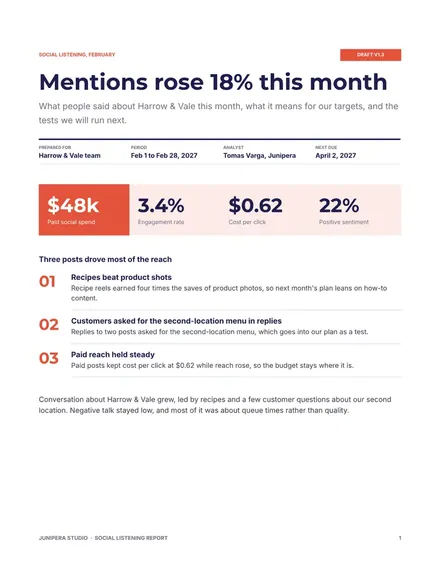
Docs + Word8 pages
Free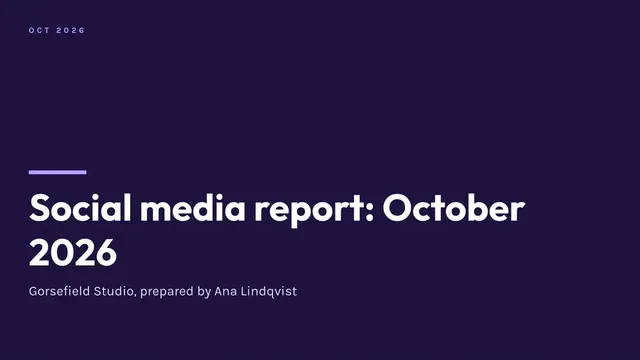
Slides + PowerPoint12 slides
Free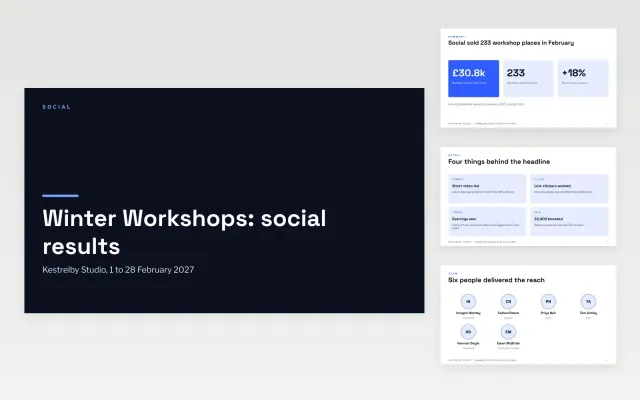 Campaign Social Results Slides | 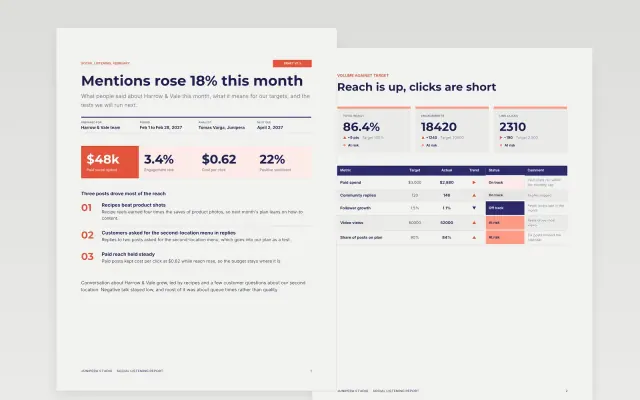 Social Listening Report | 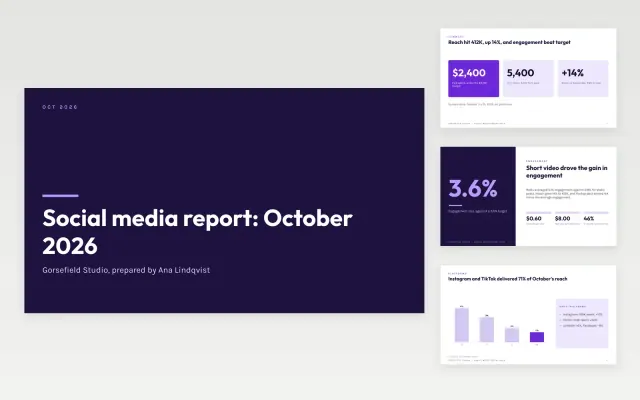 Social Media Report Deck | |
|---|---|---|---|
| Format | Presentation | Document | Presentation |
| Works in | Google Slides and PowerPoint | Google Docs and Word | Google Slides and PowerPoint |
| Length | 11 slides | 8 pages | 12 slides |
| Style | Modern | Modern | Modern |
A social media report shows how accounts performed over a month or quarter and what the team will change.
Cover results against goals, reach and engagement, top posts, audience growth, traffic or leads, and next steps.
Tie each result to a business goal, because follower counts alone rarely win budget.
Compare Campaign Social Results Slides, Social Listening Report, and Social Media Report Deck, all 8 to 12 pages long, then pick the closest match and replace the sample text with your own.
A social media report shows how accounts performed over a month or quarter and what the team will change.
Include results against goals, reach and engagement, top posts, audience growth, traffic or leads, and next steps. Tie each result to a business goal, because follower counts alone rarely win budget.
Start with Campaign Social Results Slides: Show a client what one social campaign delivered, from reach to bookings, and what you will test next. If that is not the right fit, compare it with Social Listening Report.
The templates here are 8 to 12 pages long. Cut any section you do not need; each template explains what its sections are for.
Yes. These social media report templates work in Google Slides, Microsoft PowerPoint, Google Docs, and Microsoft Word. All 3 templates are free, with no account or email needed.