
Board Marketing Update
Slides + PowerPoint10 slides
Free3 templates
Slides + PowerPoint10 slides
Free
Slides + PowerPoint10 slides
Free
Slides + PowerPoint10 slides
Free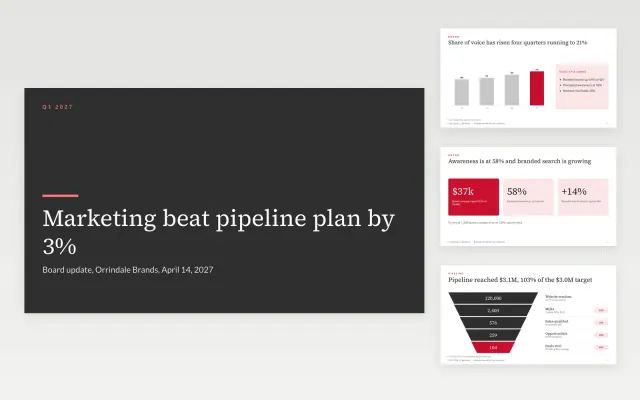 Board Marketing Update |  Marketing Dashboard Slide | 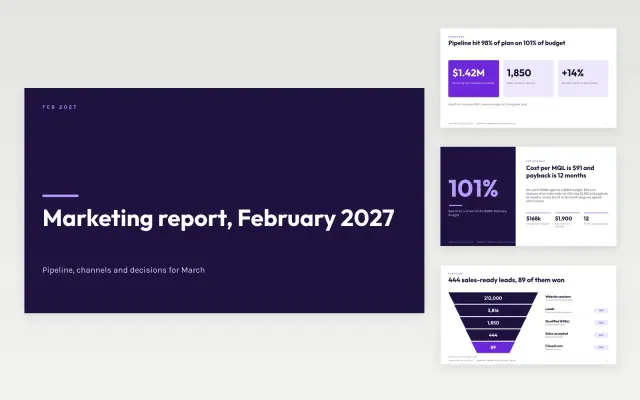 Monthly Marketing Report Deck | |
|---|---|---|---|
| Format | Presentation | Presentation | Presentation |
| Works in | Google Slides and PowerPoint | Google Slides and PowerPoint | Google Slides and PowerPoint |
| Length | 10 slides | 10 slides | 10 slides |
| Style | Corporate | Minimal | Modern |
A marketing report shows what campaigns delivered over a period and where the team will spend next.
Cover results against goals, pipeline or revenue, channel performance, cost per result, lessons, and the next plan.
Lead with what marketing added to revenue or pipeline, then show the channel detail.
Compare Board Marketing Update, Marketing Dashboard Slide, and Monthly Marketing Report Deck, all 10 pages long, then pick the closest match and replace the sample text with your own.
A marketing report shows what campaigns delivered over a period and where the team will spend next.
Include results against goals, pipeline or revenue, channel performance, cost per result, lessons, and the next plan. Lead with what marketing added to revenue or pipeline, then show the channel detail.
Start with Board Marketing Update: A 10-slide board update that shows brand health, pipeline against plan, the investment decision and the risks in one sitting. If that is not the right fit, compare it with Marketing Dashboard Slide.
The templates here are 10 pages long. Cut any section you do not need; each template explains what its sections are for.
Yes. These marketing report templates work in Google Slides and Microsoft PowerPoint. All 3 templates are free, with no account or email needed.