
Company Magazine
Docs + Word7 pages
Free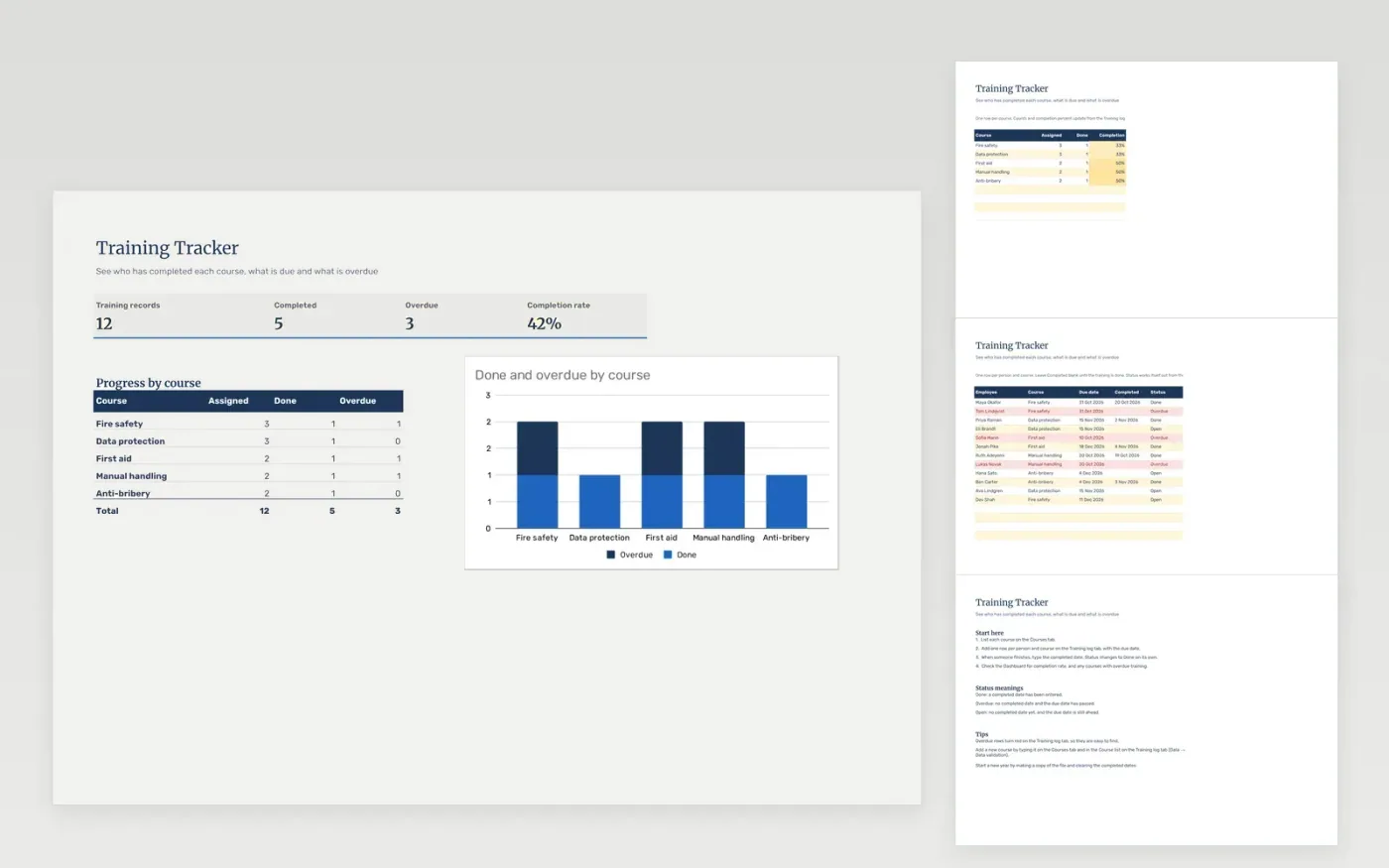
The Training Tracker keeps a record of mandatory and optional training for each person. The Training log tab lists each person and course with a due date and a completed date. Status is worked out from those dates, so training shows as Done, Open or Overdue. The Courses tab gives the completion percentage for each course, and the Dashboard shows the overall completion rate.
The file comes with sample data for twelve training records across five courses, so you can see how it works. Make a copy, replace the sample rows with your own staff and courses, and the statuses, percentages and charts update on their own.
Click Make a copy in Google Sheets, then confirm on the Google page. The copy is saved to your own Google Drive.
Start on the Courses tab: replace the sample rows with your own.
Keep the formula columns as they are; they fill in as you type.
Read the How to use tab for tips. For Excel, download the .xlsx file instead.
Yes. The Training Tracker template is free to download, copy and use for your own team.
Yes. Download the .xlsx file and open it in Microsoft Excel. The formulas, dropdowns, highlighting and charts work in Excel as well as in Google Sheets.
A row is Done when it has a completed date. It is Overdue when there is no completed date and the due date has passed. Otherwise it is Open. The status updates as the dates change.
Docs + Word7 pages
Free
Docs + Word21 pages
Free
Slides + PowerPoint16 slides
Free
Slides + PowerPoint10 slides
Free
Docs + Word7 pages
Free
Docs + Word8 pages
Free








