
Employee Training Plan
Docs + Word8 pages
Free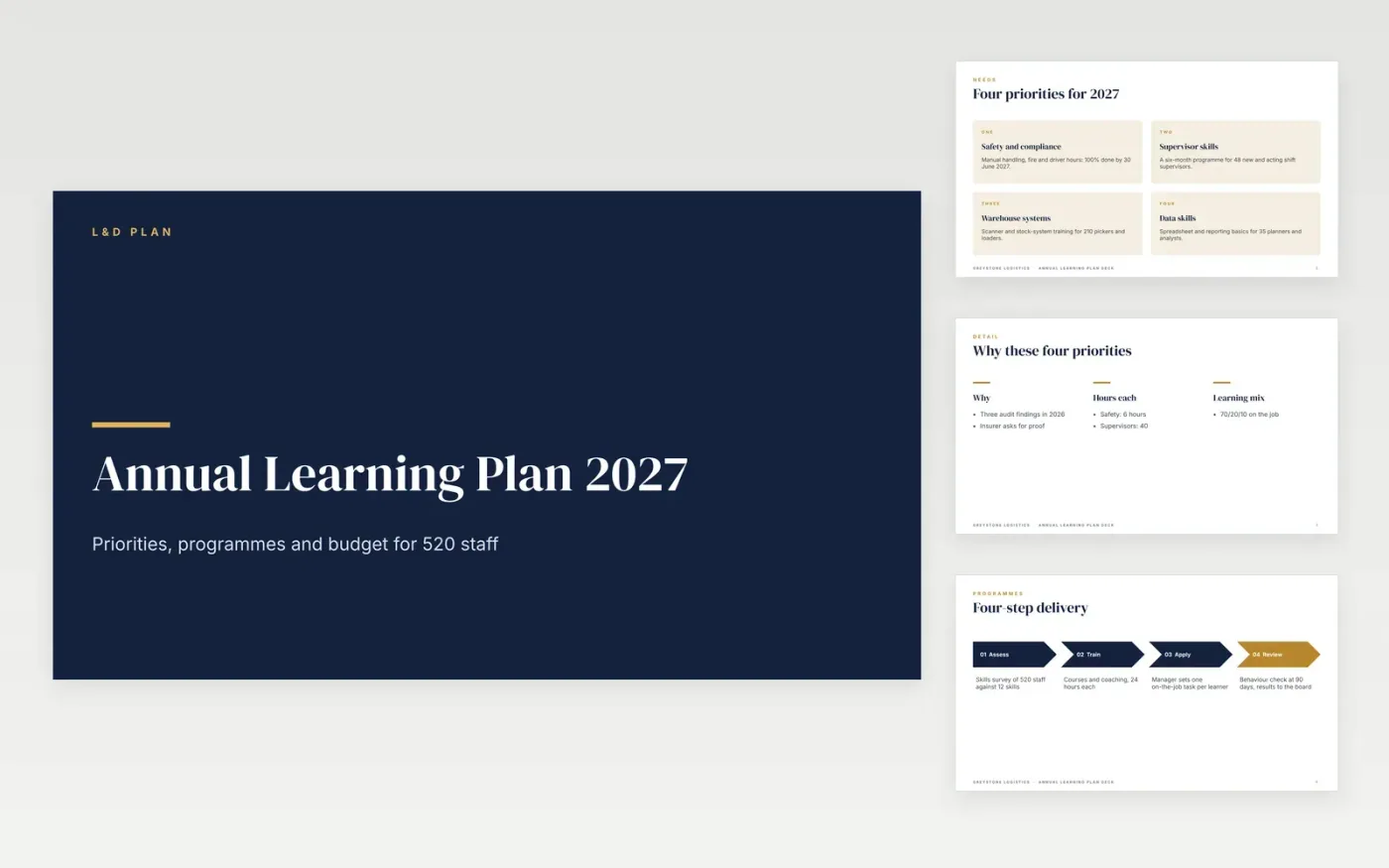
Leadership approves training when it sees a need, a cost and a way to check the result. This deck leads with four business priorities, shows who is trained by which programme, puts the year on one calendar, states the budget per head and ends on a scorecard of measures.
The sample is a fictional 2027 plan for Greystone Logistics: 520 employees, a budget of £494,000 and 24 learning hours each. Replace the priorities, the headcount, the quotes and the dates with your own, then choose two measures per programme and say when you will check them.
Click Make a copy in Google Slides, then confirm on the Google page. The copy is saved to your own Google Drive.
Replace the four priorities with your top needs from your skills survey, and update the headcount and hours.
Edit the calendar so courses avoid your trading peaks, and enter your own budget quotes including cover and travel.
Set two measures per programme on the scorecard, with targets and the date you will check them.
Delete the Make it yours guide slide, then share the deck or present it.
Divide the total budget by headcount. The sample uses £494,000 for 520 employees, about £950 each, and includes cover and travel as well as course fees.
No. Greystone Logistics, the people, the email address and every figure are fictional sample content. Replace them with your own needs analysis, quotes and results.
Add completion of mandatory courses, hours delivered and a manager behaviour check 90 days after training. The scorecard slide has six rows for these.
Docs + Word8 pages
Free
Docs + Word7 pages
Free
Docs + Word21 pages
Free
Docs + Word7 pages
Free
Sheets + Excel4 slides
Free









