Project Proposal
Docs + Word5 pages
FeaturedFree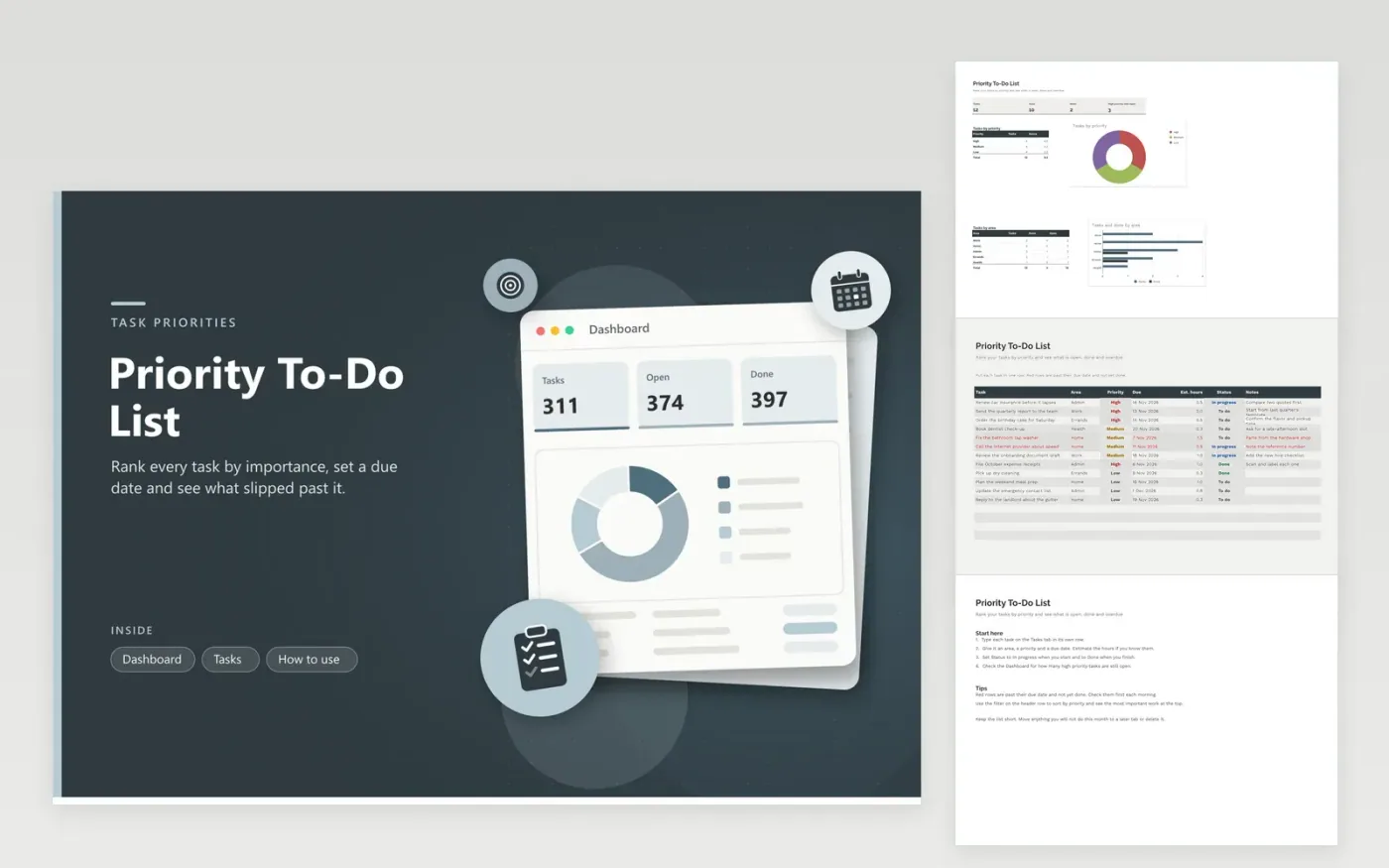
The Priority To-Do List suits anyone who juggles work and home tasks and wants the most important items at the top. The Tasks tab gives every task a line showing its area, priority, due date, estimated hours, status and notes. Overdue tasks turn red until they are done. The Dashboard counts tasks, open and done items and high priority work still to finish, with breakdowns by priority and by area.
The sample list mixes work, home, admin, errands and health tasks, with a few already done and a few past due, so the colors and counts show what the sheet does. Keep the list short, with no more than about twenty open items at a time. Check priorities each week, and mark a task Done as soon as it is finished rather than deleting it, so the counts stay honest.
Click Make a copy in Google Sheets, then confirm on the Google page. The copy is saved to your own Google Drive.
Start on the Tasks tab: replace the sample rows with your own.
Keep the formula columns as they are; they fill in as you type.
Read the How to use tab for tips. For Excel, download the .xlsx file instead.
Turn on the filter on the header row of the Tasks tab, then sort by the Priority column. In Excel, use Sort and Filter. In Google Sheets, use Data and then Create a filter. Sorting changes the order of the rows, but the Dashboard counts stay the same.
Red means the deadline is behind you and the status is not Done. Mark the task Done when you finish it, or push the deadline out if the plan moved. The highlight follows the current day, so it refreshes whenever the file opens.
It works best for tasks that run over days or weeks. For a daily list, clear the Done rows every evening, or move the week's open items into a new file.
More Google Sheets templatesMore project management templates
Docs + Word5 pages
FeaturedFree
Docs + Word1 page
Free
Docs + Word11 pages
Free
Sheets + Excel5 tabs
Free
Sheets + Excel4 tabs
Free
Sheets + Excel3 tabs
Free
Sheets + Excel3 tabs
Free
Sheets + Excel3 tabs
Free
Sheets + Excel5 tabs
Free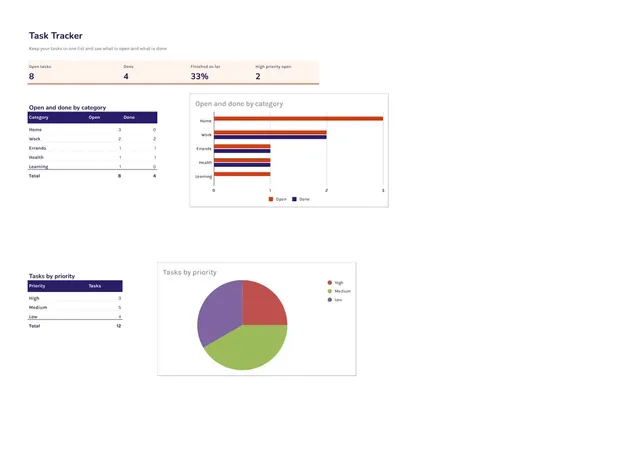
Sheets + Excel3 tabs
Free









