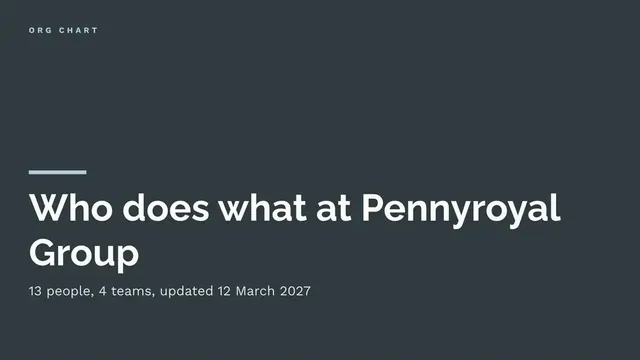
Simple Org Chart Slide
Slides + PowerPoint11 slides
Free
People join or work with a team and cannot tell who owns what. This 12-slide deck answers that for team leads: why the team exists, who leads each part, what each role is responsible for, how big each team is, which posts are open, and how work passes to the other teams it depends on.
The sample is the Customer Operations team at Eastlake Services: 34 people in five teams, six managers, two vacancies and four named partner teams. Replace the leadership boxes, the roles table with your own teams and headcounts, the vacancies, and the owners, then date the chart and name who keeps it current.
Click Make a copy in Google Slides, then confirm on the Google page. The copy is saved to your own Google Drive.
Replace the top-level boxes with your leadership team and confirm each title with the person concerned.
Update the roles table with your own teams, leads and headcounts, and the vacancies and planned changes with dates.
Delete anything you cannot keep current, add dotted lines only where they affect decisions, and put the chart date and owner on the cover.
Delete the Make it yours slide, then share the deck or present it.
Up to about six boxes per slide stays readable. For a larger team, duplicate the team slide for each group and link them from a top-level view, rather than shrinking the text.
Yes, with care. Duplicate the roles slides for the proposed structure and compare spans and headcount. Check your duty to inform and consult staff before sharing proposals widely.
No. The organisation, the people and every figure are fictional sample content, written to show what a good team structure deck looks like. Replace all of it with your own.
Slides + PowerPoint11 slides
Free
Slides + PowerPoint16 slides
Free
Docs + Word7 pages
Free
Slides + PowerPoint11 slides
Free
Slides + PowerPoint10 slides
Free
Slides + PowerPoint11 slides
Free









