
Team Structure Presentation
Slides + PowerPoint12 slides
Free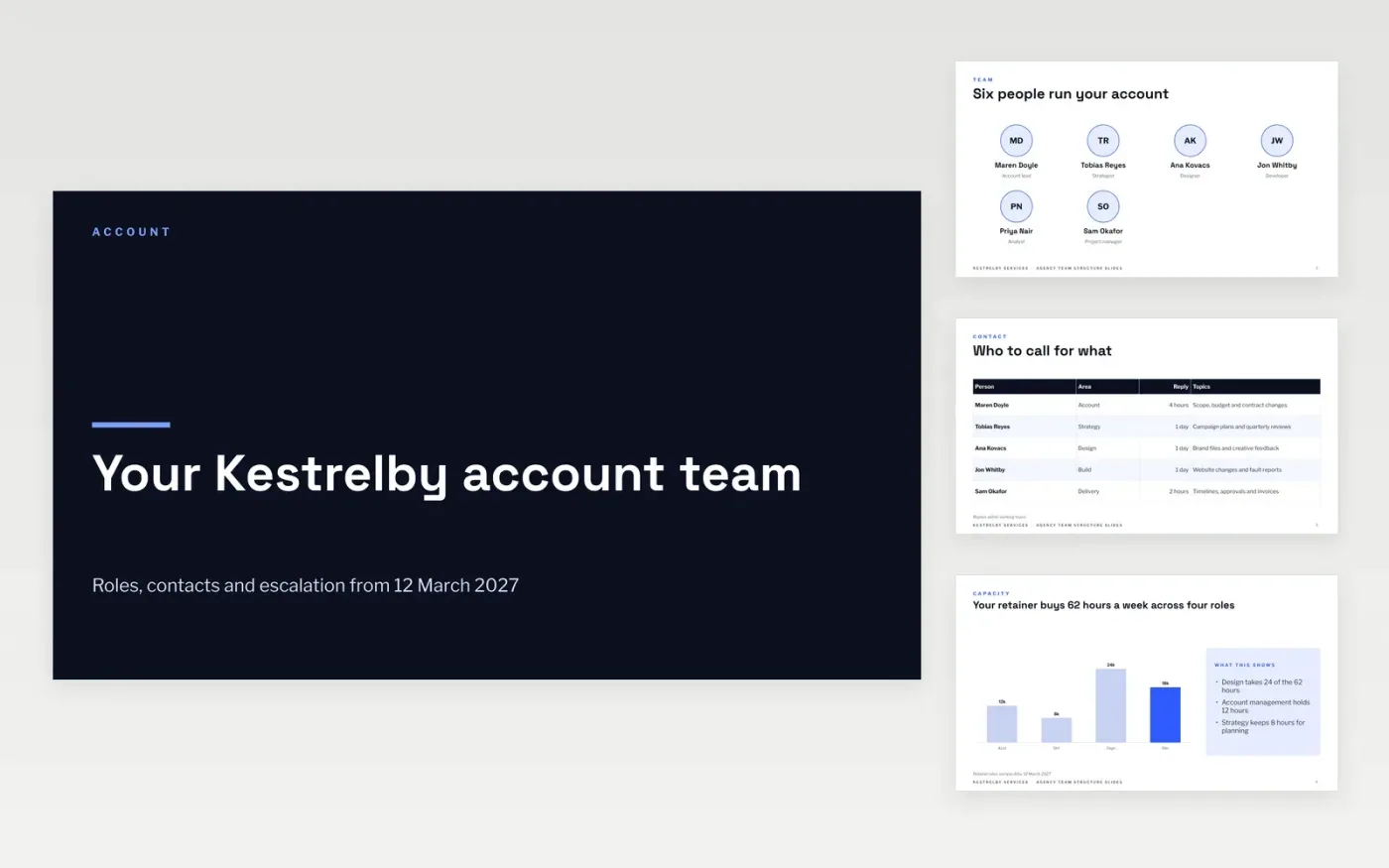
Clients rarely know who to contact, and agencies lose days to emails sent to the wrong person. This deck presents the account team in one short walk-through: the people, a contact table, how the retainer hours are split, who approves what, and how an issue moves up through four levels.
The sample shows a six-person team with a 62-hour weekly retainer and reply times for every level. Replace the names, roles, hours and phone numbers with your own, drop in a photo on the reporting-lines slide, and delete any slide you cannot keep up to date.
Click Make a copy in Google Slides, then confirm on the Google page. The copy is saved to your own Google Drive.
Replace the six names and roles on the team slide, then update the contact table with each person's area and reply time.
Enter your own retainer hours in the chart, rewrite the role columns and approvals, and add a photo to the reporting slide.
Set your escalation levels, reply times and out-of-hours number, then put your real contact details on the closing slide.
Delete the guide slide, then share the deck with your client or present it in your next account meeting.
No. Kestrelby Services, every person, email address and phone number, and all hours and figures are fictional sample data. Replace them with your own.
It shows six people. For a larger account, duplicate the slide and give each squad or workstream its own page, keeping the same layout.
Yes, if you can keep your promises. Only list reply times you can meet, and update the slide whenever a named person leaves or changes role.
Slides + PowerPoint12 slides
Free
Slides + PowerPoint11 slides
Free
Slides + PowerPoint11 slides
Free










