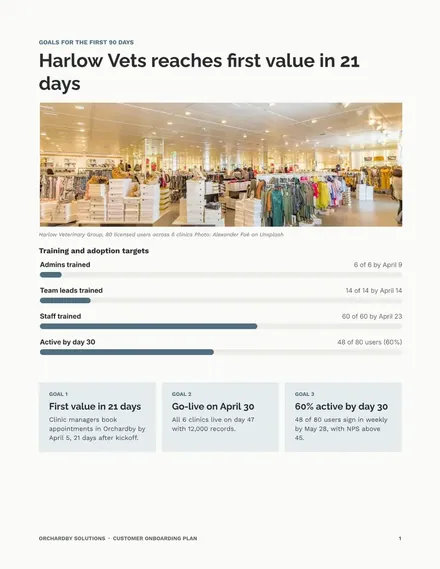
Customer Onboarding Plan
Docs + Word8 pages
Free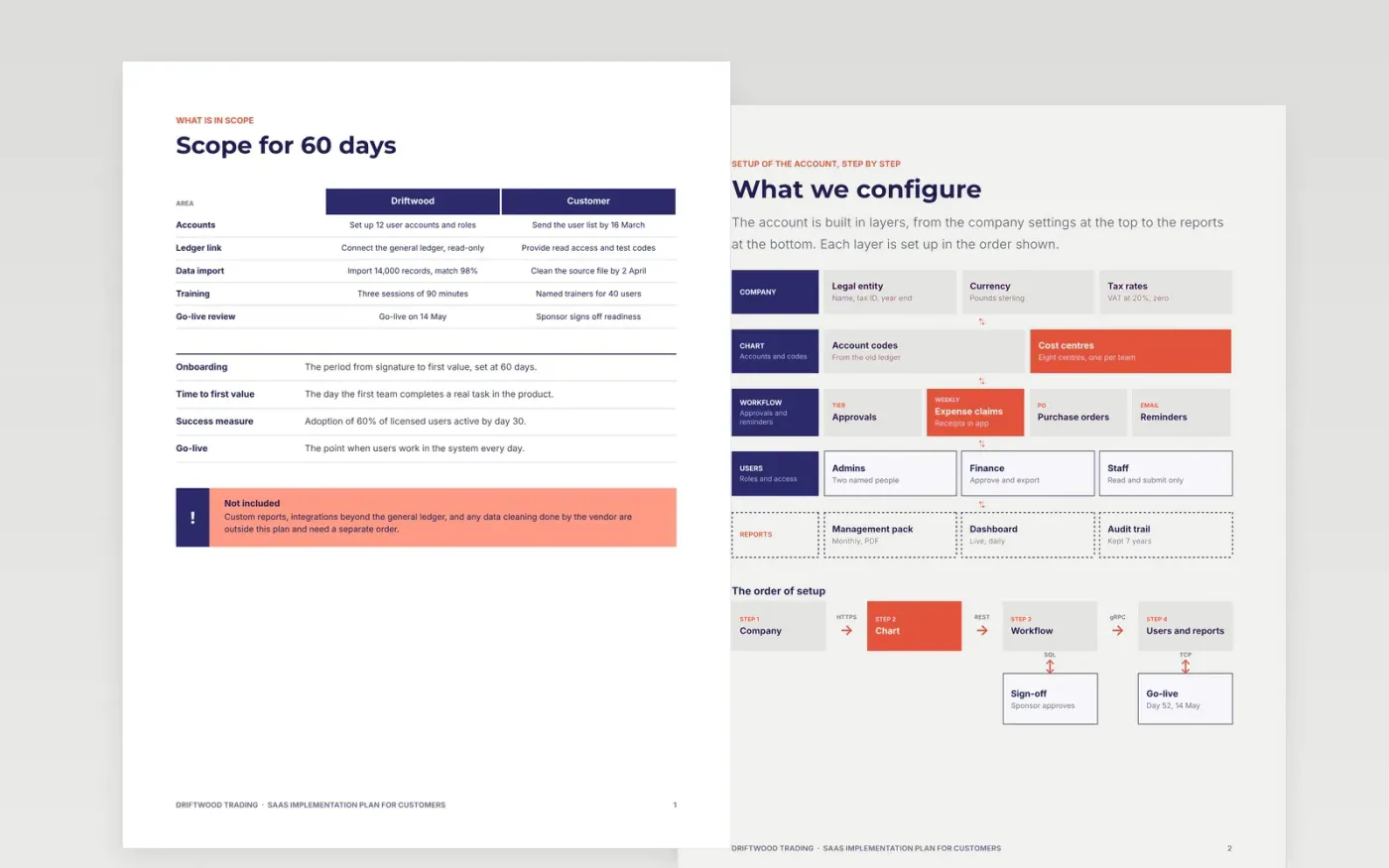
A new customer is most at risk in the weeks after signature, when promises made in the sale meet the real work of setup. This template turns that handover into one plan with goals, milestones, responsibilities on both sides, configuration, data import, training and a go-live checklist. It has eight pages, and each one names who does what and by when, so delays show up early.
The sample is for Driftwood Trading, a fictional trading business that goes live on 14 May 2027, after 60 days of setup, with 14,000 imported records and 40 trained users. Its milestones, names and figures are invented and marked as sample data. Replace the goals and dates with the customer's own, and list the data and documents you need from them, with the date you need each one.
Click Make a copy in Google Docs, then confirm on the Google page. The copy is saved to your own Google Drive.
Write the customer's goals and the date they expect first value on the scope page, before any setup starts.
Set milestones with dates, owners at both organisations, and what must be true before each one.
Replace the training sessions, trainers and data list with the ones this customer needs, and date each item.
Delete the guide page, then share the plan with the customer's sponsor and project lead, or review it at kickoff.
Delays most often come from the customer side, such as late data or unnamed users. Listing their tasks with owners and dates makes those delays visible early, while there is still time to act.
No. Driftwood Trading, the people named, the records, the dates and the trainers are fictional sample data. Replace them with the customer's real details before the plan is shared.
Hold it within a few days of day 30, chaired by the person named on the go-live page. Use it to check adoption, close open tickets and decide whether the account is ready to hand over.
Docs + Word8 pages
Free
Docs + Word7 pages
Free
Docs + Word7 pages
Free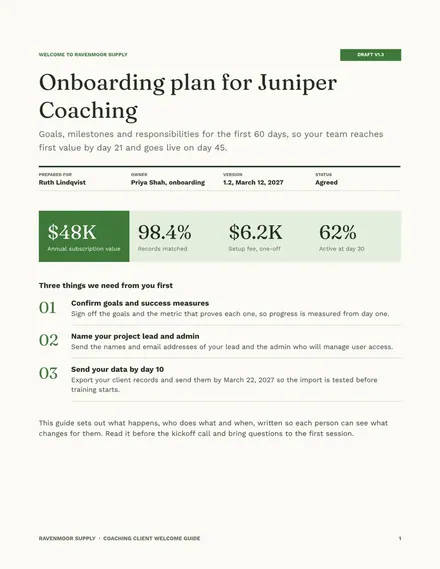
Docs + Word7 pages
Free
Slides + PowerPoint11 slides
Free
Slides + PowerPoint12 slides
Free
Slides + PowerPoint11 slides
Free










