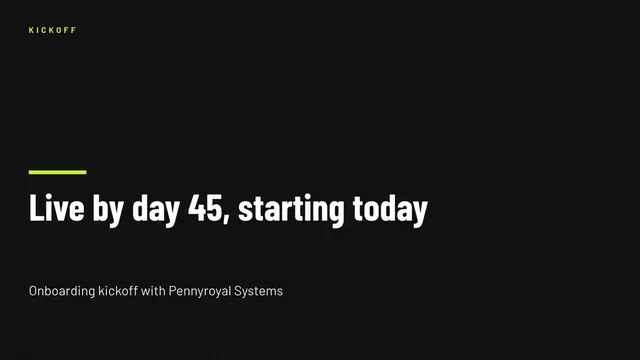
Customer Onboarding Kickoff Deck
Slides + PowerPoint11 slides
Free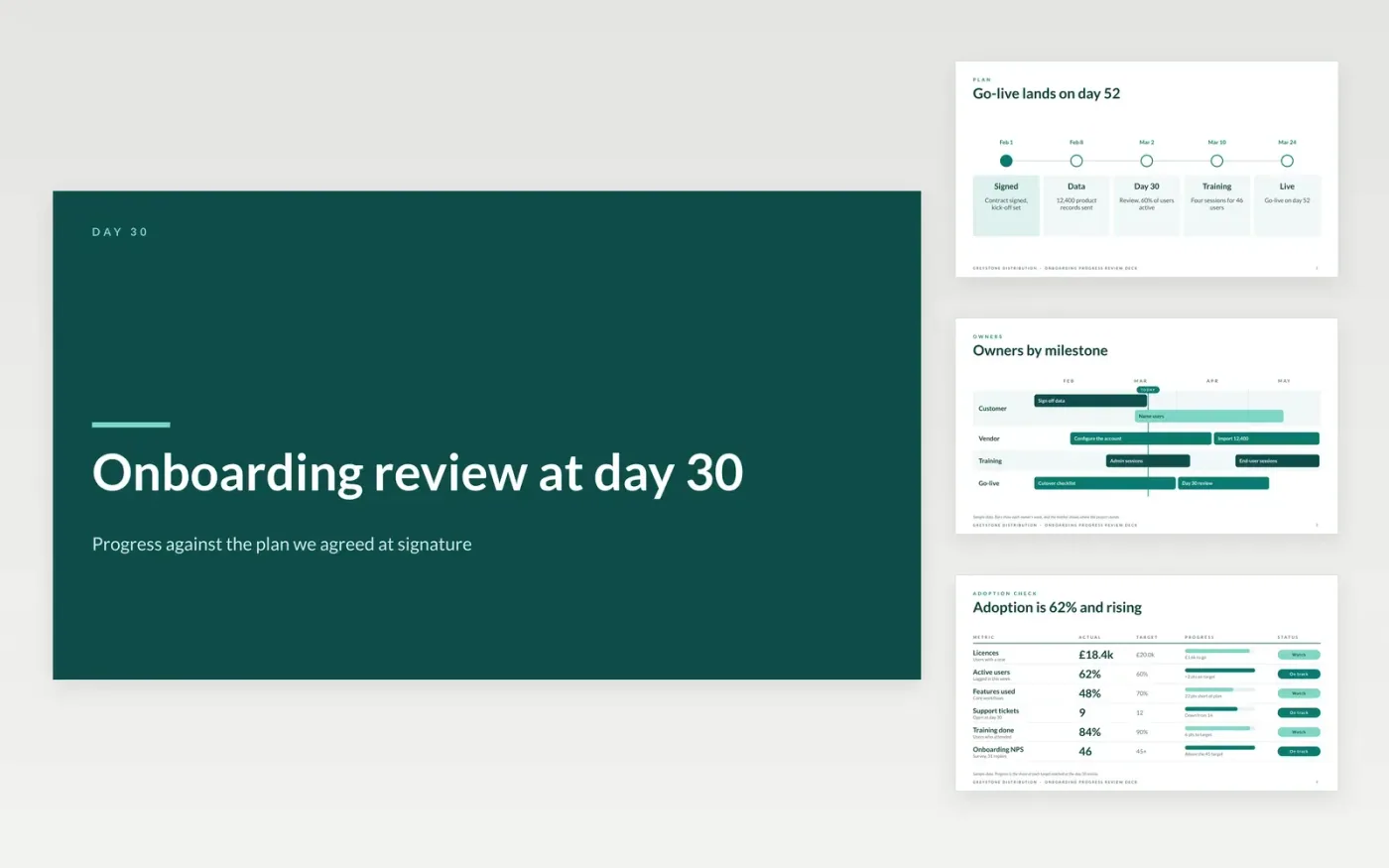
Early churn often starts after signature, when the customer does not know who must send which file or when the first value should arrive. This deck gives the onboarding manager a way to show the agreed plan, the adoption of each team, open issues and the next steps at the thirty-day mark. Each milestone names an owner at both organisations, so delays are visible to everyone.
The sample follows Greystone Distribution, a fictional wholesale business that went live on day 52 with 46 trained users, 12,400 product records and an adoption rate of 62% at day 30. Replace the goals, milestones, owners and metrics with your own, and set the date for your day 30 review before the kick-off.
Click Make a copy in Google Slides, then confirm on the Google page. The copy is saved to your own Google Drive.
Write the customer's goals and the date they expect first value, then replace the sample milestones.
Set each milestone with a date and an owner at both organisations, and say what must be true before it.
Replace the adoption targets and the issues list with the figures from your own account data.
Delete the guide slide, then share the deck with the sponsor or present it at the day 30 review.
No. Greystone Distribution, its people, the customer, product codes, email addresses and every metric are fictional. They show how a finished day 30 review reads.
Usually the onboarding manager, with the customer's sponsor present, so decisions can be made in the room. The meeting should cover adoption, open issues and the next steps.
Raise it at once rather than waiting for the review. Any issue open for more than five working days goes to the sponsor, and the revised date is written into the plan.
Slides + PowerPoint11 slides
Free
Slides + PowerPoint12 slides
Free
Docs + Word7 pages
Free
Docs + Word7 pages
Free
Docs + Word8 pages
Free
Docs + Word8 pages
Free
Docs + Word7 pages
Free










