Customer Onboarding Plan
Docs + Word8 pages
Free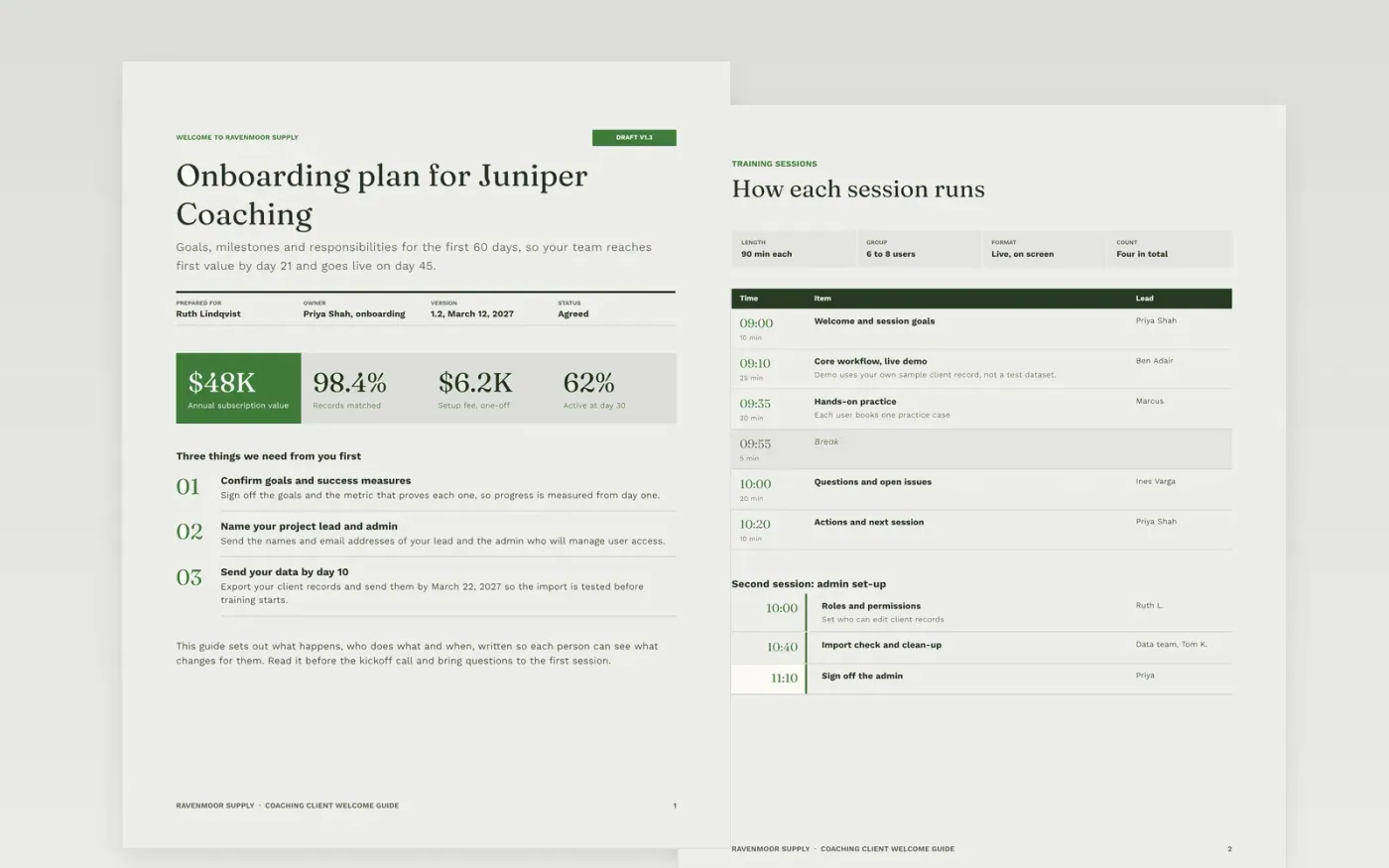
New clients stall when the handover from sale to delivery leaves goals unwritten, owners unnamed and the customer's tasks buried in someone's inbox. This guide gives both sides one plan: the goals and success measures, the team and contacts, milestones with owners, training, data import, go-live and a thirty-day review. It works as a client onboarding checklist, a 90 day onboarding plan for customer success, or the new client welcome document template that sits behind customer onboarding kickoff slides.
The sample welcomes Juniper Coaching to Ravenmoor Supply, with a 60-day plan, go-live on day 45, 24 users trained in four sessions and 12,480 records imported at a 98.4% match rate. Every name, figure and date is sample data and fictional. Replace the goals, milestones and data needs with the customer's own, then book the thirty-day review before the plan is signed.
Click Make a copy in Google Docs, then confirm on the Google page. The copy is saved to your own Google Drive.
Write the customer's goals and the date they expect first value, with a success measure for each.
Set milestones with dates, owners at both organizations, and what must be true before each one.
Replace the training plan and the data list with the roles and documents this customer needs.
Delete the guide page, then share the plan with the customer or present it at kickoff.
Yes. Ravenmoor Supply, Juniper Coaching, the named people and every figure and date in this sample are fictional. Replace them with real details before you share the plan with a customer.
A named onboarding manager on the vendor side and a project lead on the customer side. Both should sign the plan, and both should be listed against each milestone in the document.
Move the affected milestone and any later gates together, and say so in writing on the same day. Silent slippage is what makes a plan lose its credibility with the customer.
Docs + Word8 pages
Free
Docs + Word7 pages
Free
Docs + Word7 pages
Free
Slides + PowerPoint11 slides
Free
Slides + PowerPoint12 slides
Free
Slides + PowerPoint11 slides
Free
Docs + Word8 pages
Free










