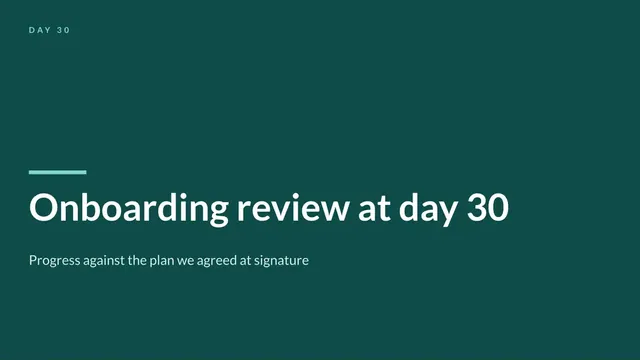
Onboarding Progress Review Deck
Slides + PowerPoint11 slides
Free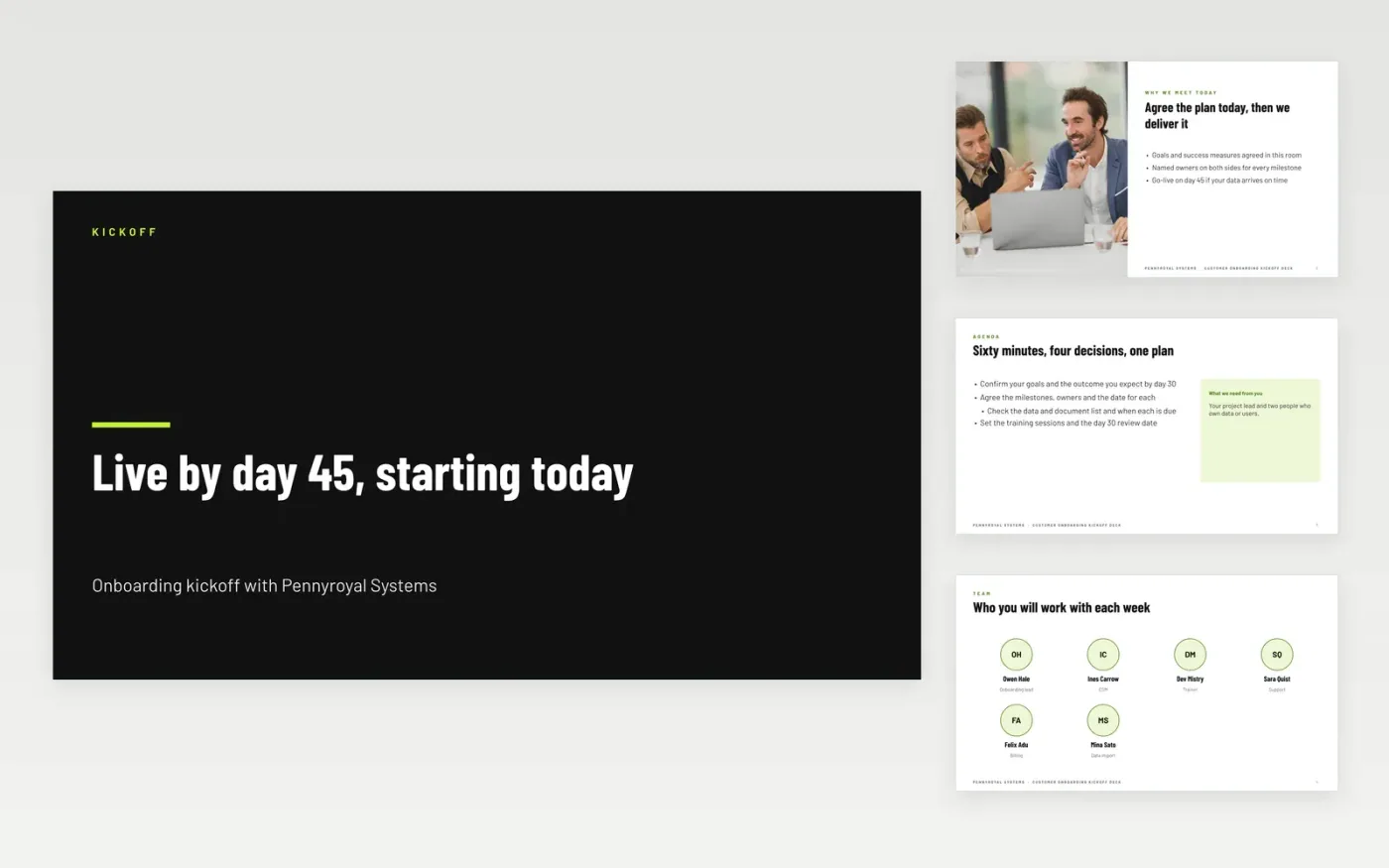
A kickoff meeting is the moment a new customer decides whether onboarding will run smoothly. This deck covers that meeting in eleven slides: a welcome that agrees the goals, the team and its roles, a timeline with its decision points, a workstream plan, the first tasks for the week and the route for getting support.
The sample follows Pennyroyal Systems, a fictional software vendor onboarding a customer with go-live on day 45, a thirty-day review and four tasks for the first week. Replace the people, dates and tasks with your own, and send the agreed version to the customer's sponsor the same afternoon.
Click Make a copy in Google Slides, then confirm on the Google page. The copy is saved to your own Google Drive.
Replace the team names and roles on the team slide with the people on your project.
Set the milestone dates and owners on the timeline, and check each has an owner on both sides.
Replace the four first-week tasks with the actions your customer must take before day 7.
Delete the make it yours guide slide, then share the deck or present it from Google Slides.
No. Pennyroyal Systems, the team members, the dates and the tasks in this deck are fictional sample data. Replace them with your own project details before you share the deck with a real customer.
Yes, with changes. Add a row to the team slide for each workstream lead, extend the timeline to the second wave of sites, and move the support bullets to name an escalation route for each region.
The customer's sponsor, the project lead and the people who own data and users should attend. Keep the meeting to one hour, and send the agreed plan to everyone who could not attend within the same day.
Slides + PowerPoint11 slides
Free
Slides + PowerPoint12 slides
Free
Docs + Word7 pages
Free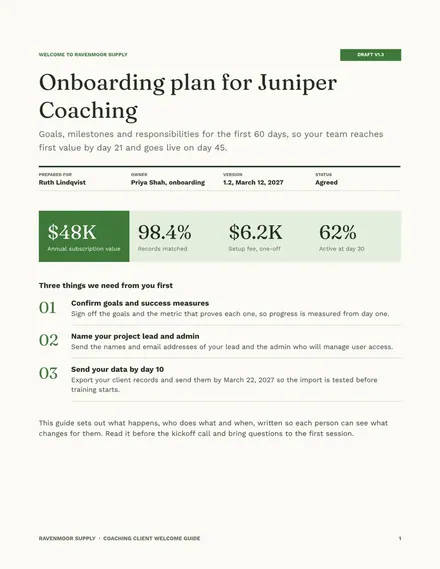
Docs + Word7 pages
Free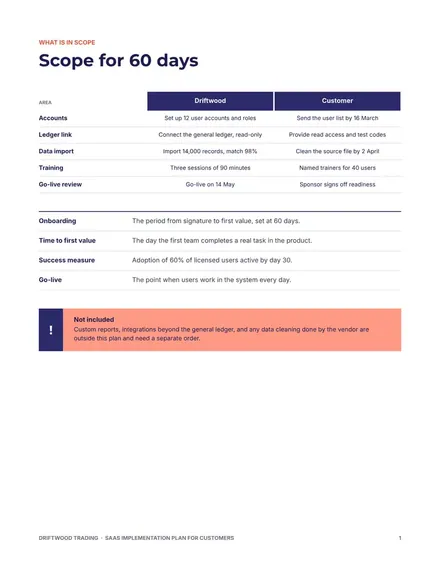
Docs + Word8 pages
Free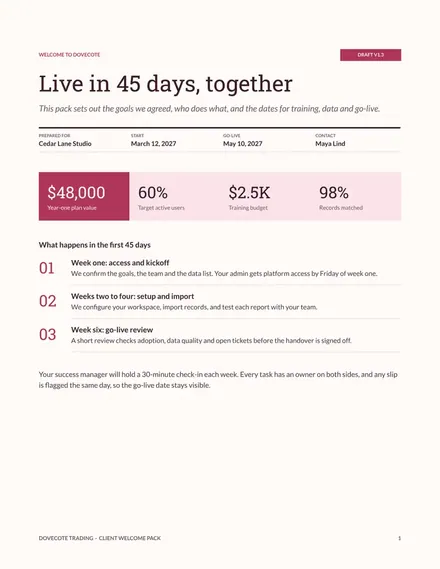
Docs + Word7 pages
Free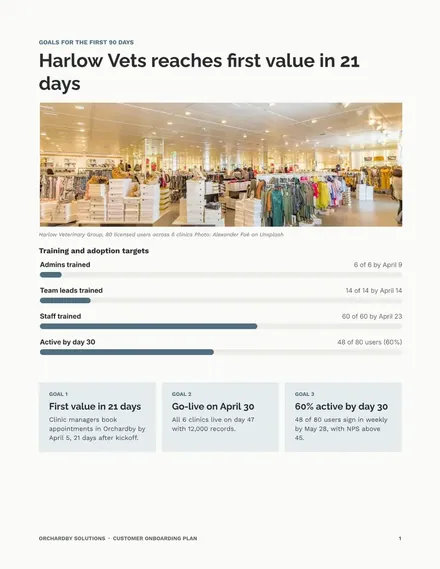
Docs + Word8 pages
Free










