Customer Onboarding Kickoff Deck
Slides + PowerPoint11 slides
Free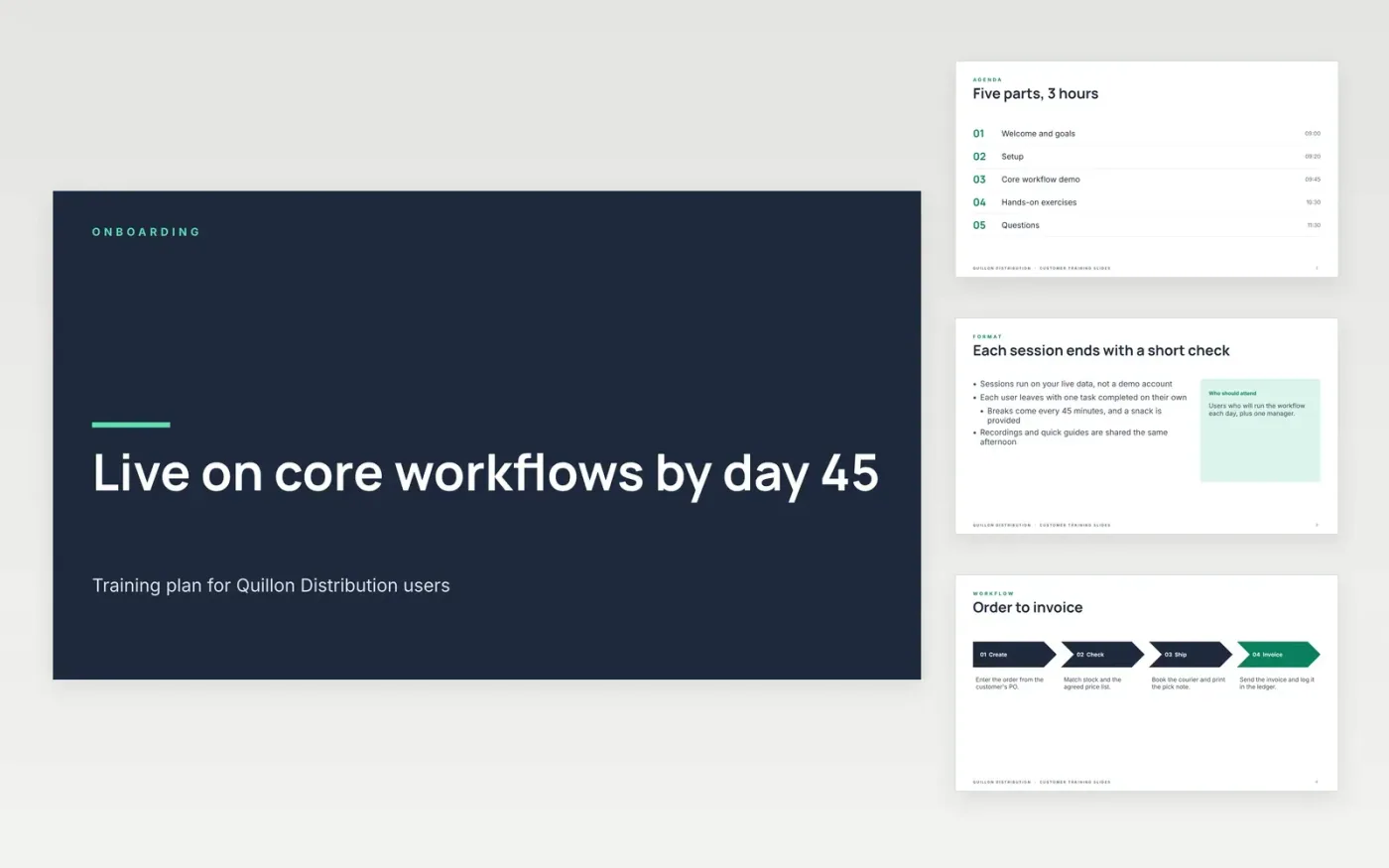
A new customer's users need to learn the core workflow quickly, or early frustration turns into churn risk. This deck runs a training session in twelve slides: the agenda, the core workflow with its habits, an exercise with a quiz, tips for the first month and the support team to call when something blocks them.
The sample follows Quillon Distribution, a fictional wholesaler whose users learn order-to-invoice in a three-hour session on live data and go live by day 45. Replace the workflow, exercises and support contacts with your own, and keep the exercises on the customer's real data so that the training sticks once the session ends.
Click Make a copy in Google Slides, then confirm on the Google page. The copy is saved to your own Google Drive.
Replace the core workflow steps and habits with the process your customer will actually run.
Write the exercise on the customer's own data, with the right answer and the reason it is right.
Name the support contacts on the team slide and set the day-45 go-live date on the agenda.
Delete the make it yours guide slide, then share the deck or present it from Google Slides.
No. Quillon Distribution, its workflow, the team on the support slide and the exercise data are fictional sample data. Replace them with your customer's details before you run a training session or share the deck.
Yes. Keep the agenda, exercise and tips structure, then rewrite the four workflow steps and the quiz for the process you teach, such as returns, stock counts or claims. The team and closing slides work unchanged.
Three hours with breaks suits most core workflows and 10 to 20 users. Split larger groups into two sessions, and keep every exercise on live data so each user finishes one task they can repeat without help.
Slides + PowerPoint11 slides
Free
Slides + PowerPoint11 slides
Free
Docs + Word7 pages
Free
Docs + Word7 pages
Free
Docs + Word8 pages
Free
Docs + Word8 pages
Free
Docs + Word7 pages
Free










