
Annual Report
Docs + Word6 pages
FeaturedFree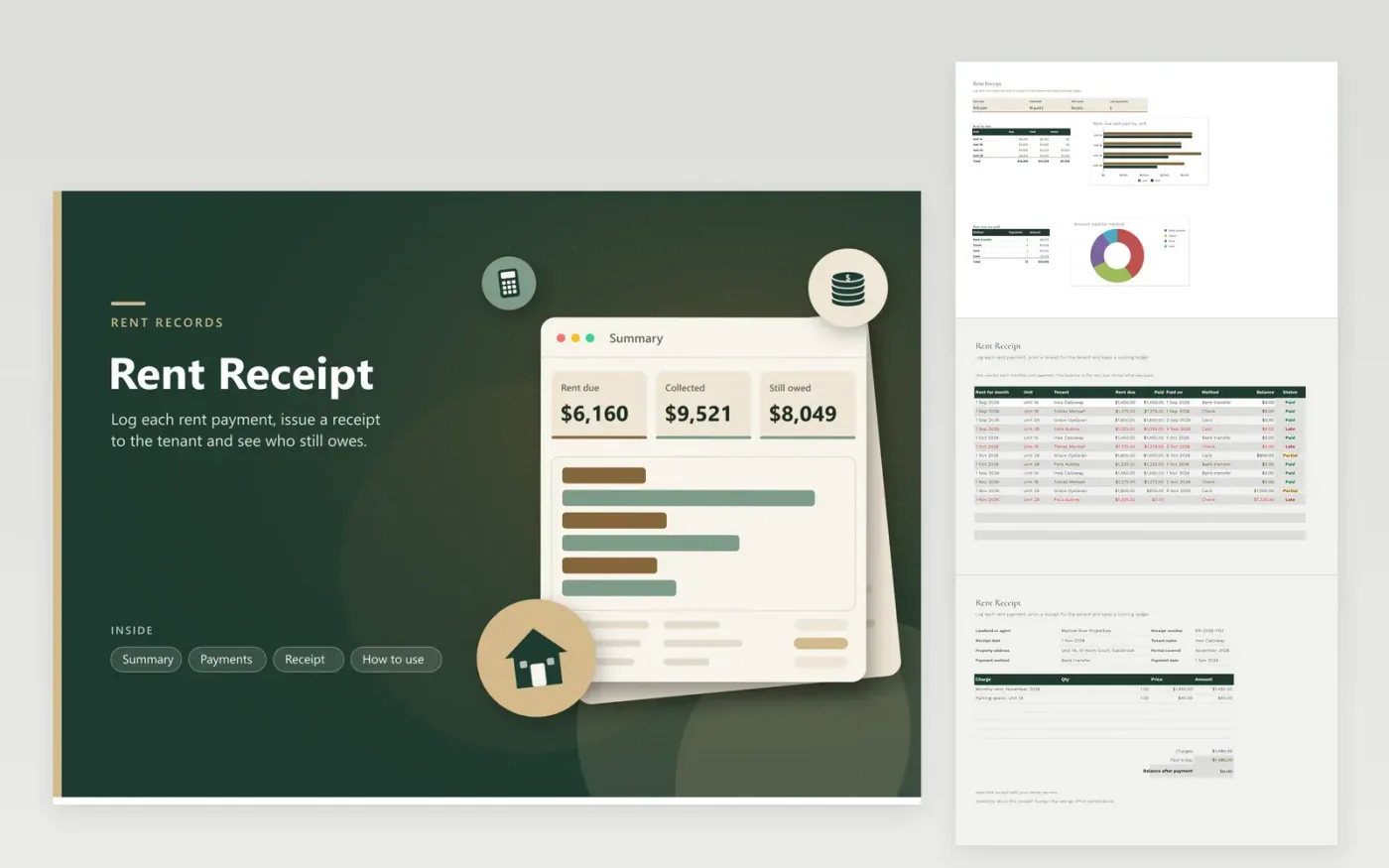
The Rent Receipt workbook suits landlords and small property managers who collect rent from several units. The Payments tab is a ledger with one row for each monthly payment, including the rent due, the amount paid, the date, the method and a balance. The Summary tab totals rent due, collected and still owed, shows late payments, and breaks rent down by unit and by payment method. The Receipt tab works as a printable form for the tenant, property, period, charges and the amount paid today.
The sample rows cover three months for four units, including a part payment and a late one, so the balances and statuses are easy to follow. Keep unit names the same on every row so the breakdown adds up. Save a PDF of each receipt and file it with the lease. Check your local rules on the records you must keep and on how late rent must be raised.
Click Make a copy in Google Sheets, then confirm on the Google page. The copy is saved to your own Google Drive.
Start on the Payments tab: replace the sample rows with your own.
Keep the formula columns as they are; they fill in as you type.
Read the How to use tab for tips. For Excel, download the .xlsx file instead.
Include the landlord or agent, the tenant's name, the property address, the period the payment covers, the date, the method and the amount paid. The Receipt tab has a line for each of these. Save a copy of each receipt you hand over.
Type what you actually collected under Paid, and the difference stays as the balance. Set Status to Partial. When the rest arrives, update Paid so the Balance falls to zero, then change Status to Paid.
Yes. Enter the payment details and the amount on the Receipt tab, then print it or save the tab as a PDF. The receipt does not change the Payments ledger, so make sure the payment is logged there too.
Docs + Word6 pages
FeaturedFree
Excel
FeaturedFree
Sheets + Excel5 tabs
Free
Sheets + Excel5 tabs
Free
Docs + Word3 pages
Free
Docs + Word3 pages
Free
Docs + Word3 pages
Free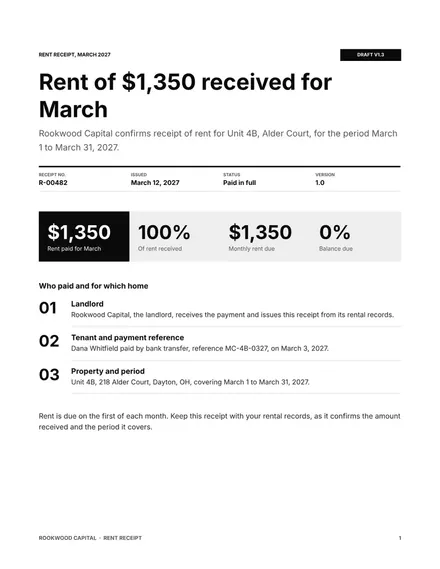
Docs + Word3 pages
Free
Docs + Word3 pages
Free
Docs + Word4 pages
Free
Docs + Word4 pages
Free
Docs + Word4 pages
Free








