Cash Receipt
Docs + Word3 pages
Free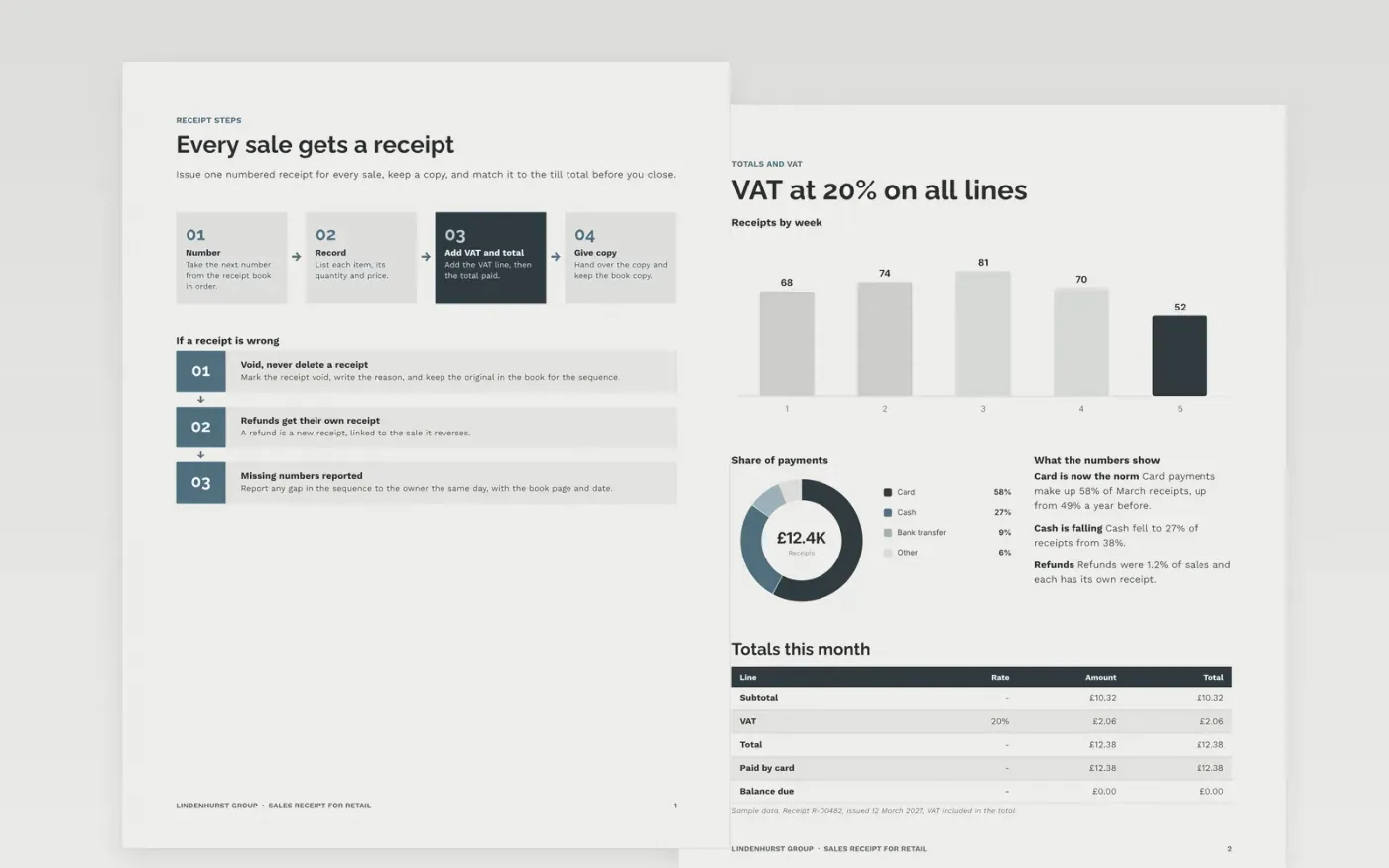
A shop that cannot account for its receipts cannot reconcile its till, and a customer without a clear receipt cannot prove a purchase. This template is three pages: a page on issuing receipts, a page on items, VAT and totals with a returns policy, and a guide. Each receipt carries a sequential number, the payment method and the tax, so the bookkeeper can match it to the cash.
The sample is for Lindenhurst Group, an invented small shop selling garden and kitchen goods. Its receipt R-00482 shows a sale of £10.32 plus 20% VAT, a total of £12.38 paid by card, and a returns note with a 14-day window. Every name, number and address is fictional. Replace the business details, numbering and VAT lines with your own before you print the first receipt book.
Click Make a copy in Google Docs, then confirm on the Google page. The copy is saved to your own Google Drive.
Enter your business name, address, VAT or charity number and contact line in the header block.
Start the receipt numbering at R-00001 or your own sequence, and keep every voided receipt in the book.
Edit the description, amount, VAT and payment lines to match each sale before you hand over the copy.
Delete the guide page, then print a test receipt and share the layout with your till team.
Yes. Click Make a copy in Google Docs to save an editable copy to your own Google Drive at no cost. Edit the business details, lines and numbering in your copy for each shop.
No. Lindenhurst Group, the receipt R-00482, the address, the VAT line and the payment figures are fictional sample content. Replace them with your own details before you issue any receipt to a customer.
A VAT receipt must show your VAT registration number and the VAT amount when you are registered. Check the rules with the tax authority or an accountant, and keep the number sequence complete for the books.
Docs + Word3 pages
Free
Docs + Word4 pages
Free
Docs + Word4 pages
Free
Sheets + Excel5 tabs
Free
Sheets + Excel5 tabs
Free
Docs + Word3 pages
Free
Docs + Word3 pages
Free
Docs + Word3 pages
Free
Docs + Word4 pages
Free










