
Annual Report
Docs + Word6 pages
FeaturedFree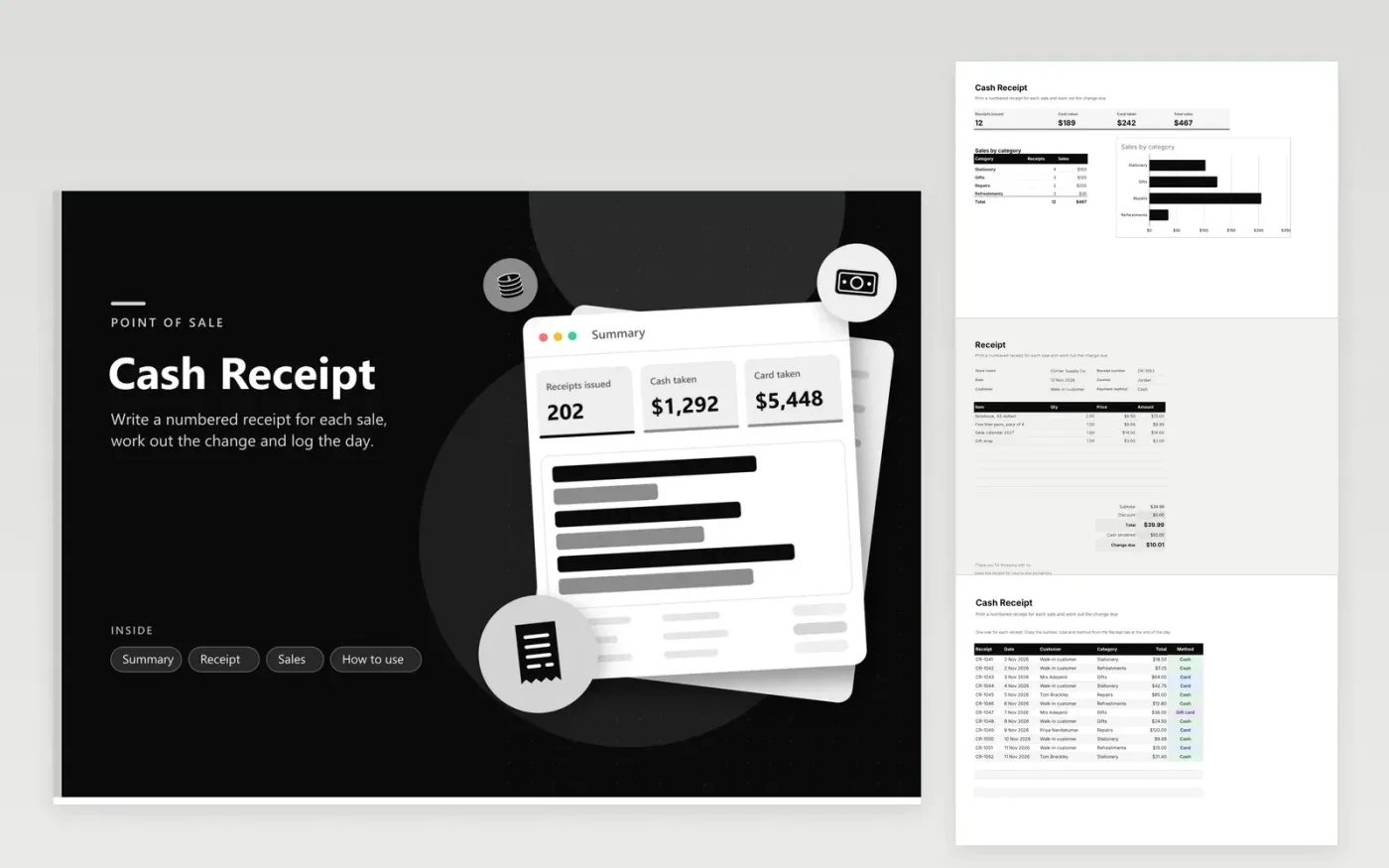
The Cash Receipt workbook suits shops, market stalls and small service counters that take cash and card payments. The Receipt tab is a form you can print, with item lines, a discount, the total, the cash tendered and the change due. The Sales tab logs each receipt with its number, date, customer, category, total and payment method. The Summary tab counts receipts, shows cash and card takings, and breaks sales down by category with a chart.
The sample receipts run for ten days and include cash, card and gift card sales across four categories, so every figure on the Summary has data behind it. Spell category names the way the Summary lists them, or those sales will be missed in its totals. Start each day at the next receipt number, and copy each receipt into the Sales tab when the shop closes.
Click Make a copy in Google Sheets, then confirm on the Google page. The copy is saved to your own Google Drive.
Start on the Receipt tab: replace the sample rows with your own.
Keep the formula columns as they are; they fill in as you type.
Read the How to use tab for tips. For Excel, download the .xlsx file instead.
Change due is the cash tendered minus the total. The MAX function keeps the figure at zero, so a short payment shows zero rather than a negative number. Enter the amount the customer hands over on the Cash tendered line.
Yes. Enter the discount in dollars on the Discount line of the Receipt tab. The total is the subtotal minus the discount, and the change is worked out from that total. For a percentage, multiply the subtotal by the rate and enter the result.
Start at the number after the last one in the Sales tab and count up by one for each sale. Never repeat a number, voided receipts included. A voided receipt still goes on the Sales tab, with a zero total, so the sequence has no gaps.
Docs + Word6 pages
FeaturedFree
Excel
FeaturedFree
Sheets + Excel5 tabs
Free
Sheets + Excel5 tabs
Free
Docs + Word3 pages
Free
Docs + Word3 pages
Free
Docs + Word3 pages
Free
Docs + Word3 pages
Free
Docs + Word3 pages
Free
Docs + Word4 pages
Free
Docs + Word4 pages
Free
Docs + Word4 pages
Free








