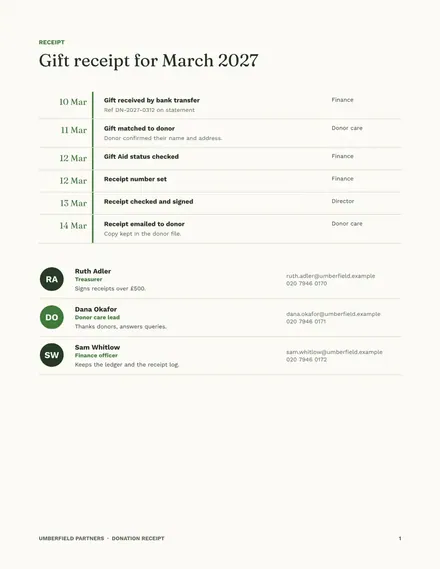
Donation Receipt
Docs + Word4 pages
Free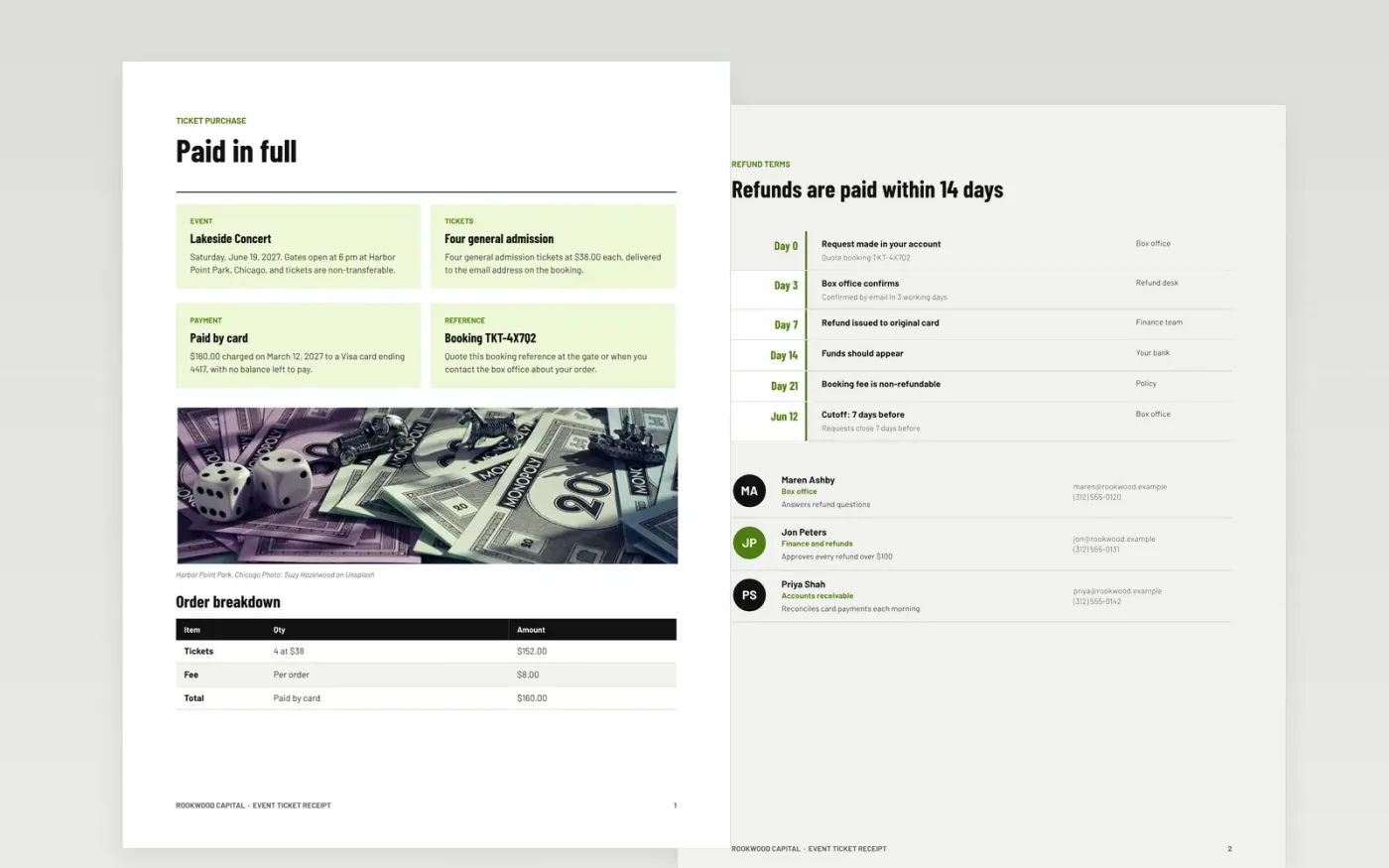
Ticket buyers often need proof of purchase for an expense claim, a dispute with a card issuer or simply to know what they will get at the gate. This template gives them a receipt that names the event, the number of tickets, the amount paid and how it was paid, together with a booking reference and the refund rules. The organiser keeps a numbered copy, so every sale can be traced back to a payment.
The sample is a fictional order from Rookwood Capital for four general admission tickets to a Chicago concert, totalling $160.00 with an $8.00 booking fee. Refunds are paid within 14 days and requests close seven days before the event. Every figure, name and reference is sample data. Replace the business details, numbering, booking fee and refund terms with the rules your own box office applies.
Click Make a copy in Google Docs, then confirm on the Google page. The copy is saved to your own Google Drive.
Replace the business name, address, tax details and logo at the top of the receipt.
Set a receipt numbering sequence that never repeats, and keep a copy of every receipt you issue.
Edit the ticket, fee, tax and payment lines so they match the sale exactly, then check the total.
Delete the guide page, then send the receipt to the buyer or present it from Google Docs.
No. Rookwood Capital, Lakeside Concert, Harbor Point Park, the people on the refund team and every amount, card number and booking reference are fictional sample data. Replace them with your own details before you issue any receipt.
Yes. A sequential receipt number lets the organiser show that every sale was recorded and none were lost or reissued. Use one numbering sequence for all receipts and never reuse a number, even for a voided receipt.
That depends on your terms. Many box offices keep the booking fee and refund only the ticket price, but whatever you choose must be stated on the receipt and on the booking page before the buyer pays.
Docs + Word4 pages
Free
Docs + Word4 pages
Free
Docs + Word3 pages
Free
Sheets + Excel5 tabs
Free
Sheets + Excel5 tabs
Free
Docs + Word3 pages
Free
Docs + Word3 pages
Free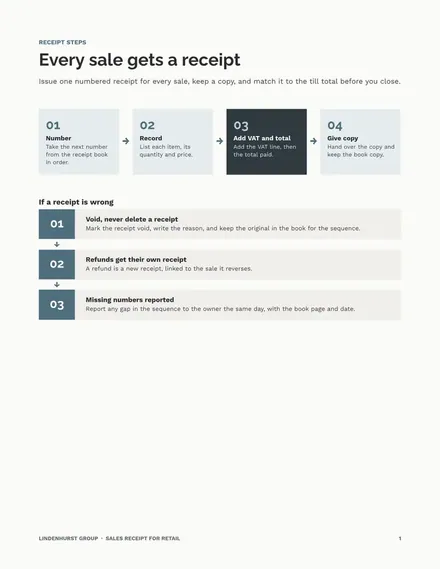
Docs + Word3 pages
Free
Docs + Word4 pages
Free










