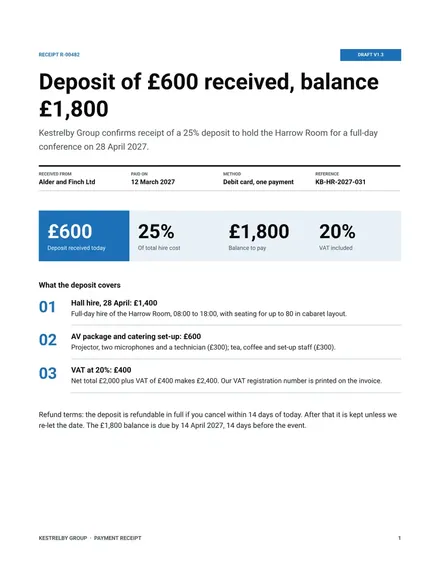
Payment Receipt
Docs + Word4 pages
Free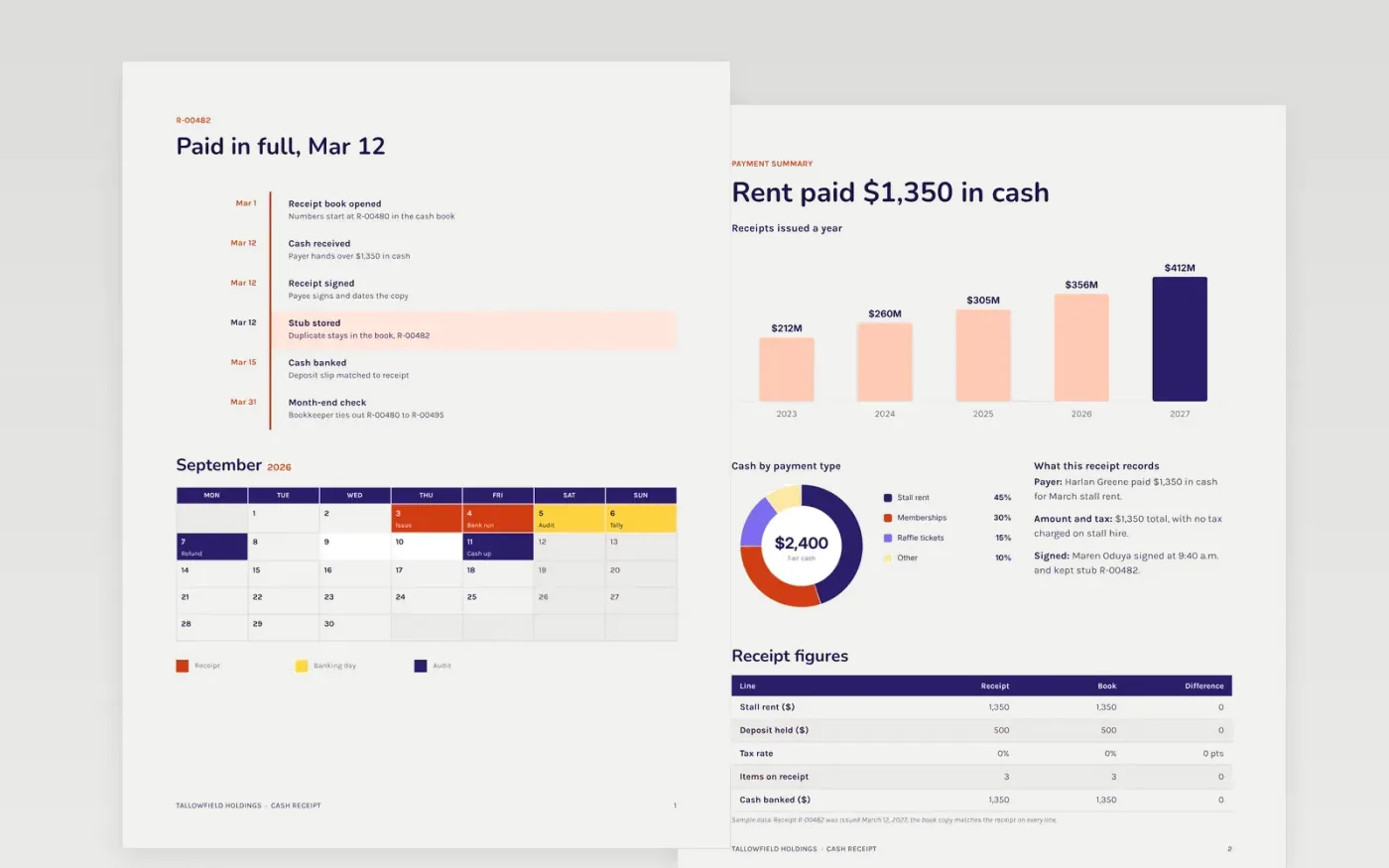
A cash receipt suits market traders, clubs and charities that take cash payments and must give the payer a written record. This template has a numbered receipt and a stub that stays in the receipt book. The sample records a $1,350 cash payment for March stall rent, marked paid in full on March 12, with the payee's signature and the duplicate kept as R-00482. Further pages show a month-end tie-out and a summary of the $2,400 cash taken at a March fair, split by stall rent and raffle tickets.
Number receipts in order and never reuse a number, so every gap in the book is easy to spot. Keep the stub and the copy given to the payer identical, and bank the cash with a deposit slip that matches the receipt. At month end, check that the first and last receipt numbers tie to the cash book, and note any voided receipt instead of discarding it.
Click Make a copy in Google Docs, then confirm on the Google page. The copy is saved to your own Google Drive.
Start by entering your business name and the next receipt number at the top.
Fill in the date, payer, amount and reason, then sign and tear off the stub.
Remove the stub section if you keep receipts in a ledger instead.
Include a receipt number, the date, the payer's name, the amount in figures and words, and what the payment was for. Note any tax charged, or state that none was. Add the payee's name and signature, and keep a duplicate in the book. A clear receipt protects both sides, since each has a record of the payment.
A signature is not always required by law, but a signed receipt is stronger evidence of payment than an unsigned one. Have the payee sign and date the copy at the time of payment, and keep the duplicate in the book. This matters most for rent, fees or anything else that could later be disputed.
Record-keeping rules vary by place and business type, so check the requirement for your area or ask an accountant. Keep the receipt book and deposit records together, in sequence, and store them safely after the year closes. Scanning the book each month gives you a backup if a paper copy is lost.
Docs + Word4 pages
Free
Docs + Word4 pages
Free
Docs + Word4 pages
Free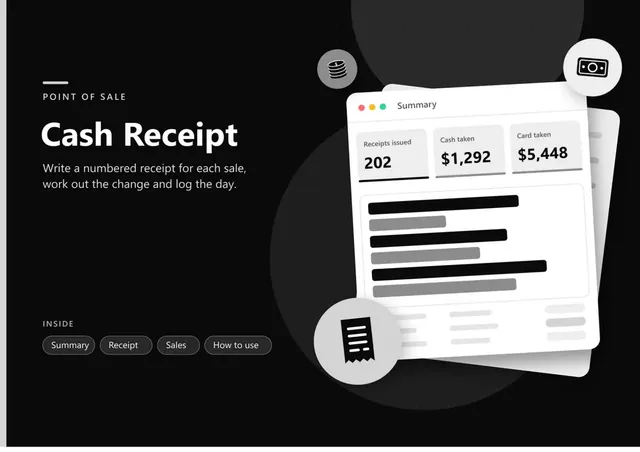
Sheets + Excel5 tabs
Free
Sheets + Excel5 tabs
Free
Docs + Word3 pages
Free
Docs + Word3 pages
Free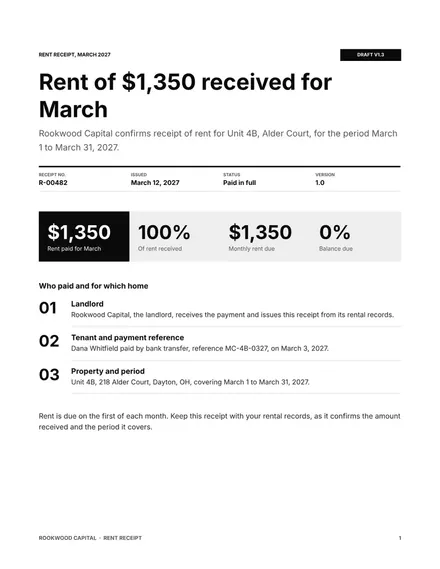
Docs + Word3 pages
Free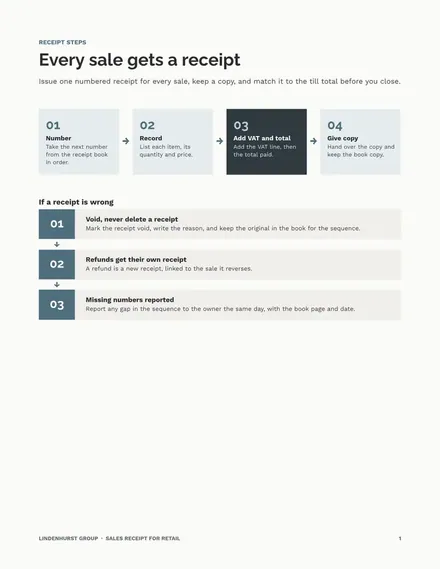
Docs + Word3 pages
Free










