Payment Receipt
Docs + Word3 pages
Free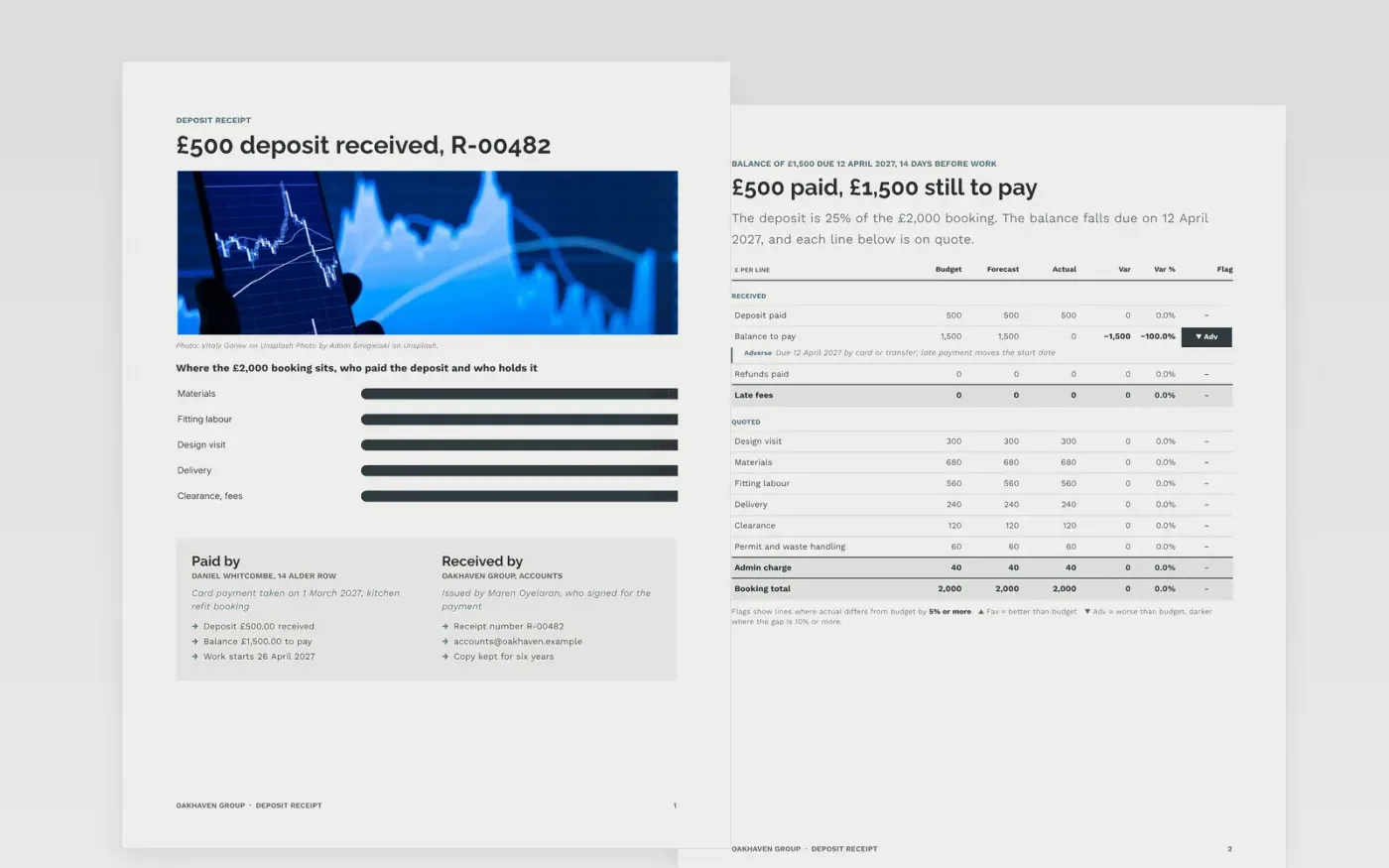
A deposit is only useful to both sides if the receipt says what was paid, what is still owed, when it is due and what happens if the booking is cancelled. This template puts those answers in a fixed order: who paid and how, a table of the booking against what has been received, and the refund terms, with a short guide page at the end.
The sample is a receipt from Oakhaven Group for a £500 deposit, 25% of a £2,000 kitchen refit, with the £1,500 balance due on 12 April 2027 and a full refund available for 14 days. Replace the business and customer details, the booking lines, the dates and your own refund wording, then keep the receipt number in sequence.
Click Make a copy in Google Docs, then confirm on the Google page. The copy is saved to your own Google Drive.
Replace Oakhaven Group, the address and the contact email with your own, and set the next number in your receipt sequence.
Edit the customer, the booking lines and the amounts so that the deposit, balance and total add up exactly.
Change the due date and refund dates to match your terms, counting from the date you took the deposit.
Delete the guide page, then share the document as a PDF with the customer or print it.
The sample uses 25%, which is £500 of a £2,000 job. Many service businesses take between 20% and 30%; choose a share that covers the costs you commit to early.
Yes. Number receipts in sequence and keep a copy of every one, so you can match each payment to your bank record and answer a customer or an accountant later.
No. Oakhaven Group, Daniel Whitcombe and every amount and date are fictional sample data. Replace all of them with your own details before you send a receipt.
Docs + Word3 pages
Free
Docs + Word6 pages
Free
Excel
Free








