Project Kickoff Deck
Slides + PowerPoint10 slides
Free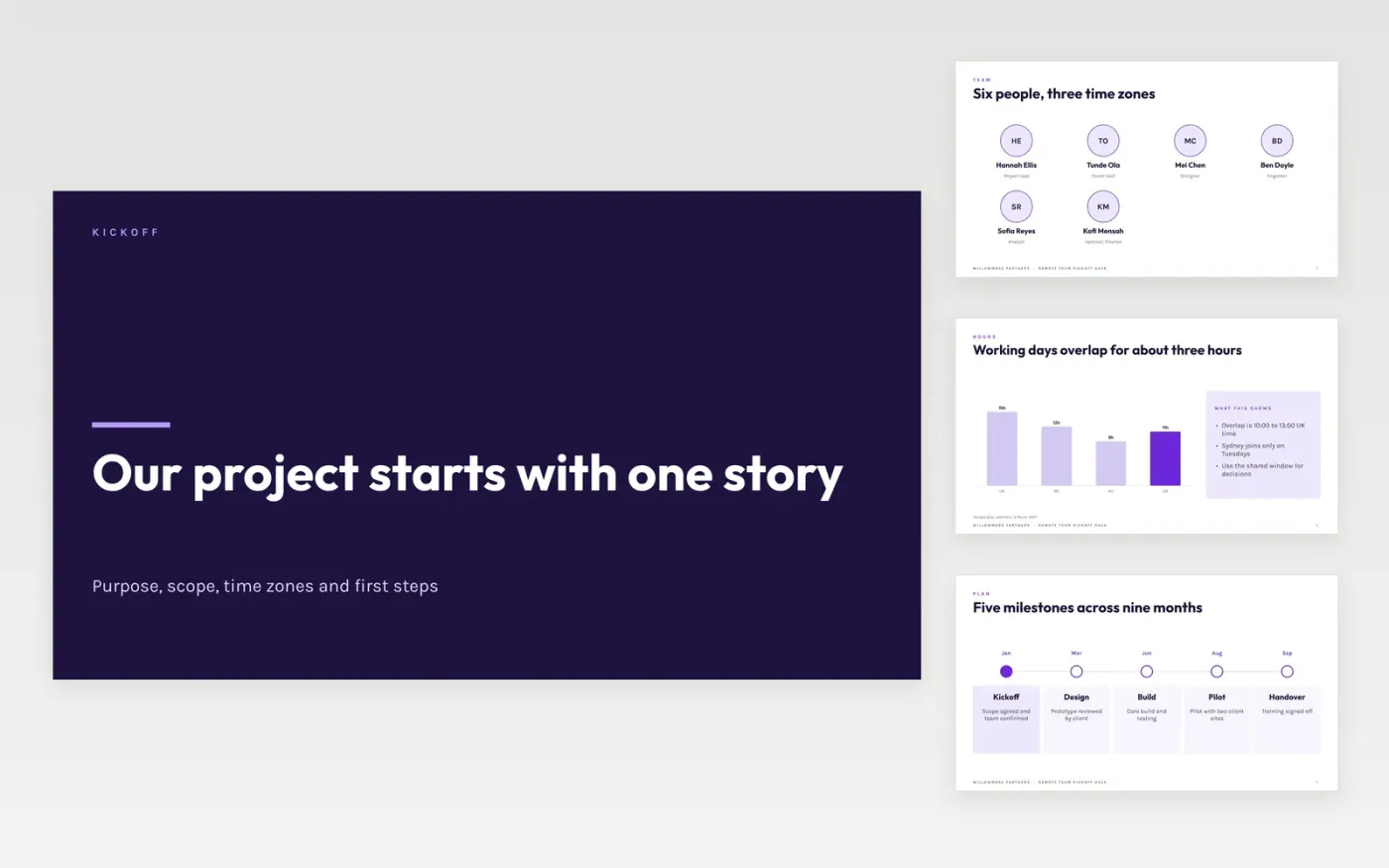
Remote projects lose their first month to misunderstandings: who decides, which time zone a deadline means, where a file lives. This deck runs a kickoff meeting in a fixed order, from the team map and time zones through tools, async rules, milestones and the first week, so the meeting ends with agreed actions rather than open questions. Each slide is short enough to share on screen with the whole group.
The sample sets up a Willowmere Partners project with six people across three time zones, five milestones over nine months and a first week of four actions, each with an owner and a date. Replace the project name, purpose, team, dates and working rules with your own, and agree the in-scope and out-of-scope items with the group before the meeting.
Click Make a copy in Google Slides, then confirm on the Google page. The copy is saved to your own Google Drive.
Replace the project name, purpose and sponsor quote on the opening slides, then set the date.
Rewrite the scope slide with three in-scope and three out-of-scope items the group has agreed.
Fill the team slide with real names, roles and response times, and mark the first decision gate.
Delete the guide slide, then share the deck before the meeting or present it on screen.
No. Willowmere Partners, the project, the people named, the time zones, milestone dates and every figure are fictional sample data. Replace them with your own plan before you present the deck to a real team.
Plan 45 to 90 minutes for six to fifteen attendees. Spend most of the time on working agreements and the first week, and send the purpose and milestones in writing beforehand so the meeting is for questions and decisions.
Three to five short rules, such as decisions in the channel rather than in direct messages, and response times of four working hours internally. Write each rule so someone could check whether it was followed.
More Google Slides templatesMore project management templates
Slides + PowerPoint10 slides
Free
Slides + PowerPoint10 slides
Free
Slides + PowerPoint10 slides
Free
Docs + Word7 pages
Free
Docs + Word6 pages
Free
Slides + PowerPoint10 slides
Free
Slides + PowerPoint12 slides
Free
Slides + PowerPoint12 slides
Free
Docs + Word8 pages
Free
Docs + Word8 pages
Free
Slides + PowerPoint12 slides
Free










